AIAI for Architecture

Photo to Model on Desk

2 worked photo to model on desk examples with 2 prompts. Each shows the input and the real output from Nano Banana and ChatGPT. The prompts for the first example are free to copy.

✦ Before → After2 examples4 imagesGet the library

How to use these prompts

  1. Open Nano Banana (Google Gemini) or ChatGPT.
  2. If the example starts from an image, upload your own sketch, model screenshot, photo or plan.
  3. Paste the prompt and adjust the materials, light and style words to your project.
  4. Refine in the same chat, e.g. "keep the composition, change to dusk lighting".

About this lesson

Photo to Model on Desk is part of 2D to 3D: Turn plans, sections and photos into 3D models and isometric diagrams. Most of the 2 examples here run the same prompt through both Nano Banana and ChatGPT, so you can compare the two directly.

Example 01
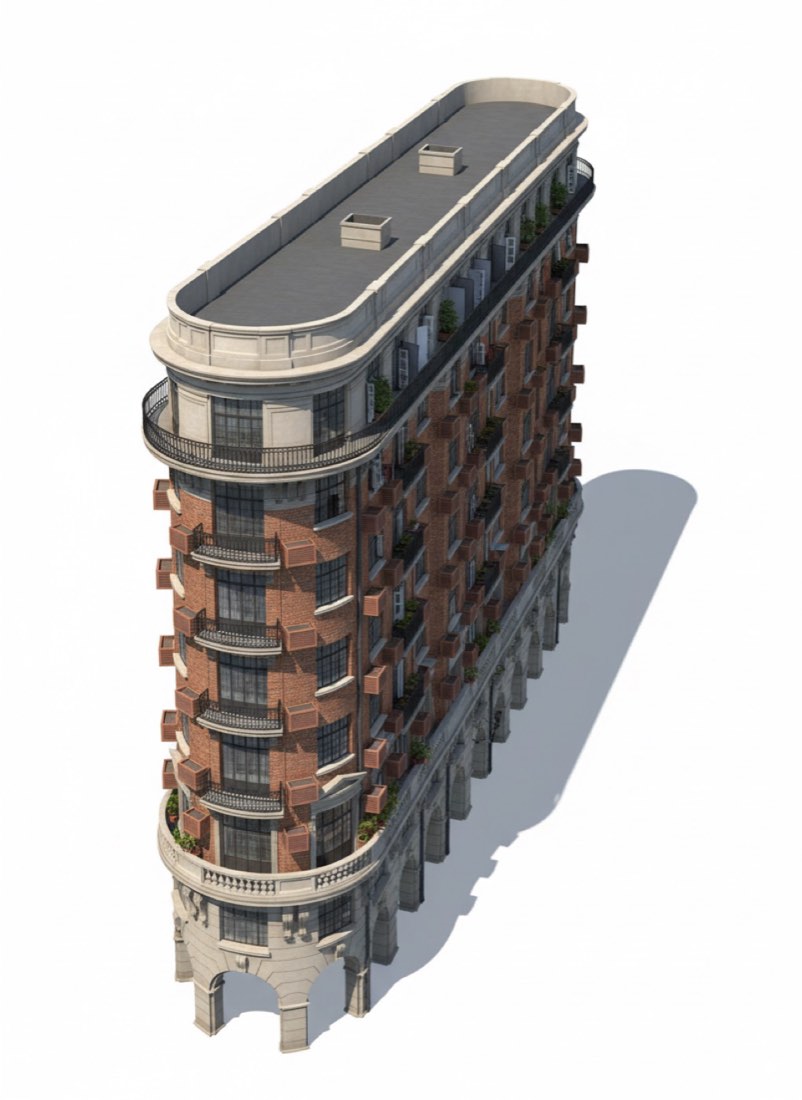
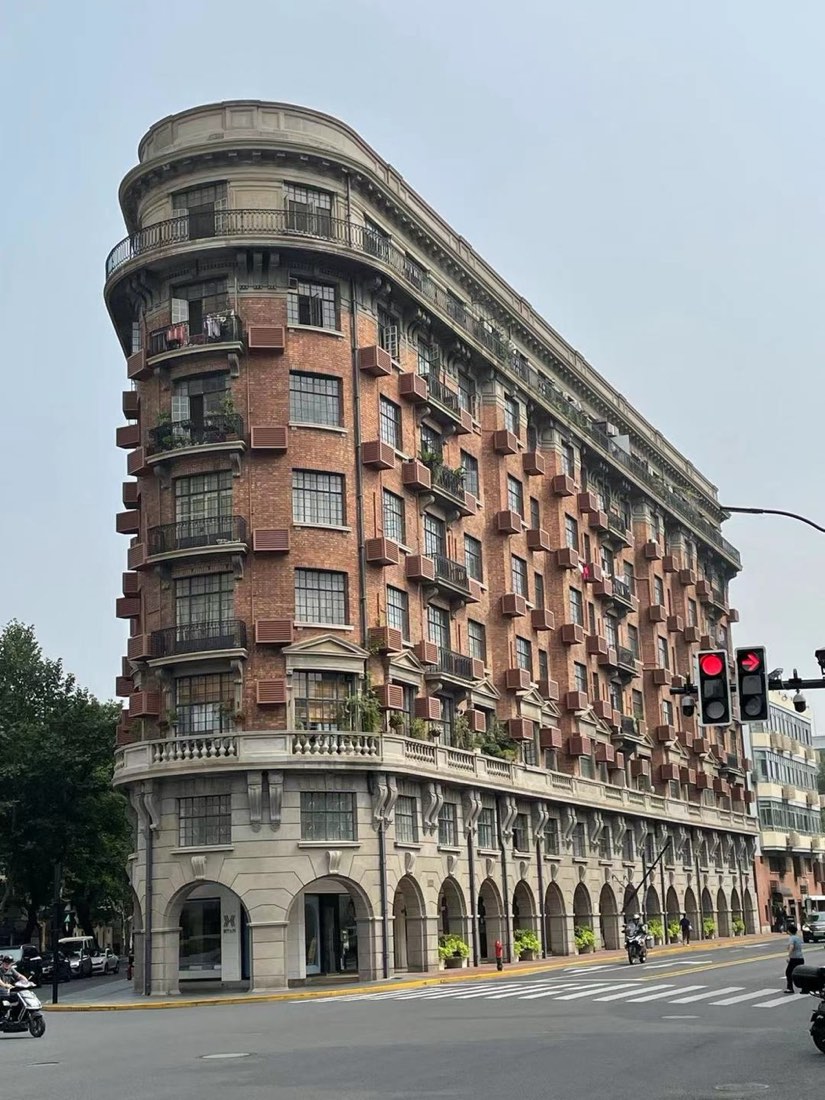
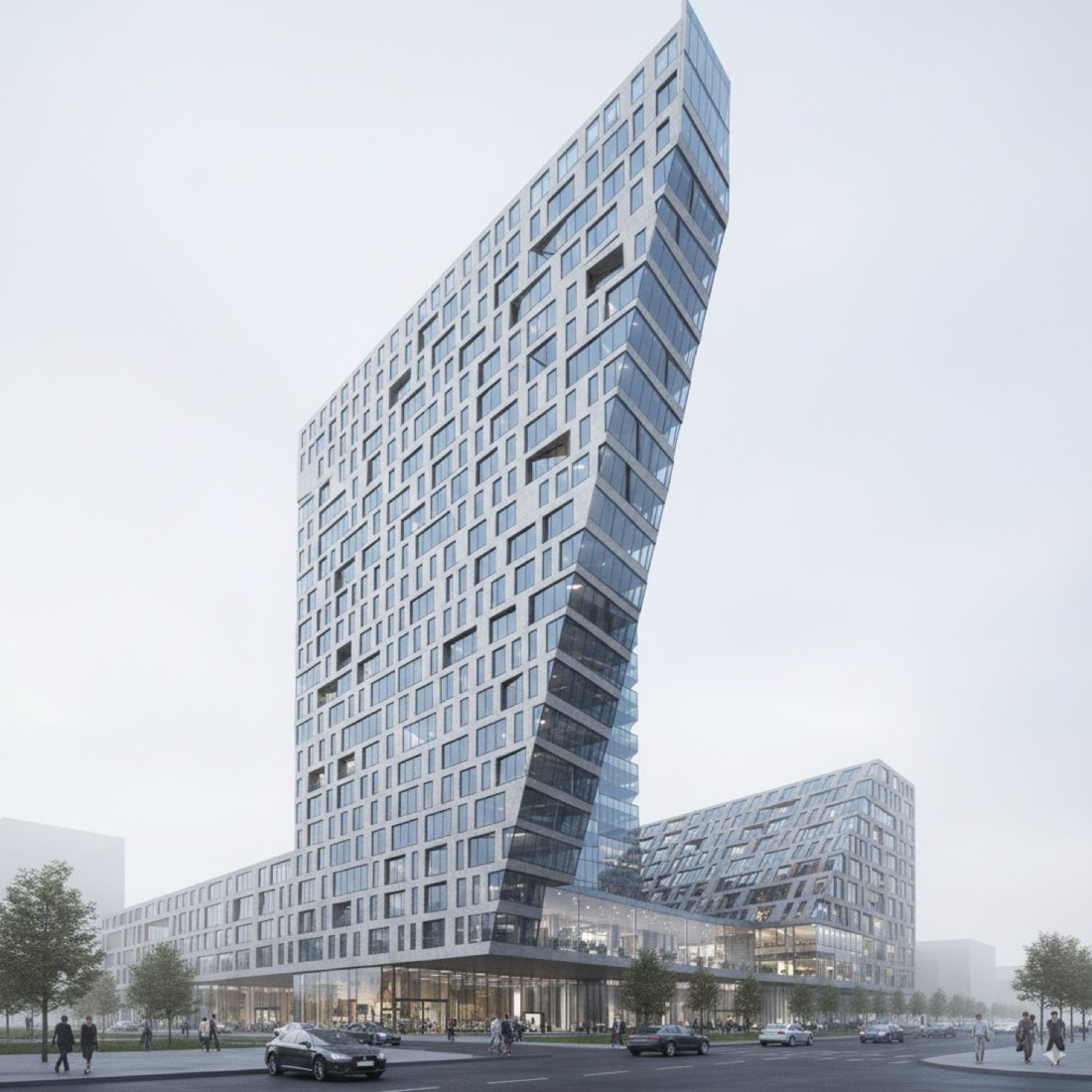
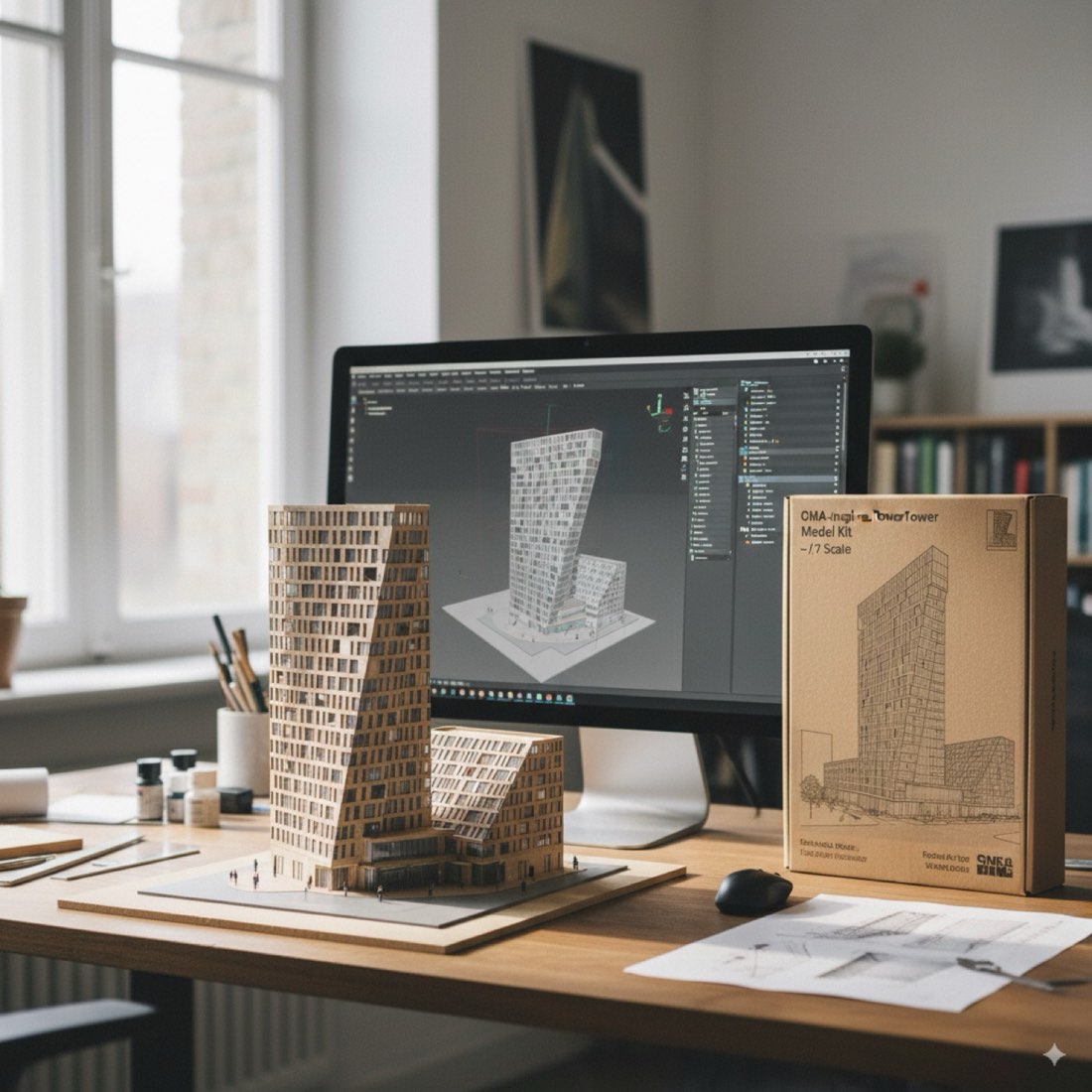
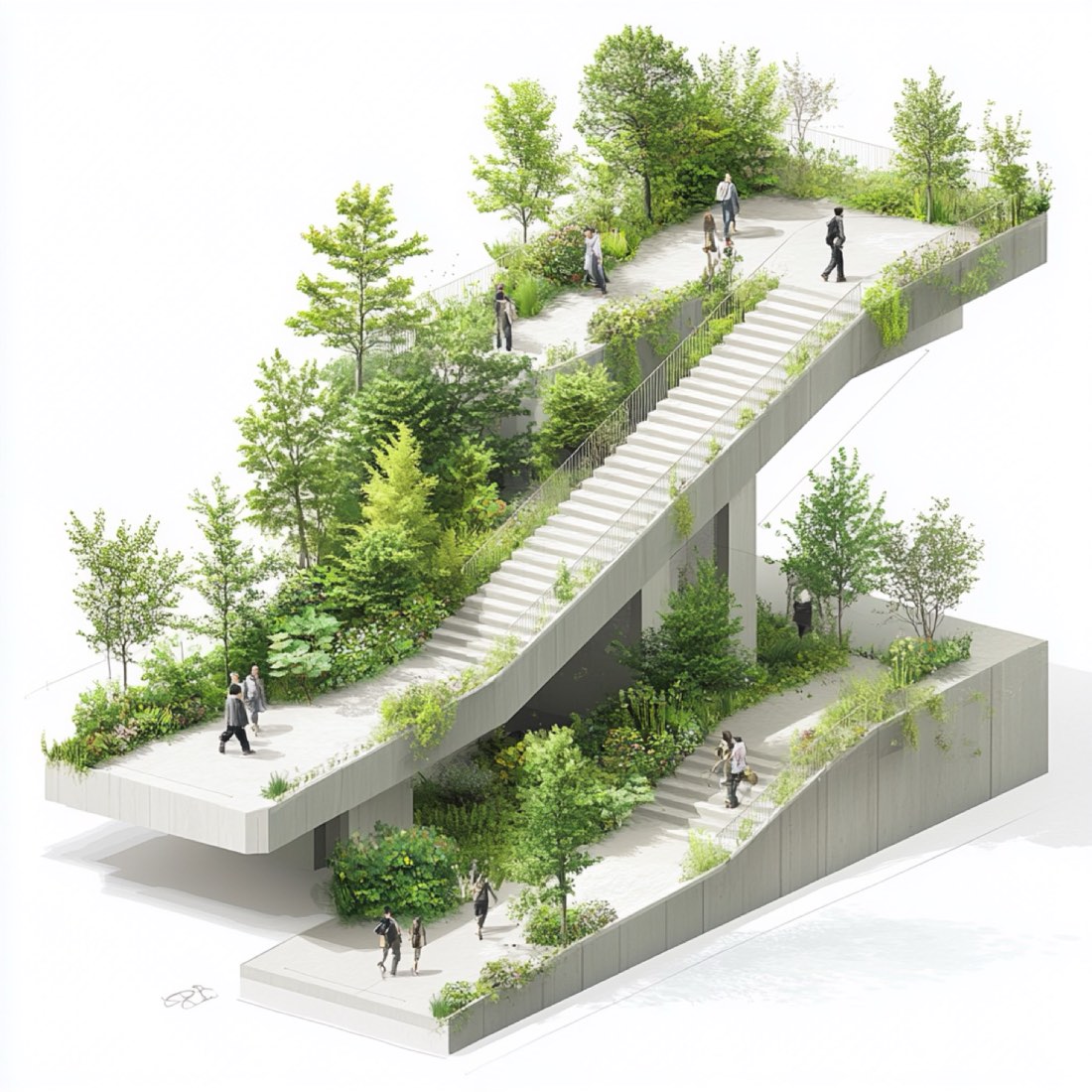
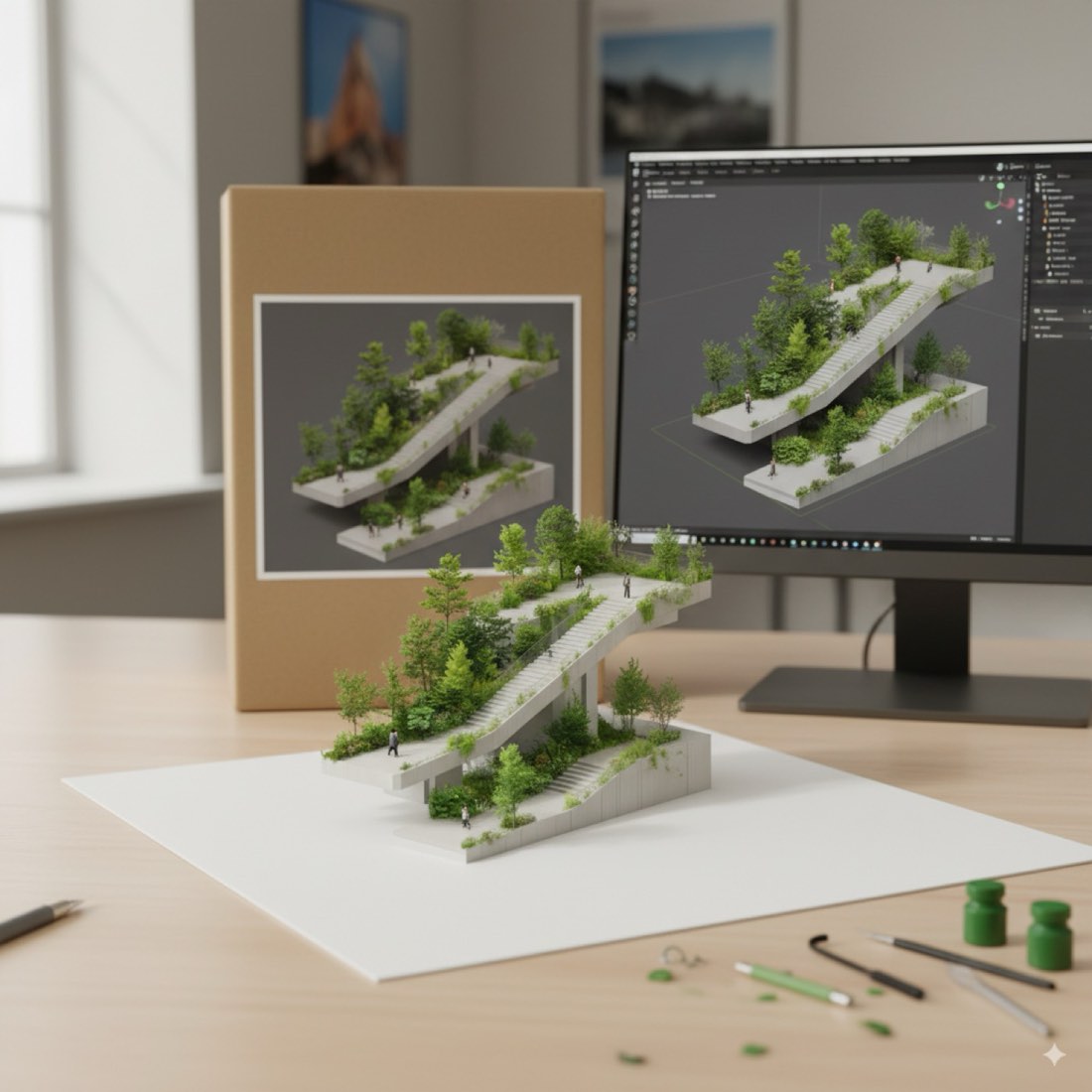
Photo to Model on Desk – Example 1: BeforePhoto to Model on Desk – Example 1: Nano Banana
BeforeNano Banana

Nano Banana

Prompt · Free prompt

Convert the building from the reference photo into a small-scale architectural model. Place the model on a clean white cardstock base. Behind it, display a cardboard box featuring a printed image of the original building from the photo. Next to the box, include a computer screen showing the 3D modeling process in Blender—specifically the modeling of this architectural figure. The model should appear to be made of PVC with smooth, slightly glossy texture. The scene is set indoors on a clean tabletop, with soft natural lighting, modern studio background, and visible model-making tools nearby.

将参考照片中的建筑转换为小比例建筑模型。把模型放在干净的白色卡纸底座上。模型后方摆一个纸盒,盒上印有照片中原建筑的图像。纸盒旁边放一台电脑屏幕,显示在 Blender 中进行 3D 建模的过程——具体就是这个建筑模型的建模。模型看起来由 PVC 制成,质感光滑、略带光泽。场景设在室内一张干净的桌面上,柔和的自然光,现代工作室背景,旁边可见模型制作工具。
Questions

Photo to Model on Desk

What do I need to do photo to model on desk with AI?

Only Nano Banana and ChatGPT. Upload your source image and paste a prompt from this page. There are 2 worked examples here to follow.

Is Nano Banana or ChatGPT better for photo to model on desk?

Most examples on this page run the same prompt through both tools and show the results side by side. Nano Banana usually keeps the composition and geometry of the input closer, while ChatGPT pushes the style further.

Can I use these prompts for client work?

Yes. The prompts can be used in your own design projects, competitions and portfolio.

More lessons

2D to 3D, plans and photos into models.

Open section →

Get every prompt in the library

218 tested prompts, 210 worked examples and 423 before/after images for Nano Banana and ChatGPT, plus the 291-page bilingual PDF guide.

Get the full library