AIAI for Architecture

Plan to CAD

1 worked plan to cad examples with 2 prompts. Each shows the input and the real output from Nano Banana and ChatGPT. The prompts for the first example are free to copy.

✦ Before → After1 examples4 imagesGet the library

How to use these prompts

  1. Open Nano Banana (Google Gemini) or ChatGPT.
  2. If the example starts from an image, upload your own sketch, model screenshot, photo or plan.
  3. Paste the prompt and adjust the materials, light and style words to your project.
  4. Refine in the same chat, e.g. "keep the composition, change to dusk lighting".

About this lesson

Plan to CAD is part of Advanced Practice for Landscape Design: Streetscapes, planting plans, plan-to-perspective and analytical overlays for landscape architects. Most of the 1 examples here run the same prompt through both Nano Banana and ChatGPT, so you can compare the two directly.

Example 01
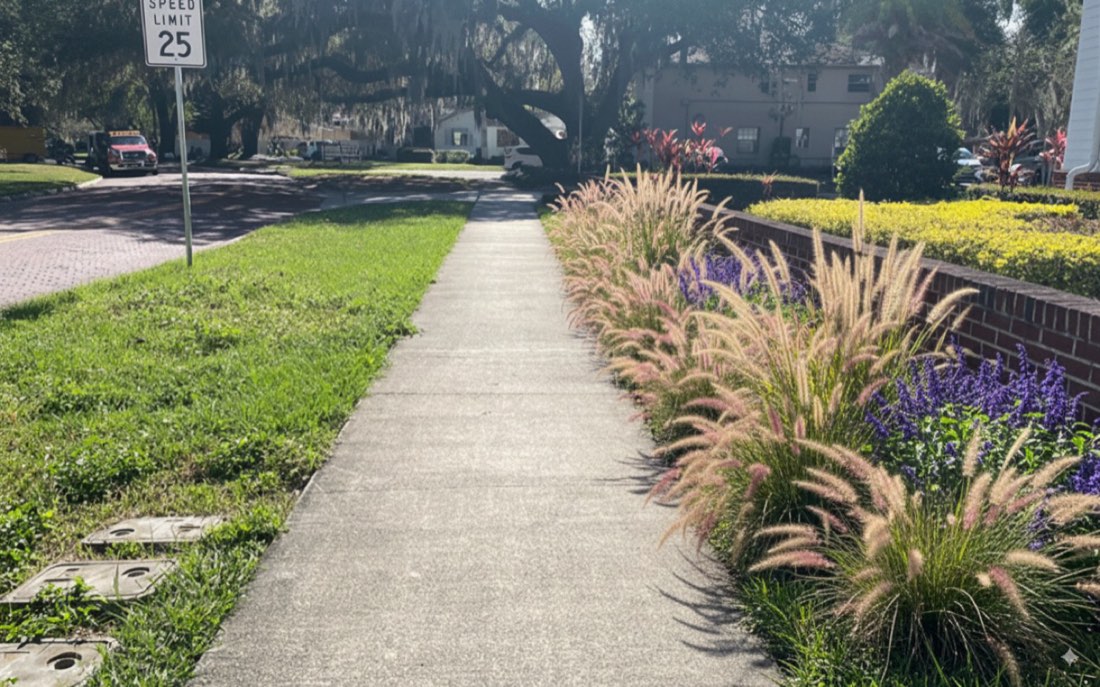
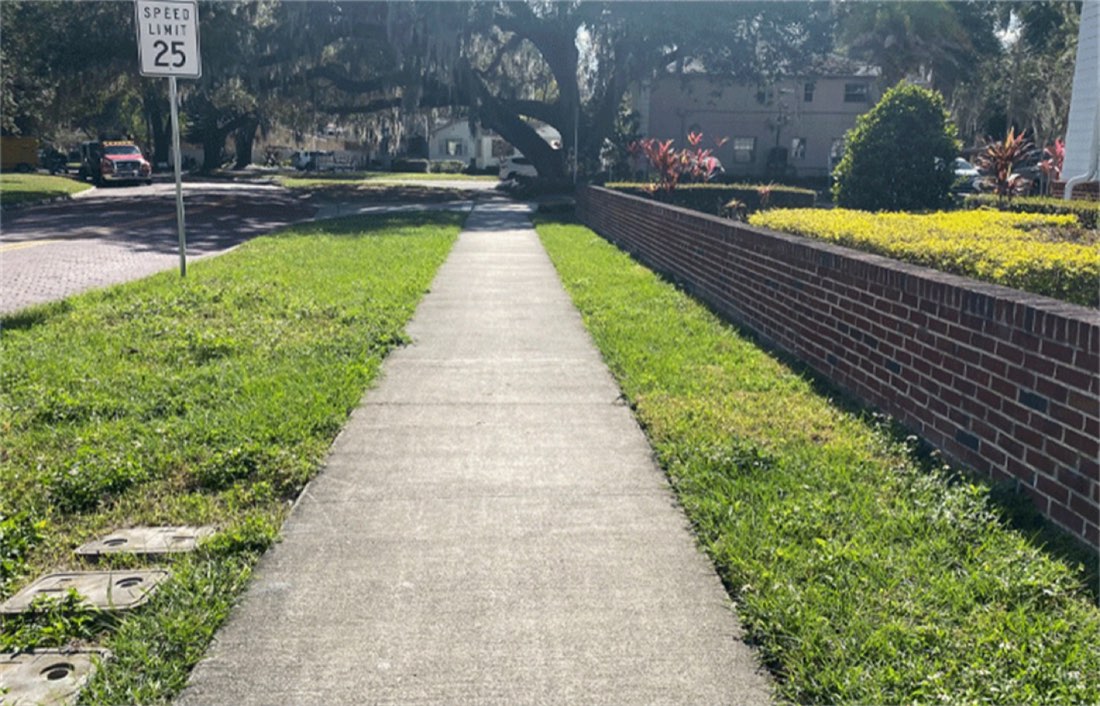
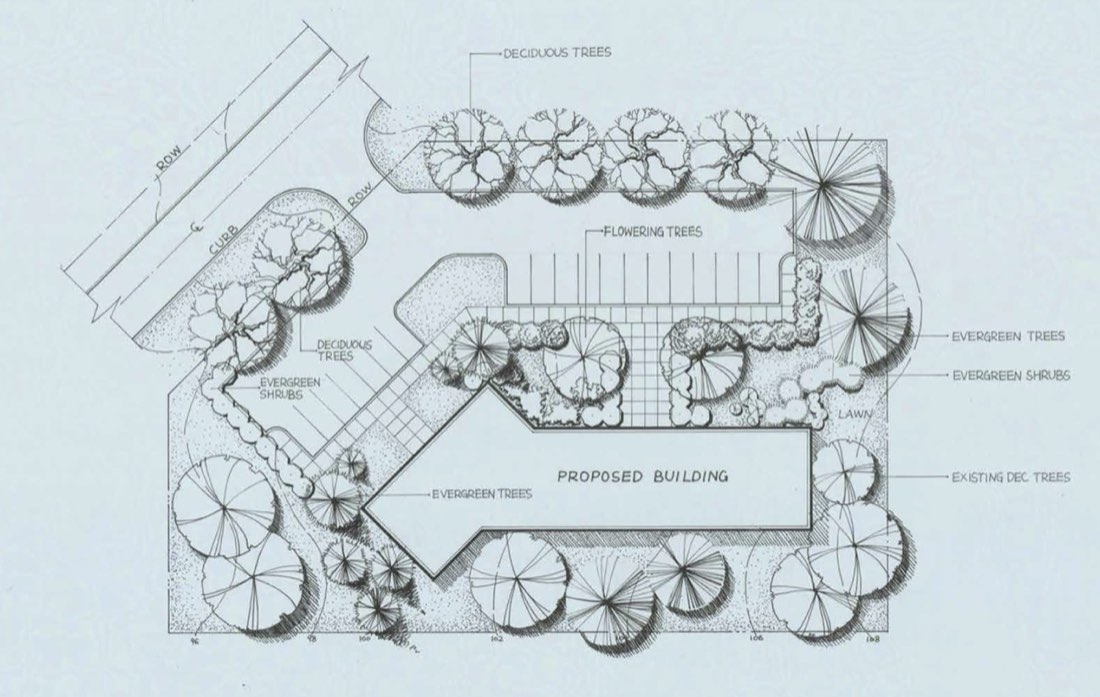
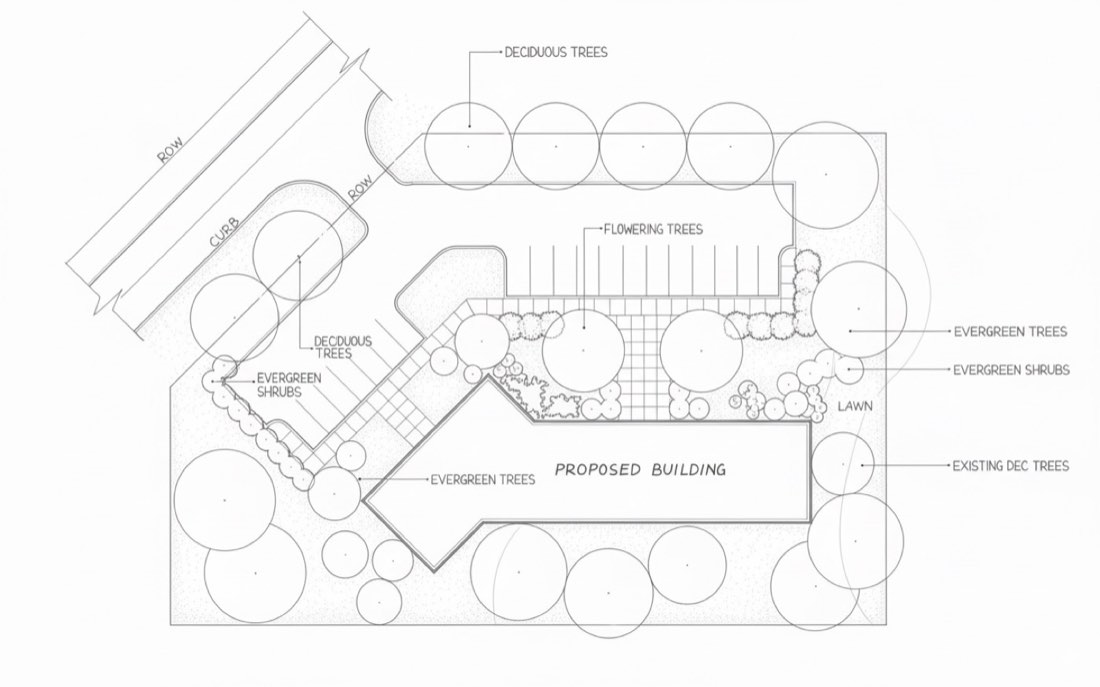
Plan to CAD – Example 1: BeforePlan to CAD – Example 1: Nano Banana
BeforeNano Banana

Nano Banana

Prompt 1 · Free prompt

Convert this hand-drawn landscape site plan into a precise technical CAD drawing style. Use single-layer thin lines throughout with clear, uniform line weights. Remove all sketch textures, shading, and hatching. Keep only clean vector-style outlines for paths, planting beds, lawns, curbs, ROW, and building footprints. For all trees, replace detailed sketch symbols with simple line circles of appropriate size to represent canopy outlines. Shrubs can be shown as smaller circles or ovals. The result should be professional, minimal, and ready for CAD or Illustrator editing, with accurate linework and no shading.

把这张手绘景观总平面图转换为精确的 CAD 技术图纸风格。全图使用单层细线,线宽清晰统一。去掉所有草图质感、明暗和排线。道路、种植池、草坪、路缘、道路红线和建筑轮廓只保留干净的矢量式轮廓线。所有树木都用大小合适的简单圆圈代替细致的草图符号,表示树冠轮廓。灌木可以用较小的圆或椭圆表示。结果应专业、极简,线条准确、无明暗,可直接在 CAD 或 Illustrator 中编辑。

Prompt 2 (to ChatGPT) · Free prompt

Turn this plan to single SVG version of the CAD drawing, keeping the vectorized, clean line style.

把这张平面图转为单个 SVG 版本的 CAD 图纸,保持矢量化的干净线条风格。
Questions

Plan to CAD

What do I need to do plan to cad with AI?

Only Nano Banana and ChatGPT. Upload your source image and paste a prompt from this page. There are 1 worked examples here to follow.

Is Nano Banana or ChatGPT better for plan to cad?

Most examples on this page run the same prompt through both tools and show the results side by side. Nano Banana usually keeps the composition and geometry of the input closer, while ChatGPT pushes the style further.

Can I use these prompts for client work?

Yes. The prompts can be used in your own design projects, competitions and portfolio.

More lessons

Advanced Practice for Landscape Design, planting, streets and site plans.

Open section →

Get every prompt in the library

218 tested prompts, 210 worked examples and 423 before/after images for Nano Banana and ChatGPT, plus the 291-page bilingual PDF guide.

Get the full library