Example 01
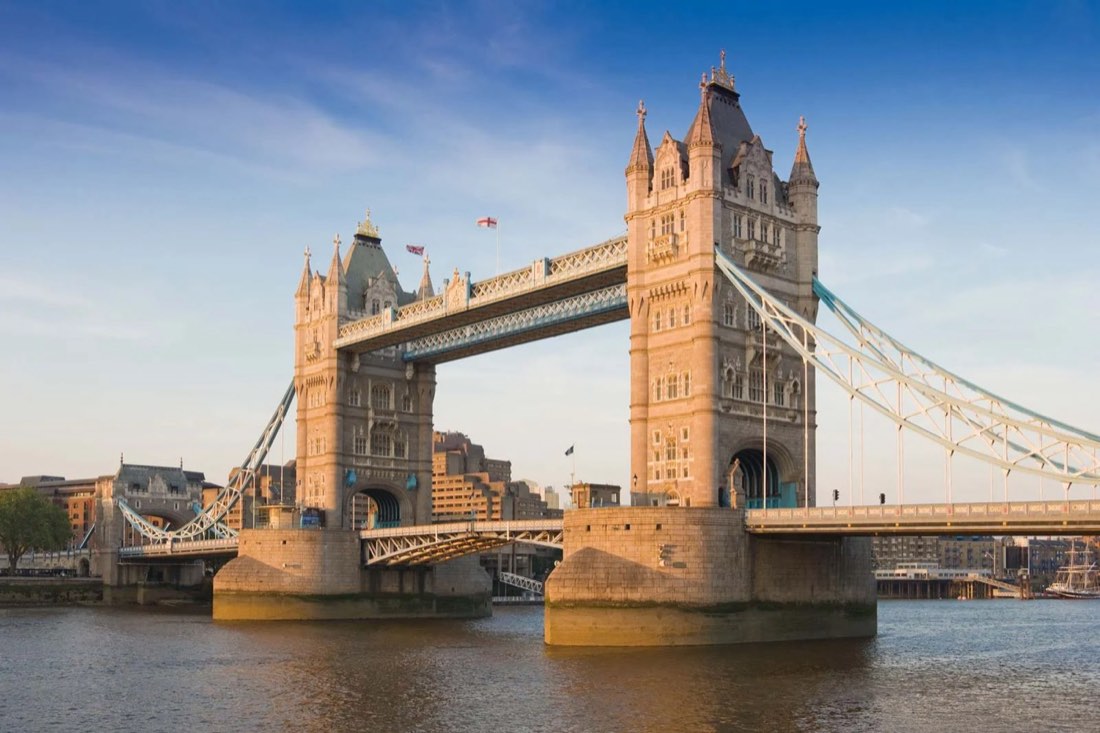
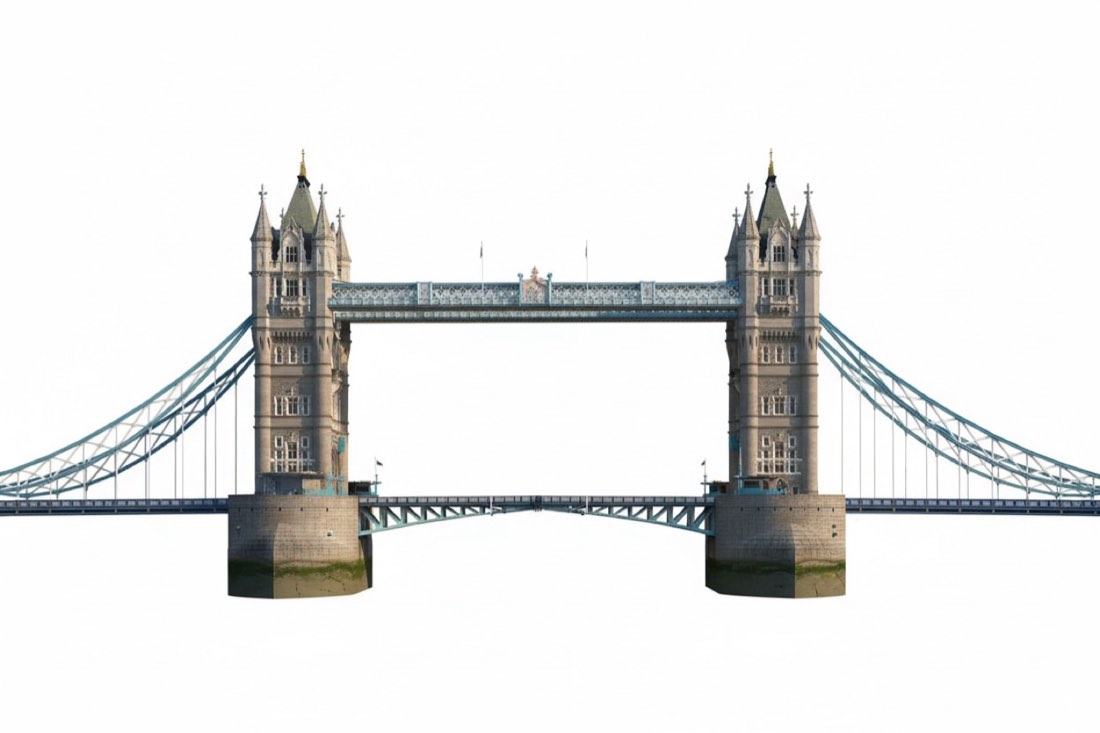 BeforeNano Banana
Nano Banana → Nano Banana
Prompt · Free prompt
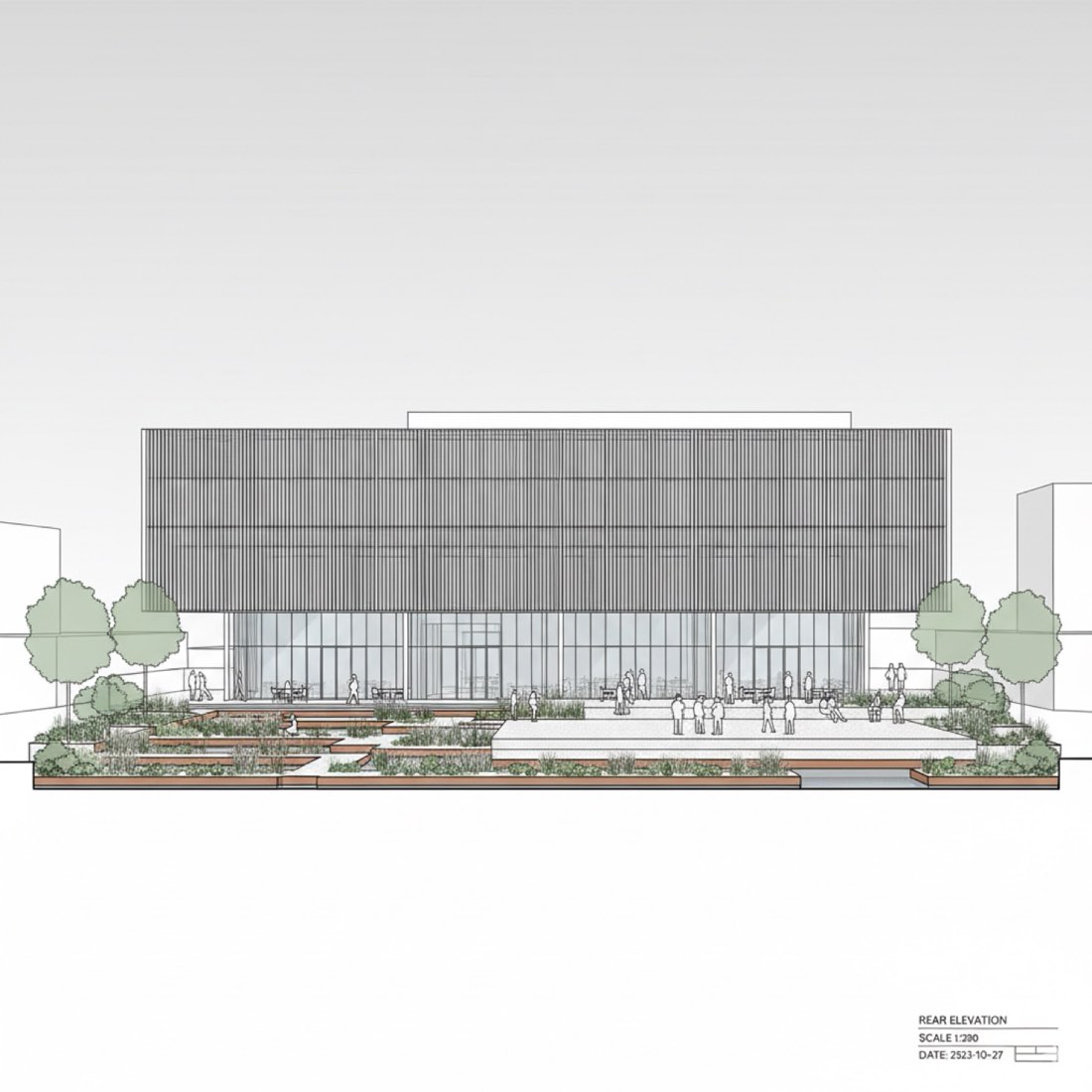
Based on the photo, generate front and side views of the building. White background.
根据照片,生成这栋建筑的正立面和侧立面。白色背景。
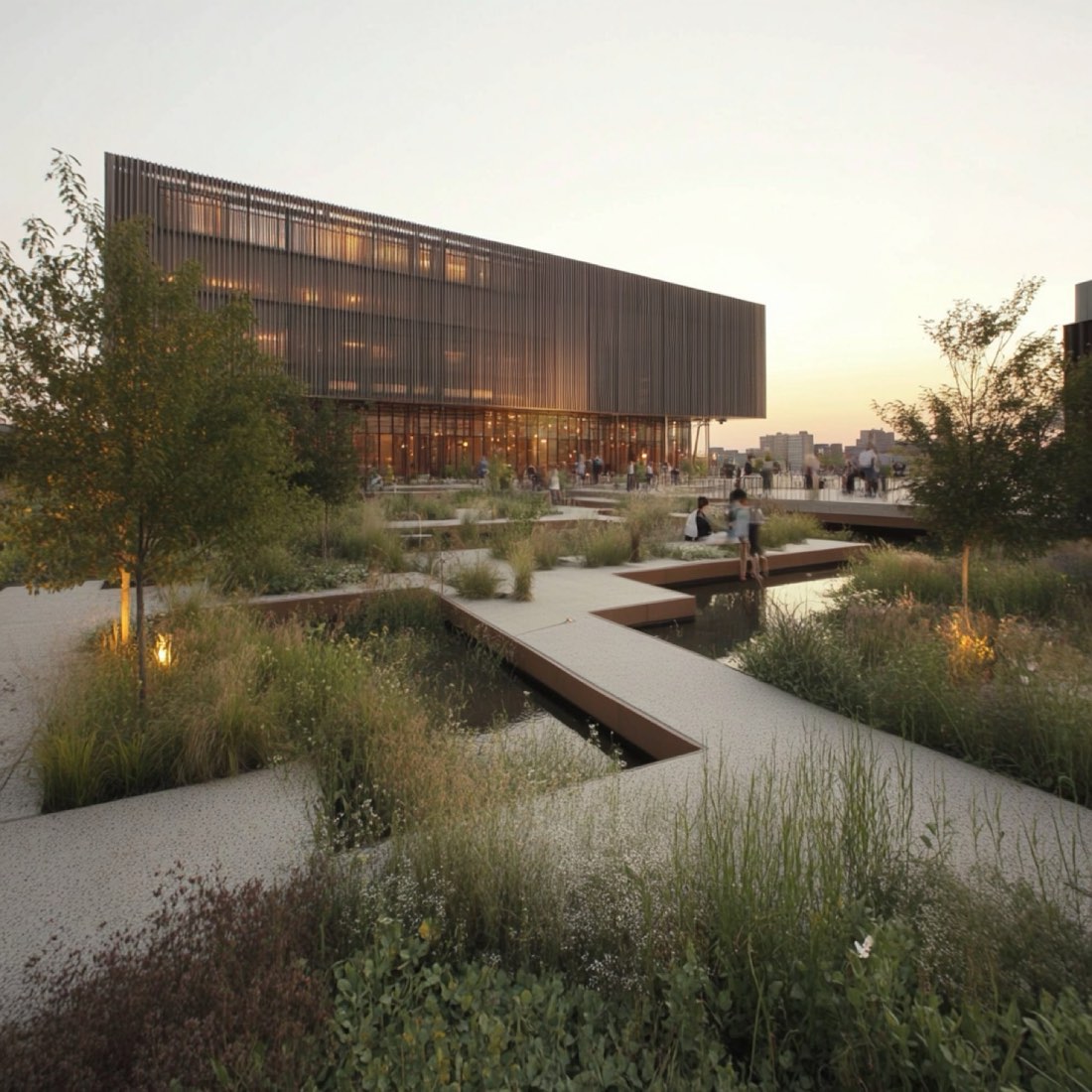
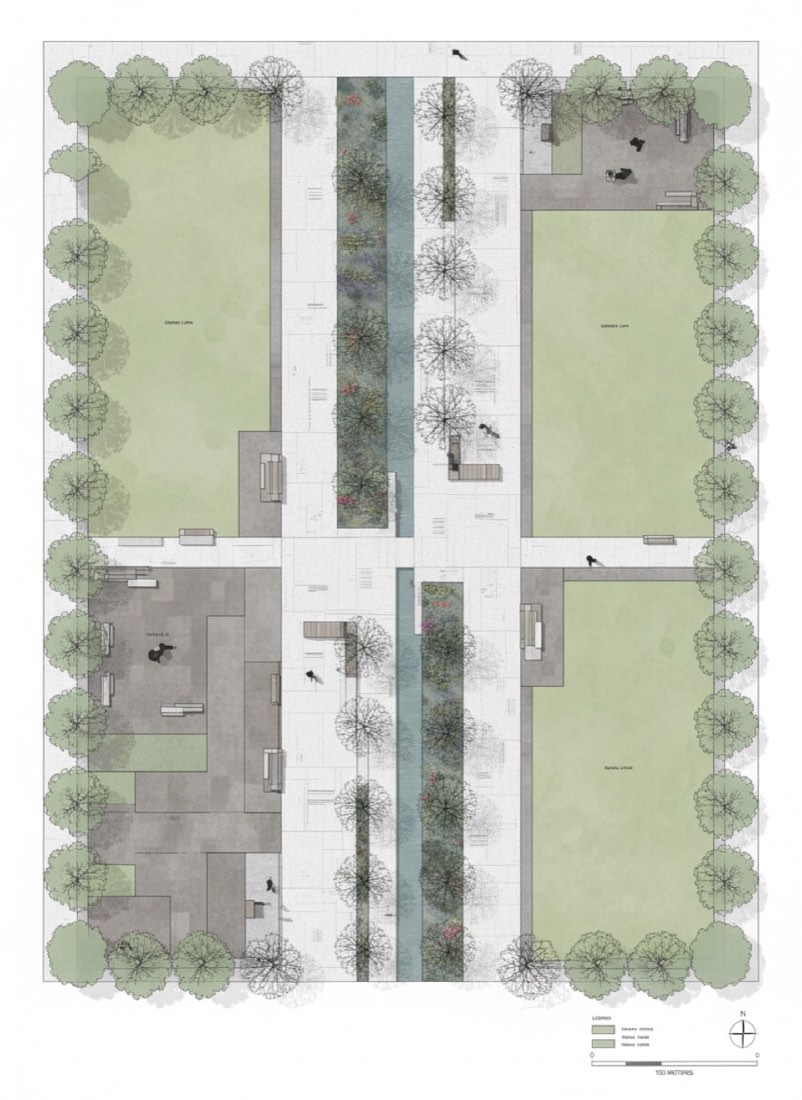
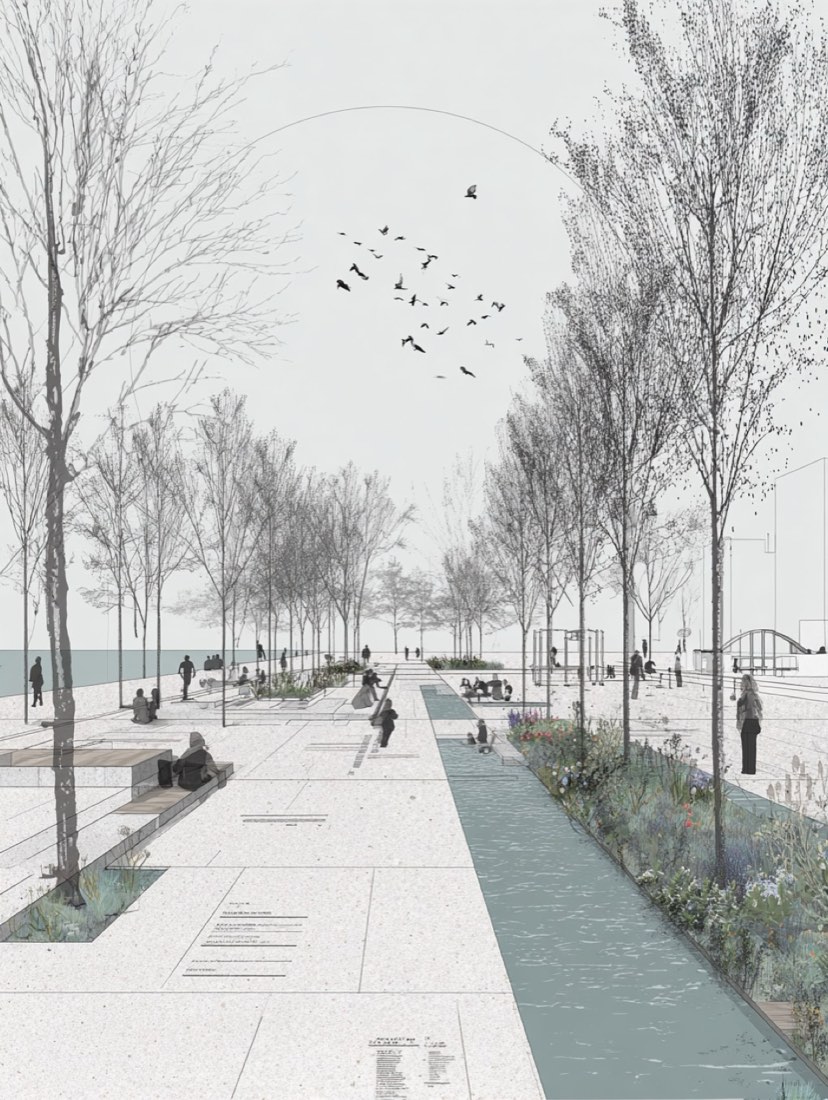
2 worked front and side view examples with 2 prompts. Each shows the input and the real output from Nano Banana and ChatGPT. The prompts for the first example are free to copy.
Front and Side View is part of 3D to 2D: Turn renderings and photos back into elevations, plans and CAD-style drawings. Most of the 2 examples here run the same prompt through both Nano Banana and ChatGPT, so you can compare the two directly.
BeforeNano BananaBased on the photo, generate front and side views of the building. White background.
根据照片,生成这栋建筑的正立面和侧立面。白色背景。
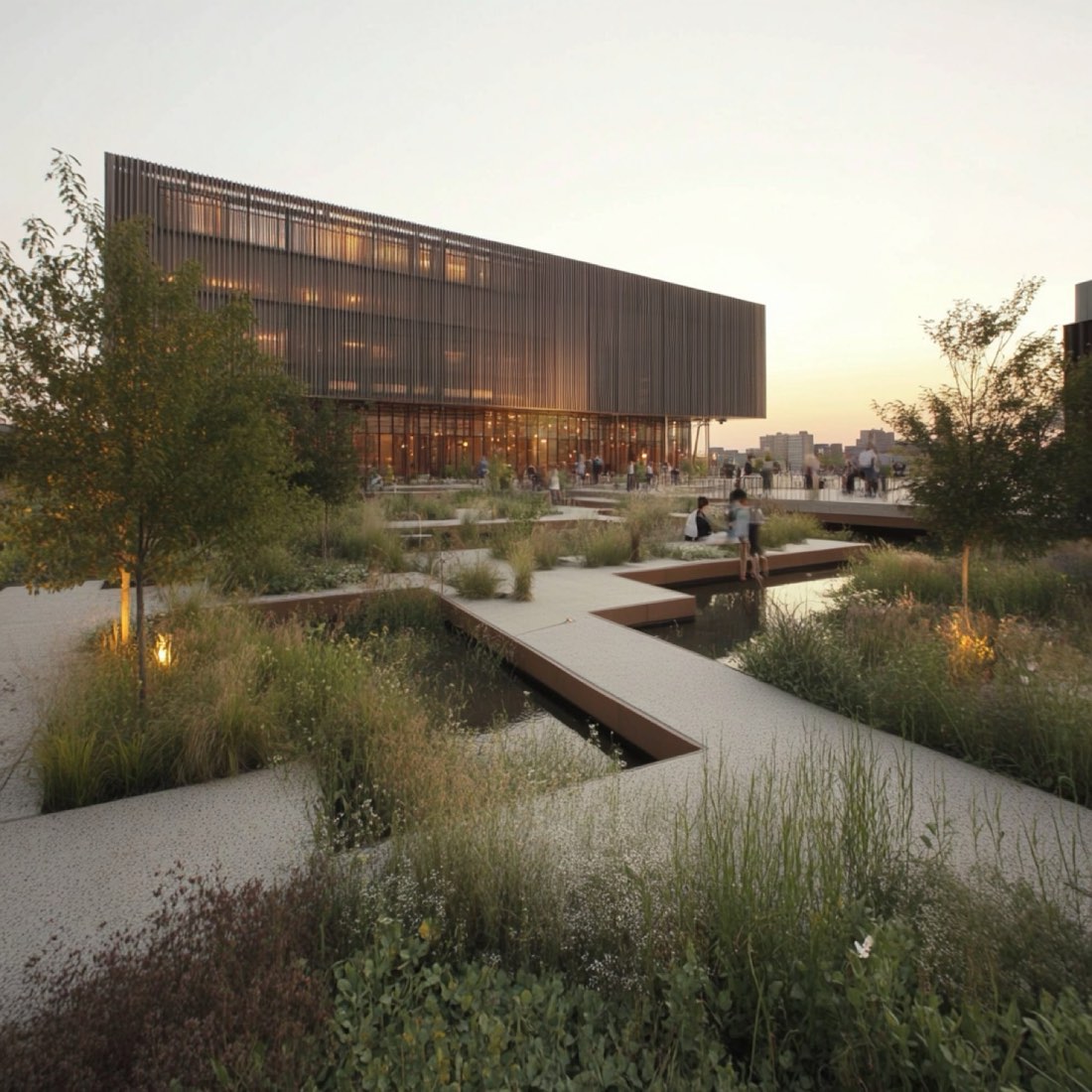
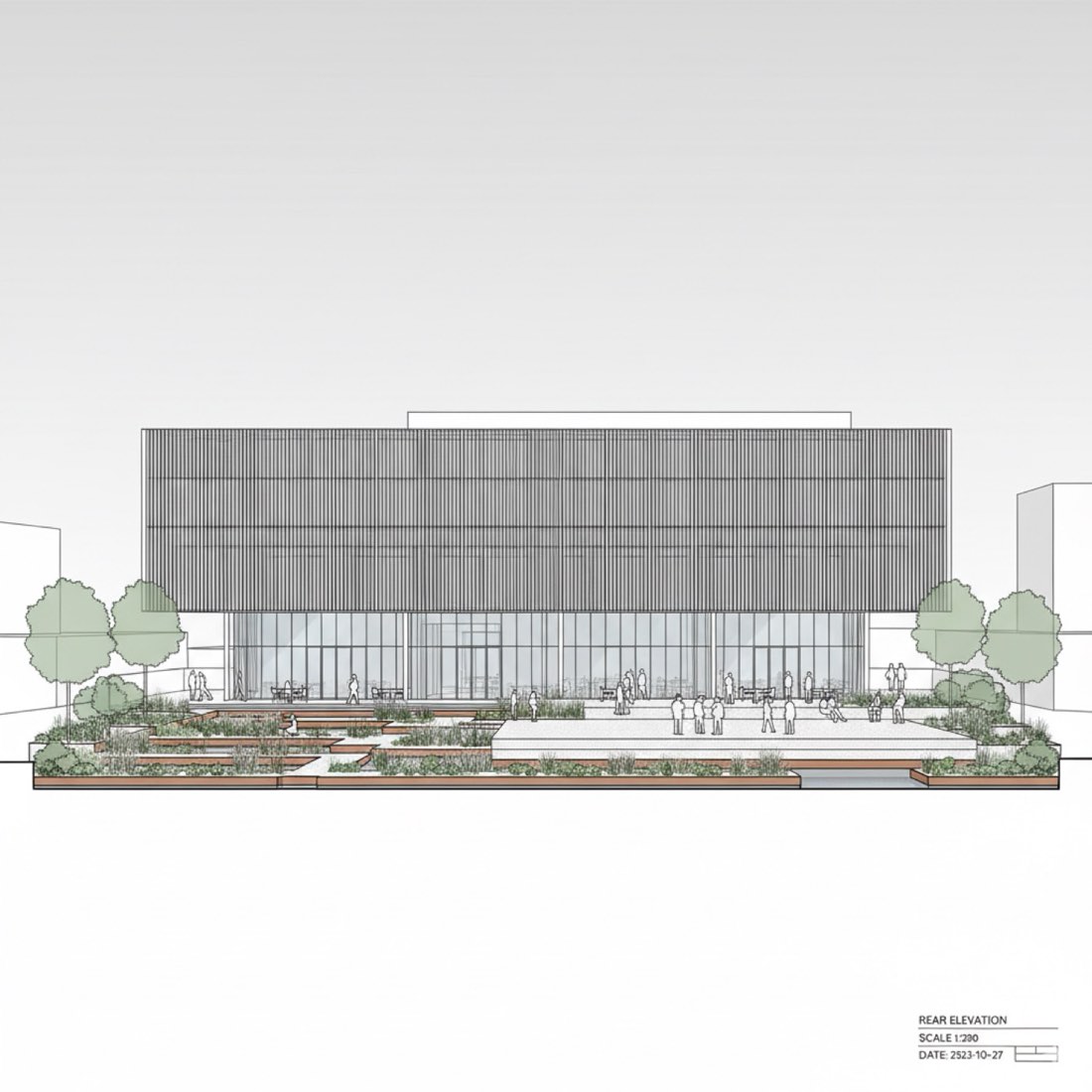 BeforeAfter
Only Nano Banana and ChatGPT. Upload your source image and paste a prompt from this page. There are 2 worked examples here to follow.
Most examples on this page run the same prompt through both tools and show the results side by side. Nano Banana usually keeps the composition and geometry of the input closer, while ChatGPT pushes the style further.
Yes. The prompts can be used in your own design projects, competitions and portfolio.
218 tested prompts, 210 worked examples and 423 before/after images for Nano Banana and ChatGPT, plus the 291-page bilingual PDF guide.