AIAI for Architecture

Change Rendering View

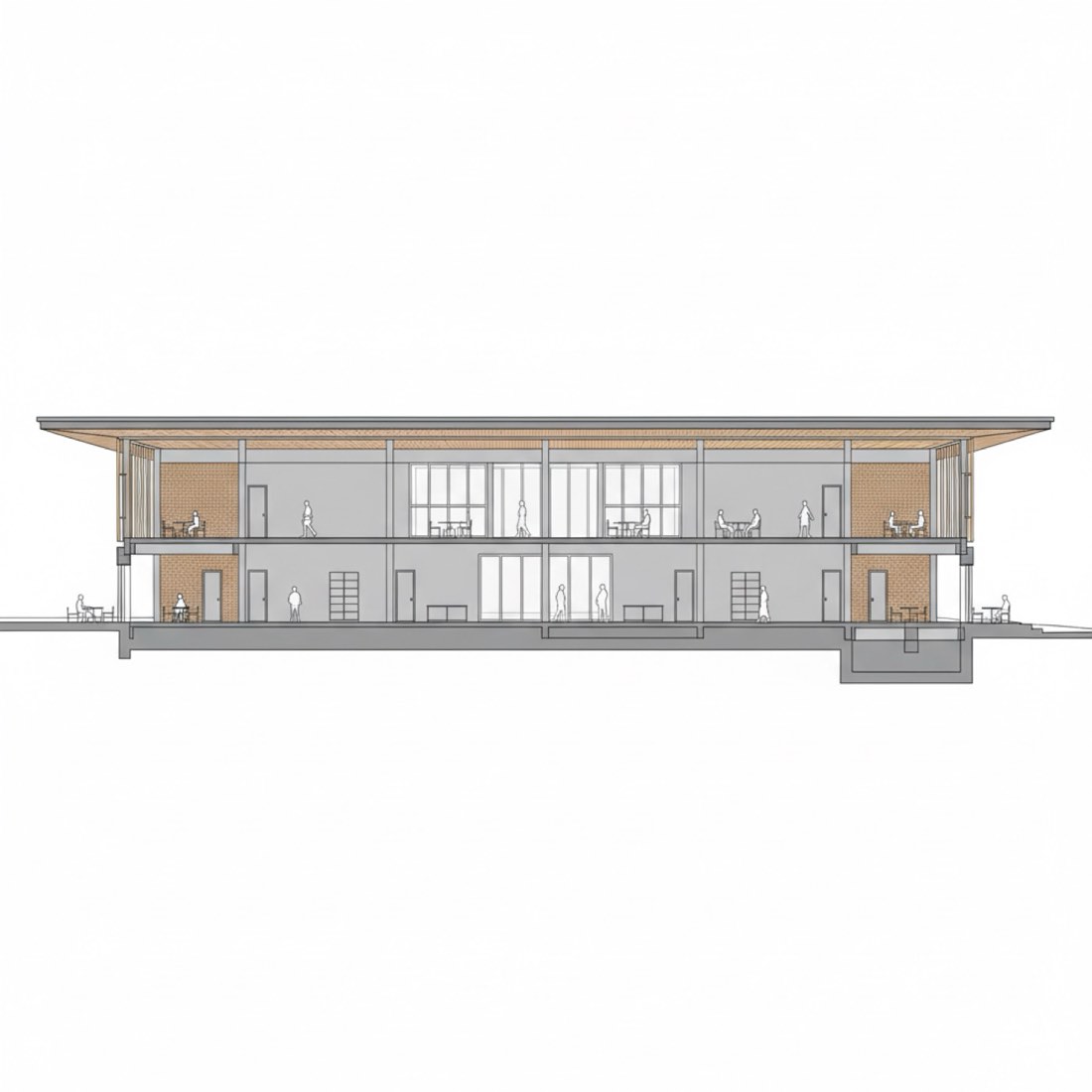
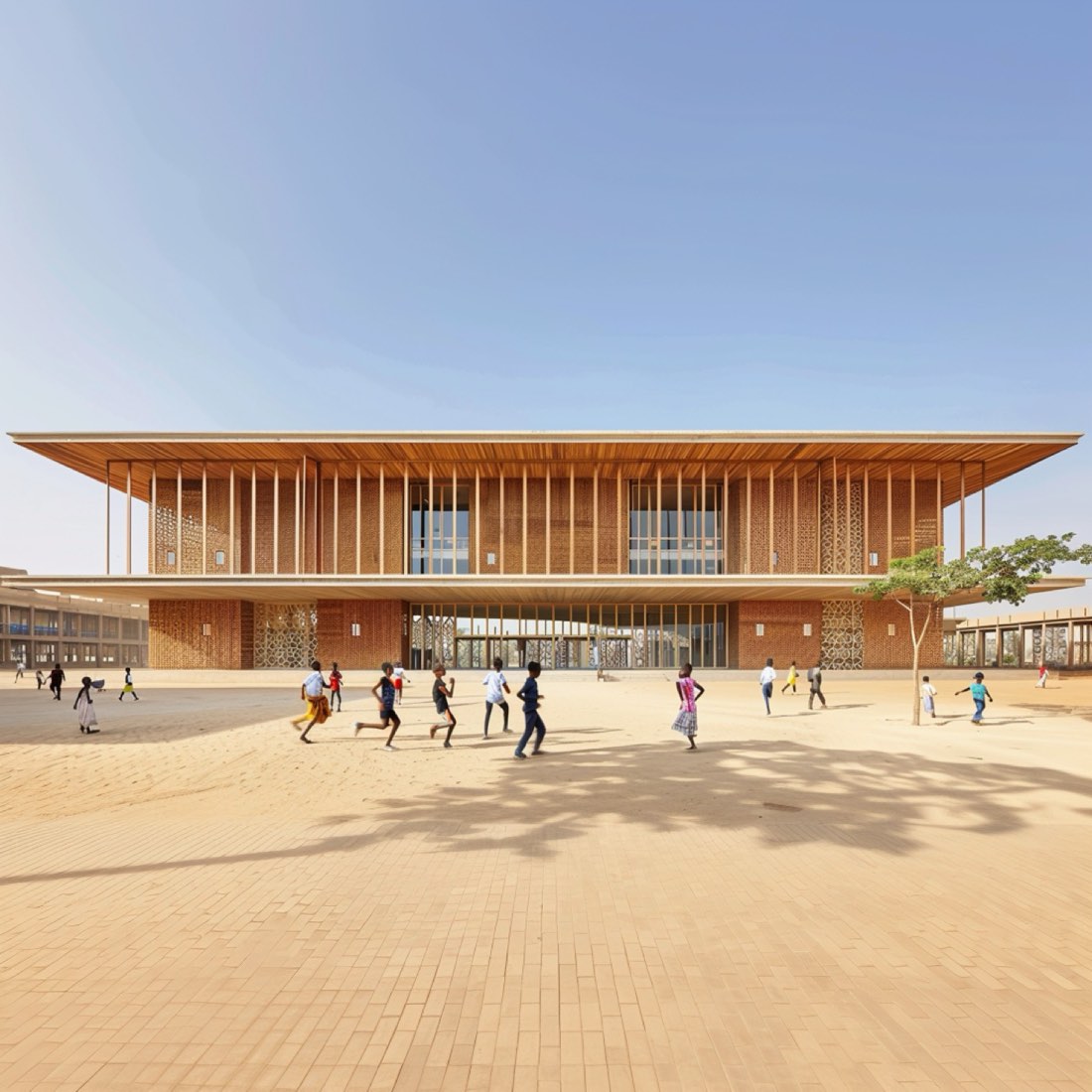
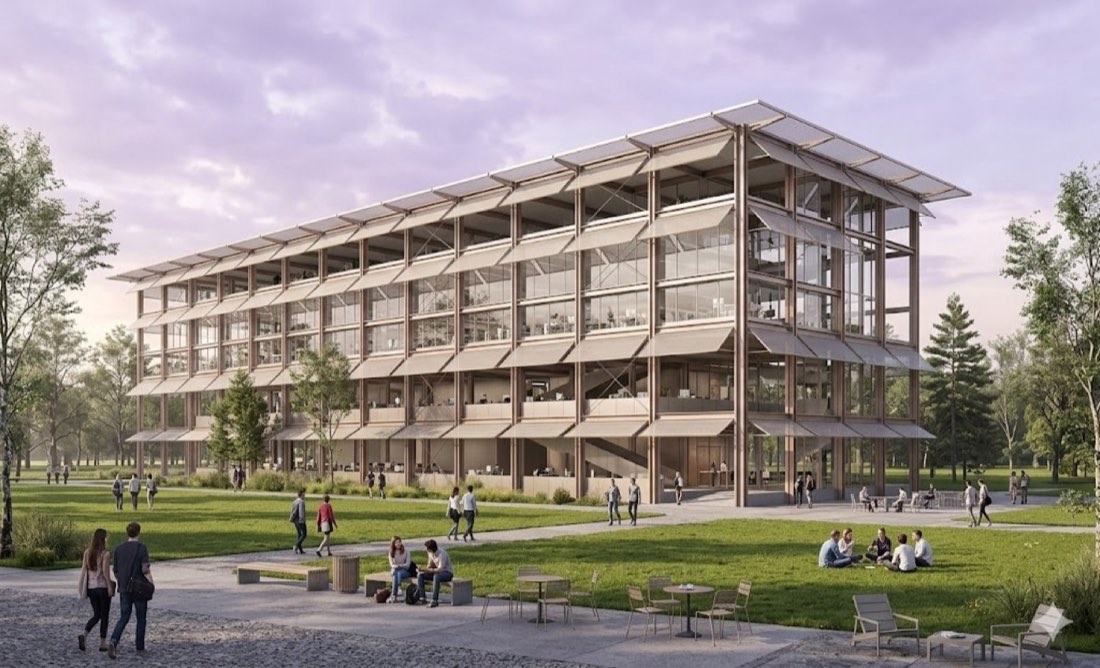
6 worked change rendering view examples with 6 prompts. Each shows the input and the real output from Nano Banana and ChatGPT. The prompts for the first example are free to copy.

✦ Before → After6 examples9 imagesUpgrade to unlock ✦

How to use these prompts

  1. Open Nano Banana (Google Gemini) or ChatGPT.
  2. If the example starts from an image, upload your own sketch, model screenshot, photo or plan.
  3. Paste the prompt and adjust the materials, light and style words to your project.
  4. Refine in the same chat, e.g. "keep the composition, change to dusk lighting".

About this lesson

Change Rendering View is part of Advanced Practice for Architecture: Change rendering views, cut cross-sections and make perspective sections. Most of the 6 examples here run the same prompt through both Nano Banana and ChatGPT, so you can compare the two directly.

Example 01Free
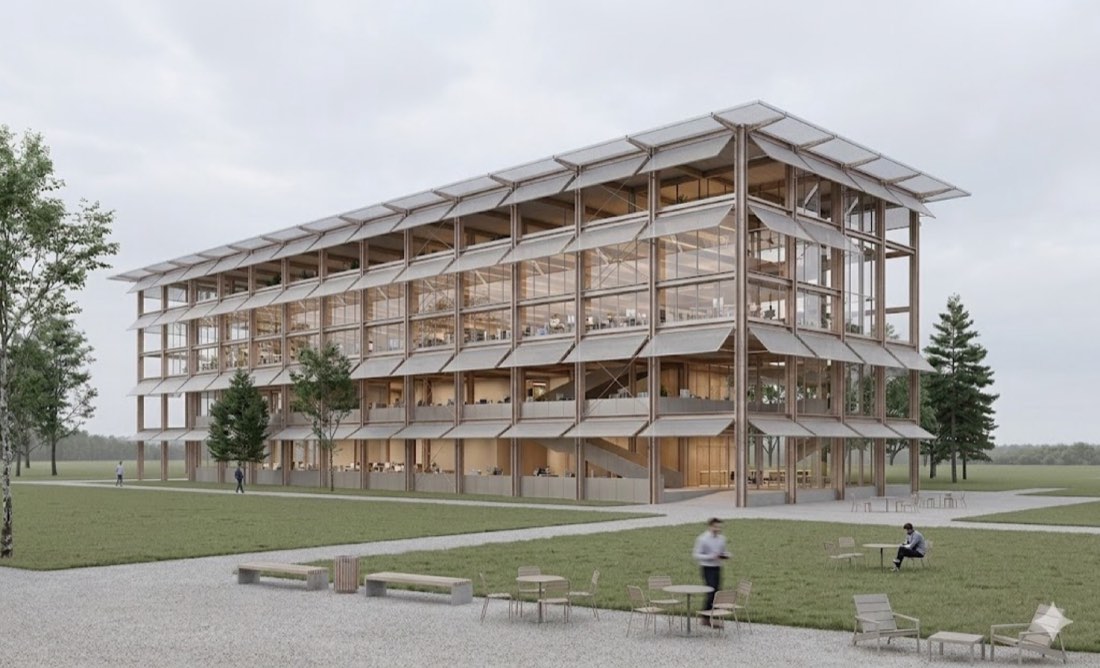
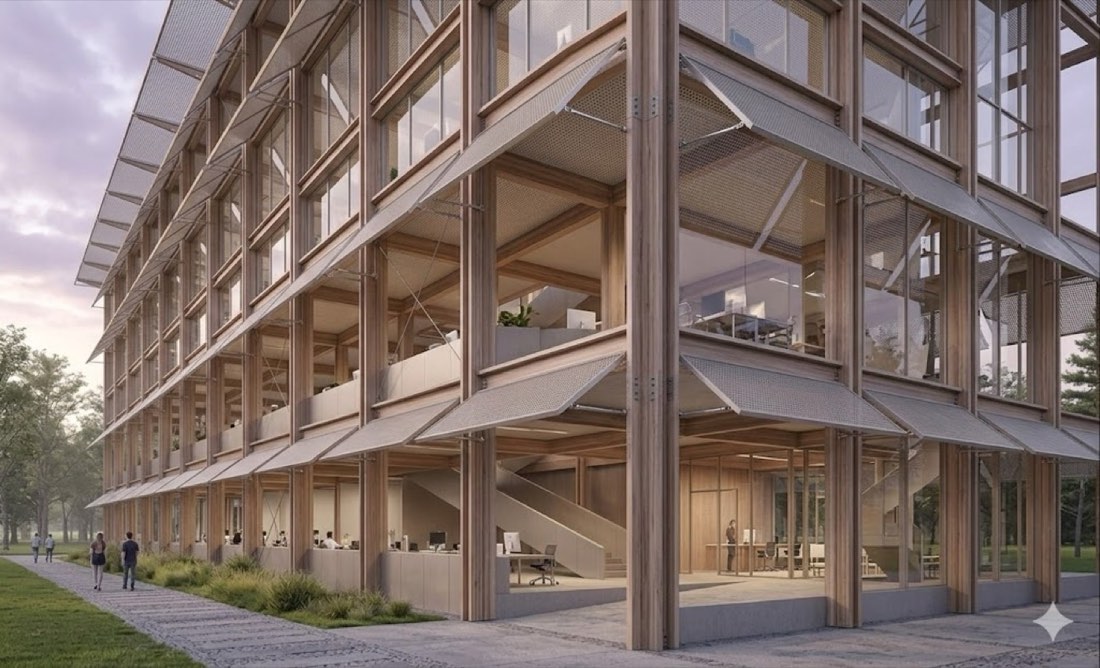
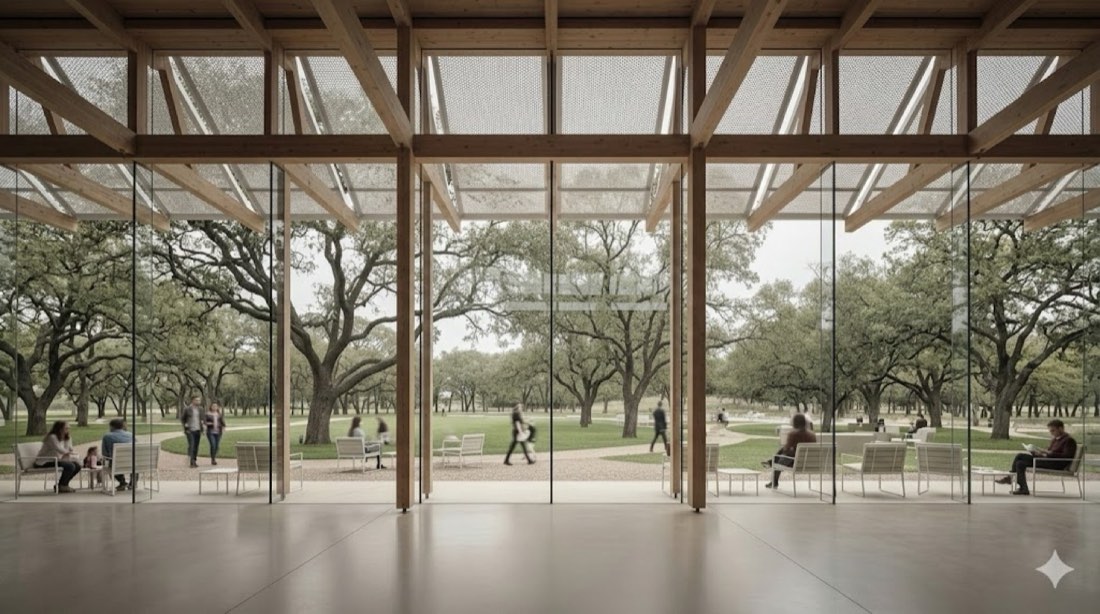
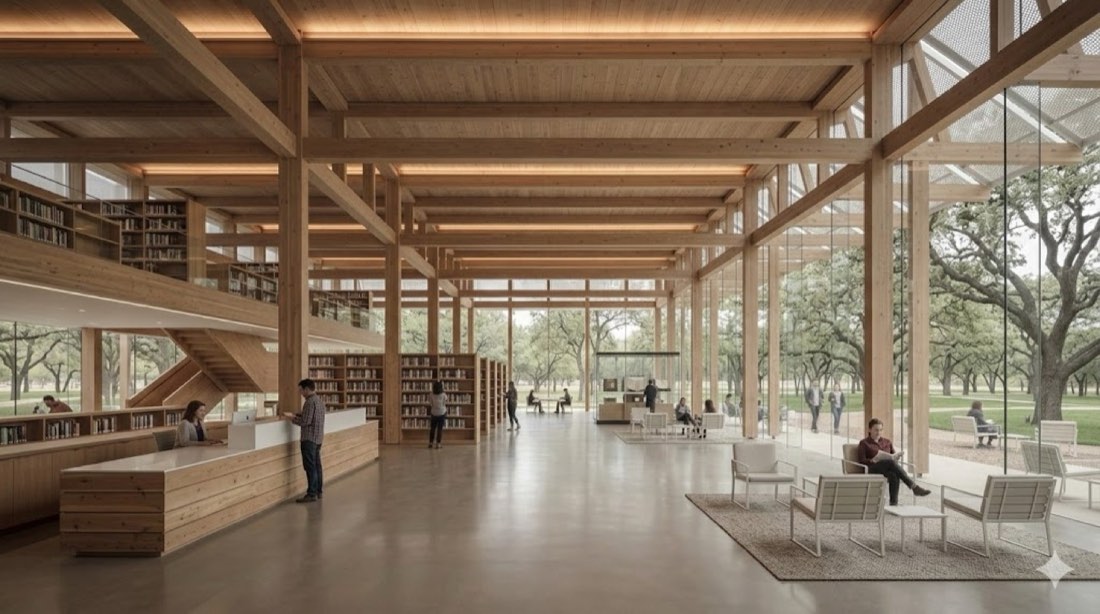
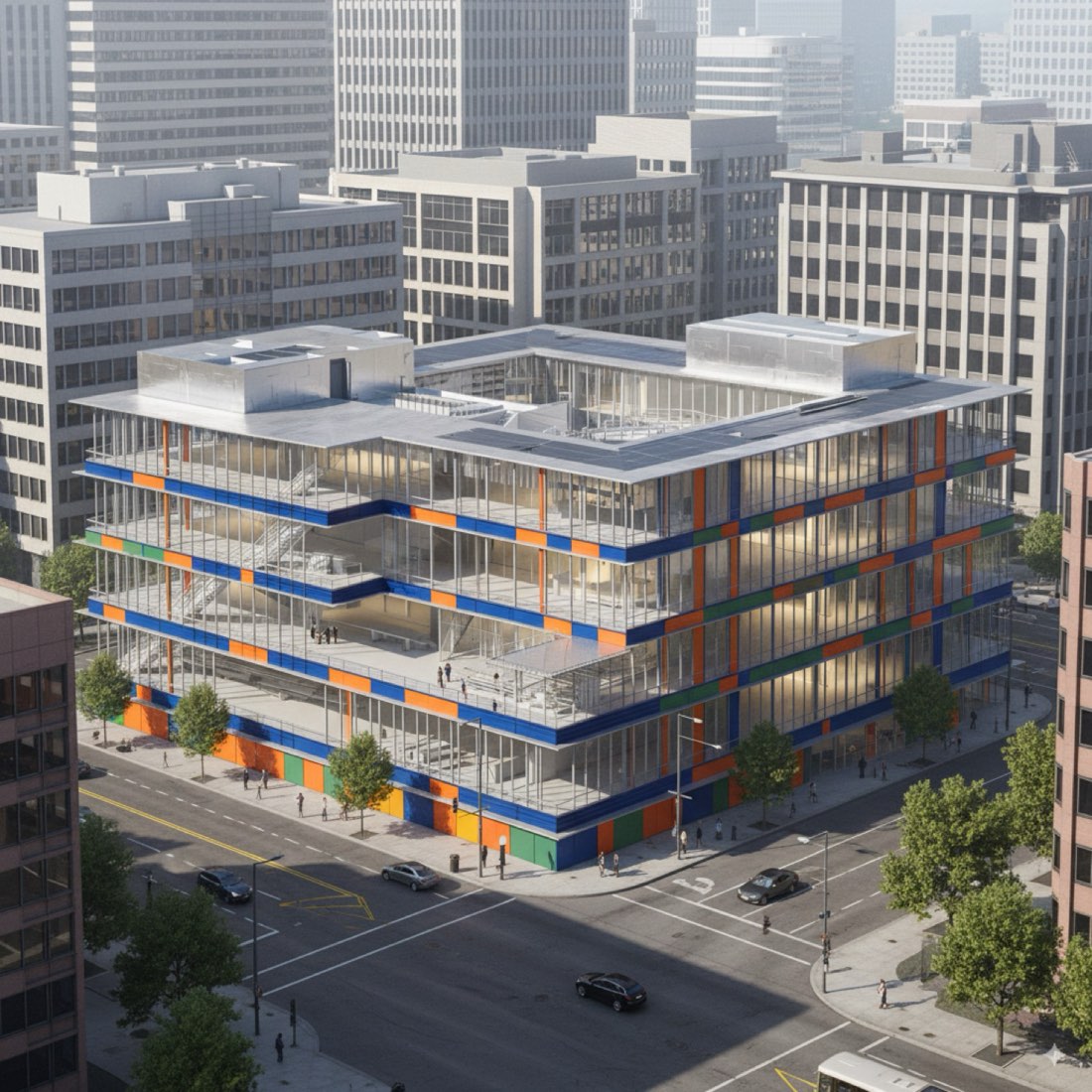
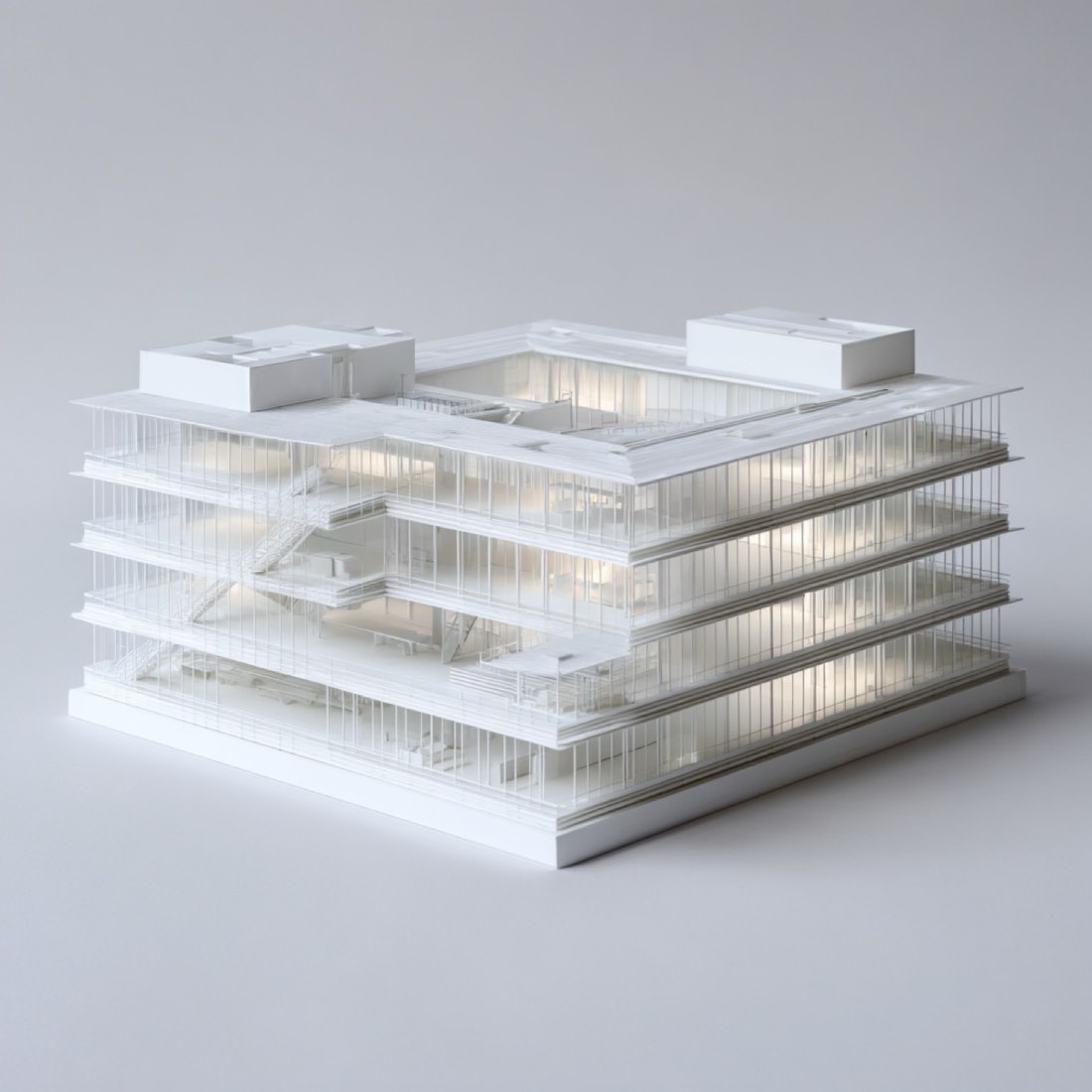
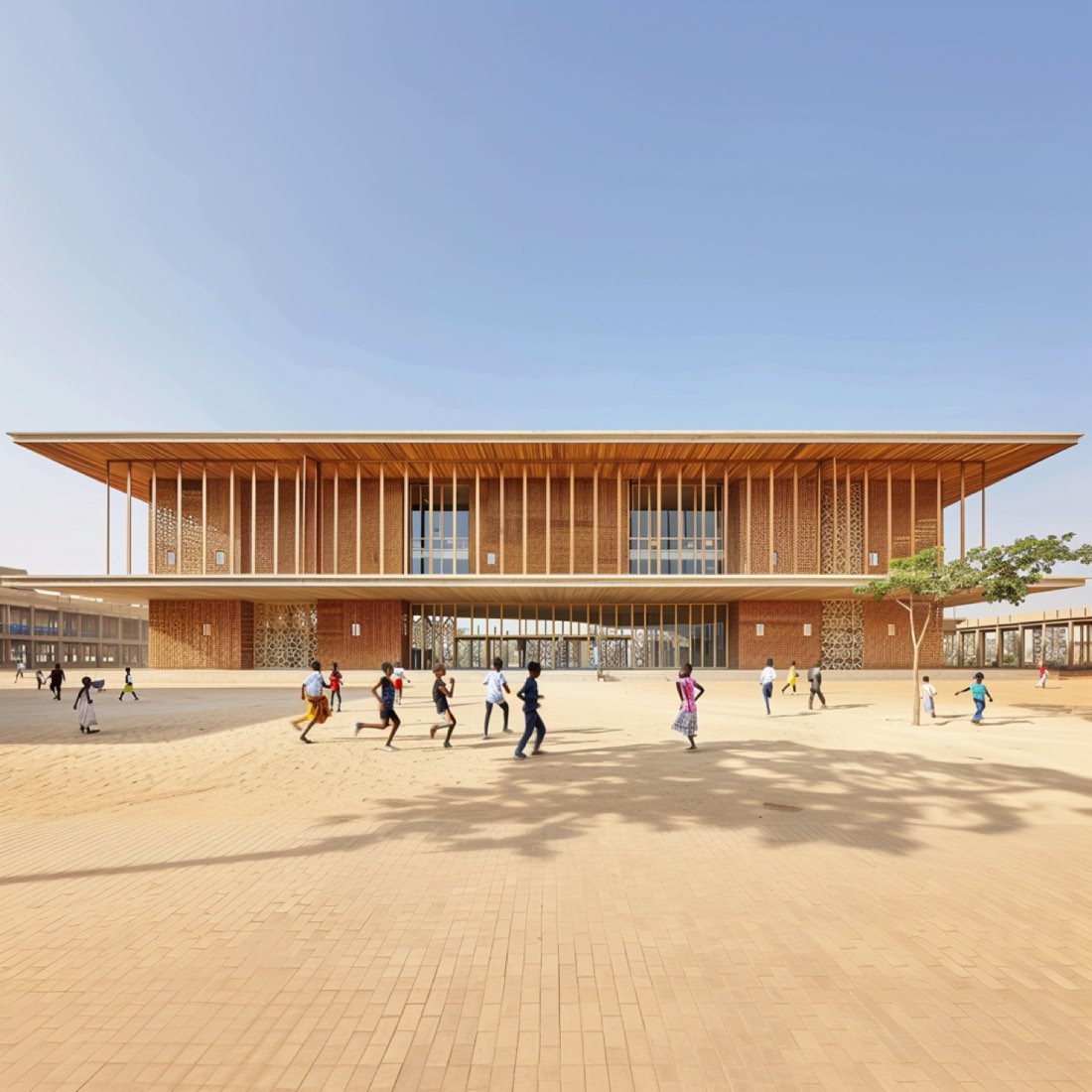
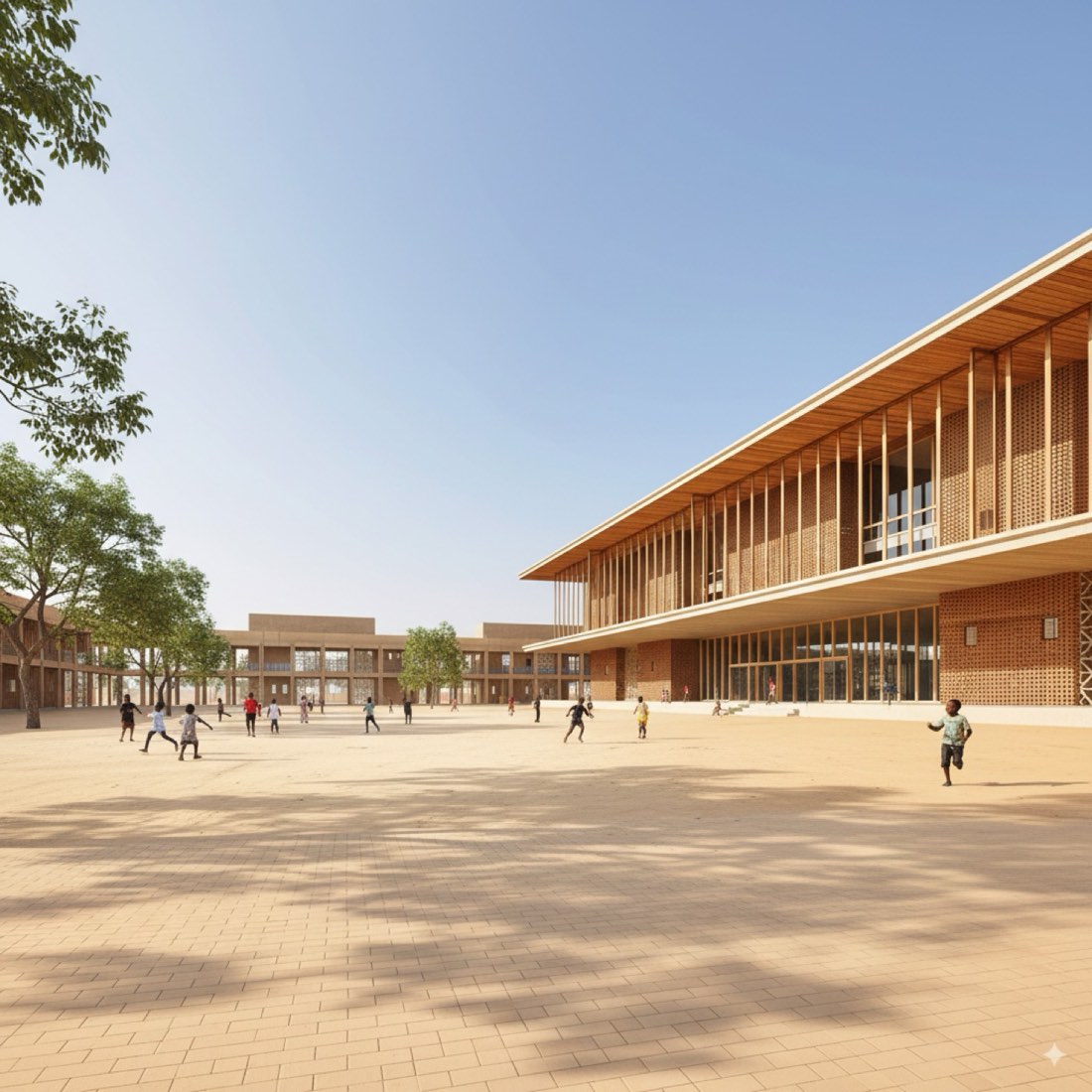
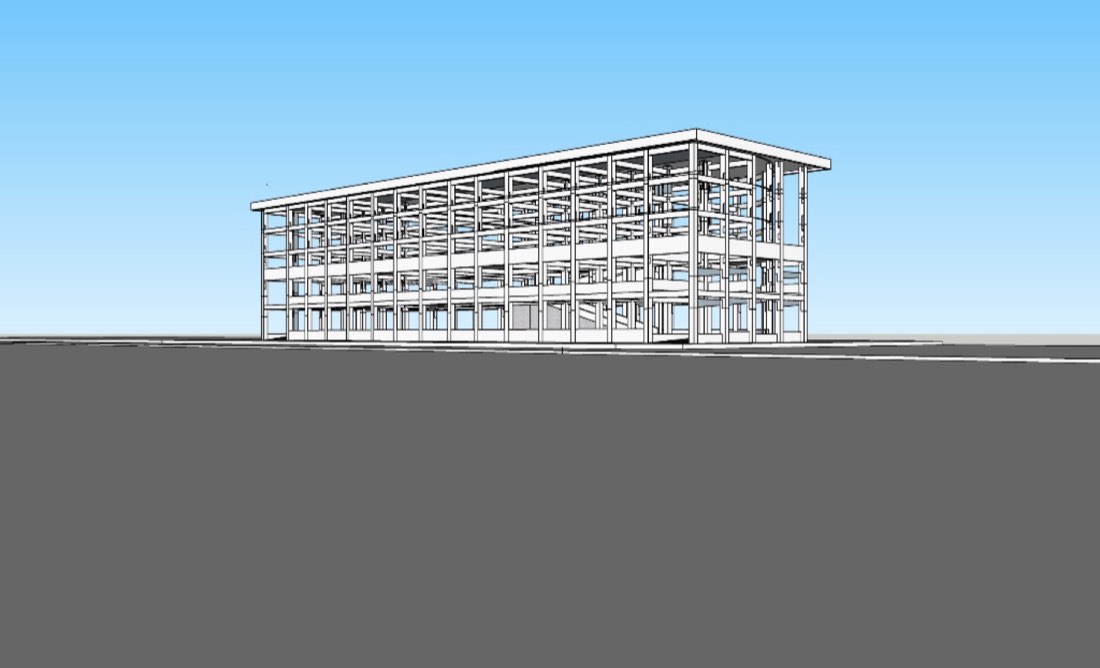
Change Rendering View – Example 1: BeforeChange Rendering View – Example 1: Nano Banana
BeforeNano Banana

Nano Banana → ChatGPT

Prompt

Change the angle of view of this architectural rendering. Generate a new perspective from [desired angle], keeping the original materials, lighting, and style consistent. Maintain correct proportions and architectural detailing. The scene should feel cohesive and realistic, with shadows, textures, and environment matching the new camera angle. [DESIRED ANGLE]: • Eye-level / street view • Bird’s-eye / aerial • Oblique / 45-degree • Front elevation / side view / corner perspective • Specific direction (e.g., “from southwest corner facing northeast”)

更换这张建筑效果图的视角。从[想要的角度]生成一张新的透视图,保持原有材料、光线和风格一致。保持正确的比例和建筑细部。场景应协调、真实,阴影、纹理和环境与新的相机角度相匹配。 [想要的角度]: • 人视/街景 • 鸟瞰/航拍 • 斜向/45 度 • 正立面/侧面/转角透视 • 具体方向(如“从西南角看向东北”)
Questions

Change Rendering View

What do I need to do change rendering view with AI?

Only Nano Banana and ChatGPT. Upload your source image and paste a prompt from this page. There are 6 worked examples here to follow.

Is Nano Banana or ChatGPT better for change rendering view?

Most examples on this page run the same prompt through both tools and show the results side by side. Nano Banana usually keeps the composition and geometry of the input closer, while ChatGPT pushes the style further.

Can I use these prompts for client work?

Yes. The prompts can be used in your own design projects, competitions and portfolio.

More lessons

Advanced Practice for Architecture, new views, sections and diagrams.

Open section →

Get every prompt in the library

218 tested prompts, 210 worked examples and 423 before/after images for Nano Banana and ChatGPT, plus the 291-page bilingual PDF guide.

Get the full library

Sign in to AI for Architecture

Sign in to subscribe and unlock every prompt on any device.

or