AIAI for Architecture

Model to Rendering

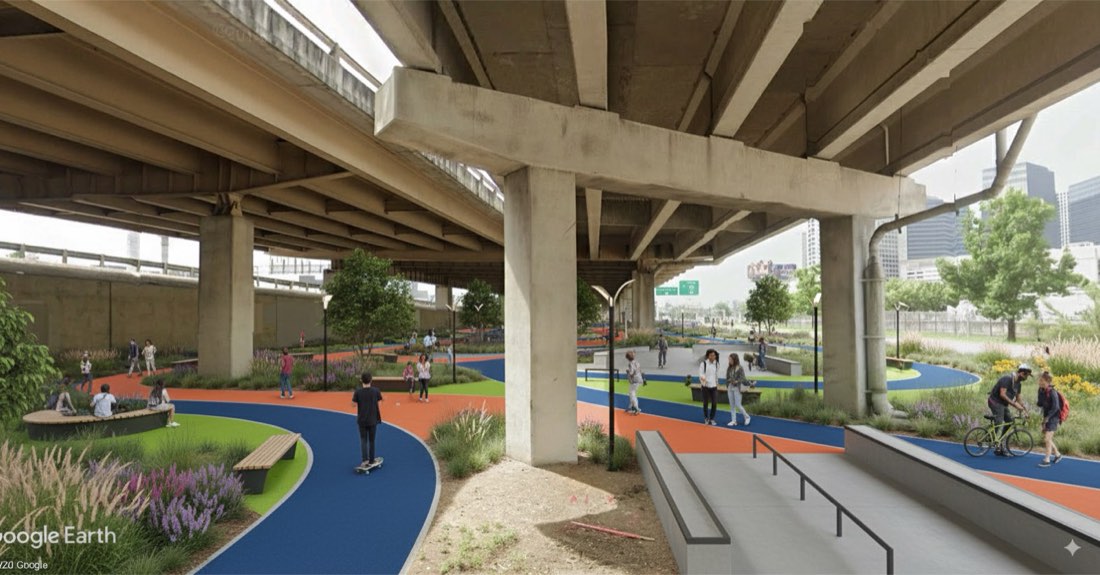
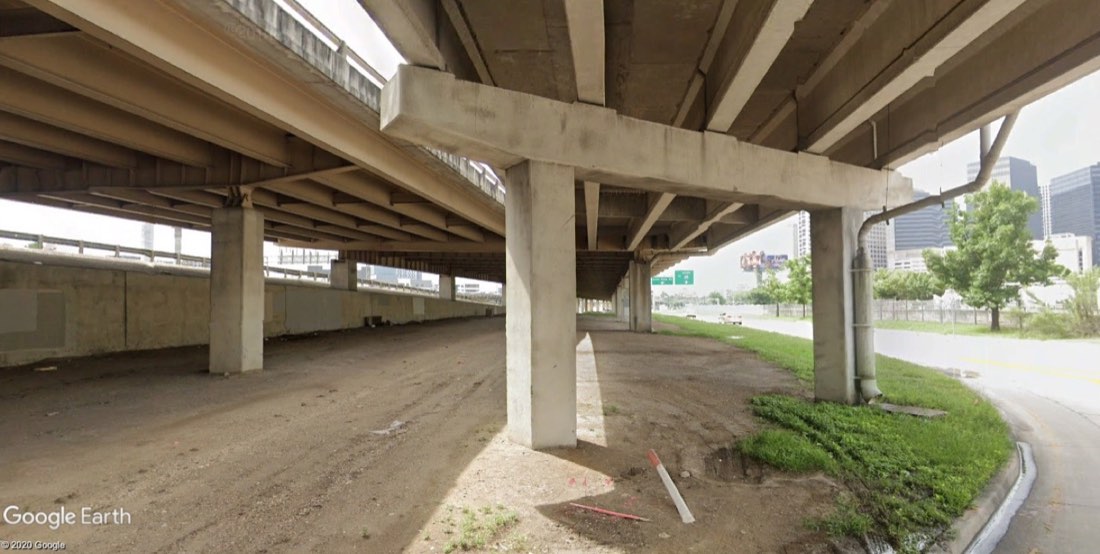
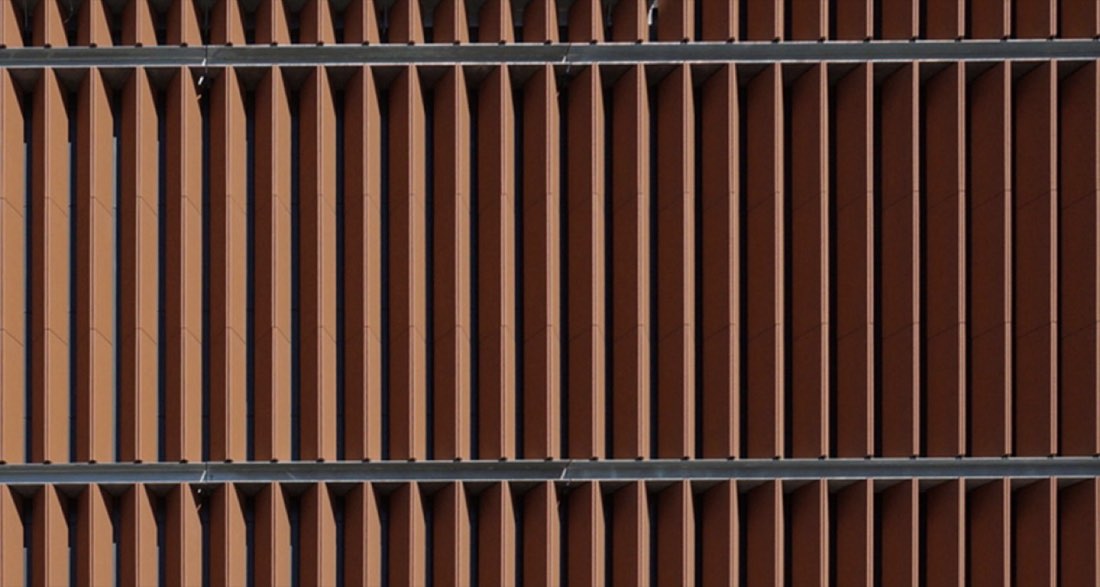
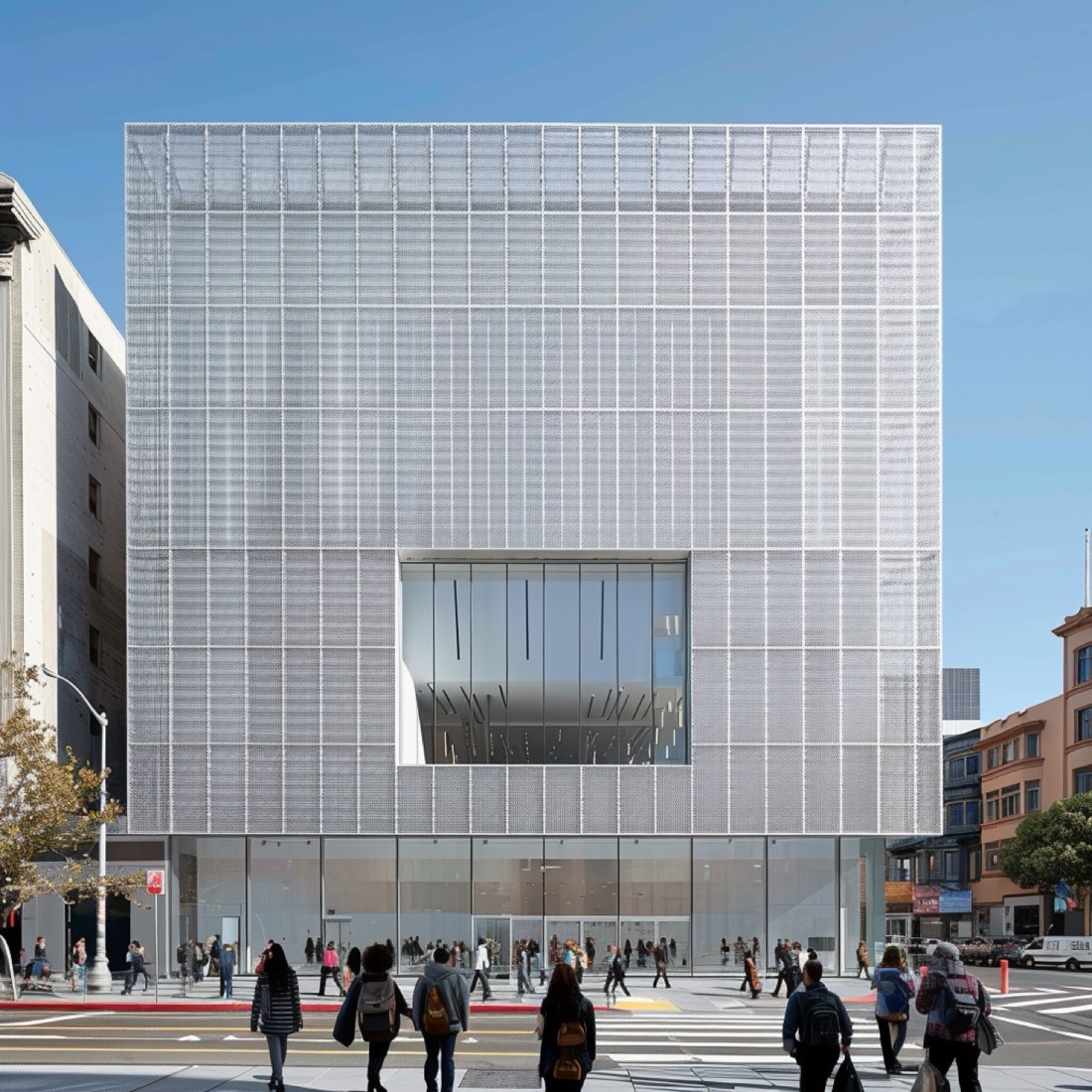
5 worked model to rendering examples with 5 prompts. Each shows the input and the real output from Nano Banana and ChatGPT. The prompts for the first example are free to copy.

✦ Before → After5 examples15 imagesGet the library

How to use these prompts

  1. Open Nano Banana (Google Gemini) or ChatGPT.
  2. If the example starts from an image, upload your own sketch, model screenshot, photo or plan.
  3. Paste the prompt and adjust the materials, light and style words to your project.
  4. Refine in the same chat, e.g. "keep the composition, change to dusk lighting".

About this lesson

Model to Rendering is part of Common Uses: Sketch, model and photo to finished rendering with Nano Banana and ChatGPT. Most of the 5 examples here run the same prompt through both Nano Banana and ChatGPT, so you can compare the two directly.

Example 01
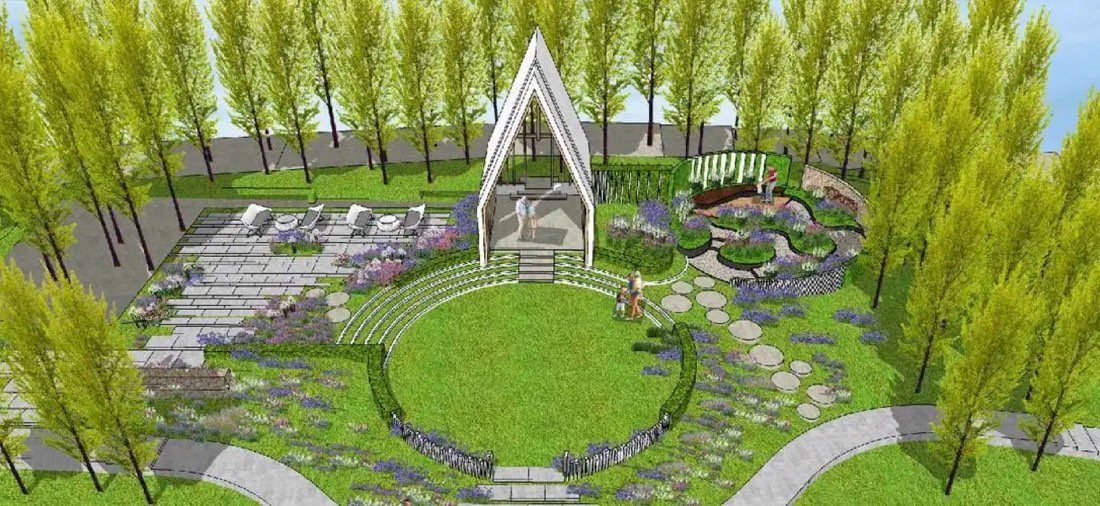
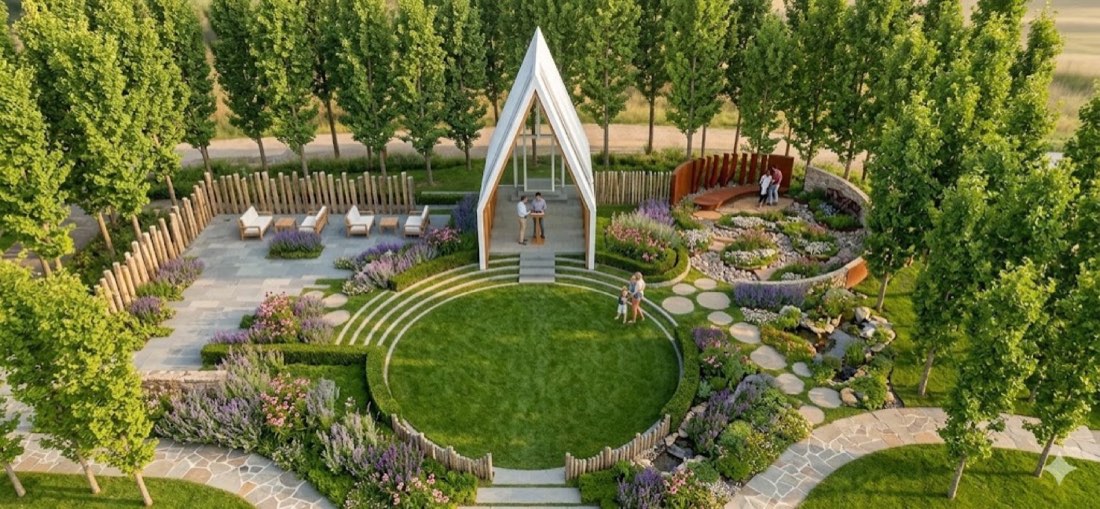
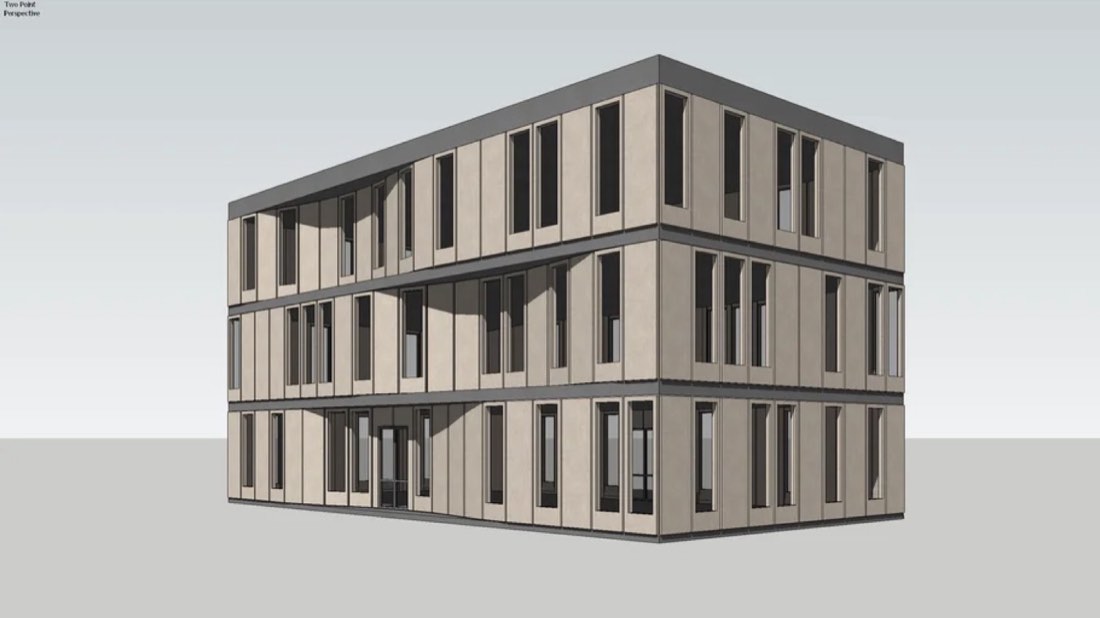
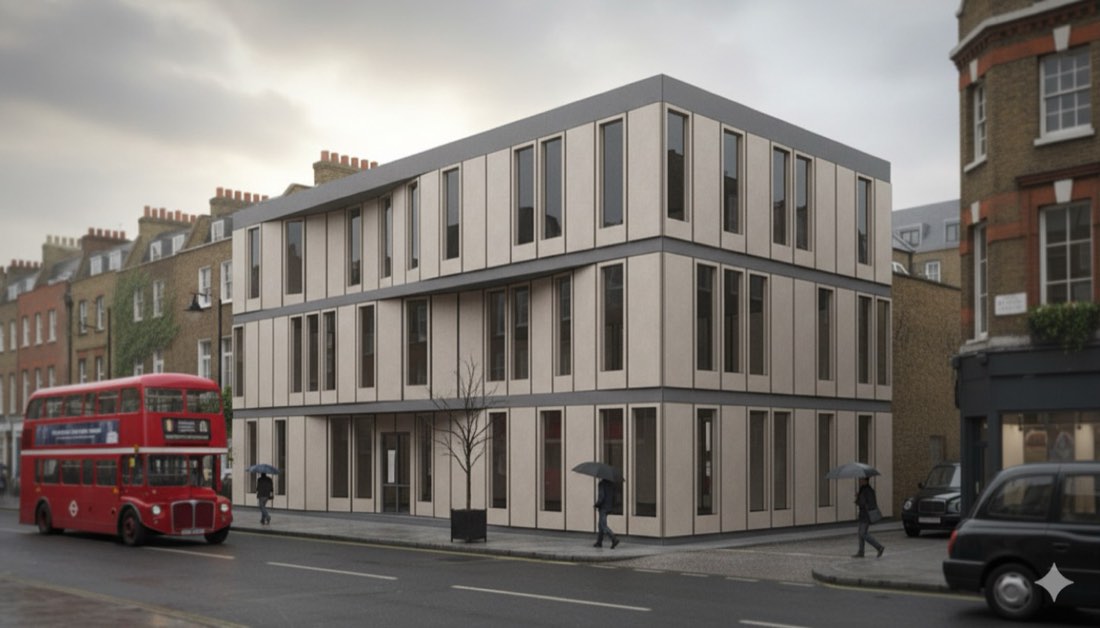
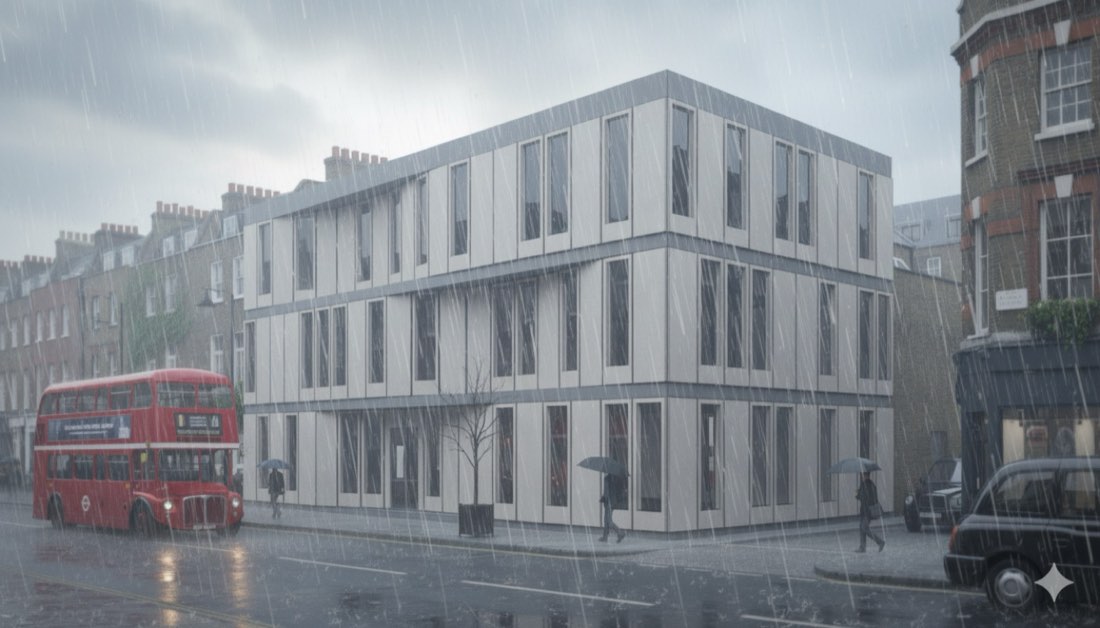
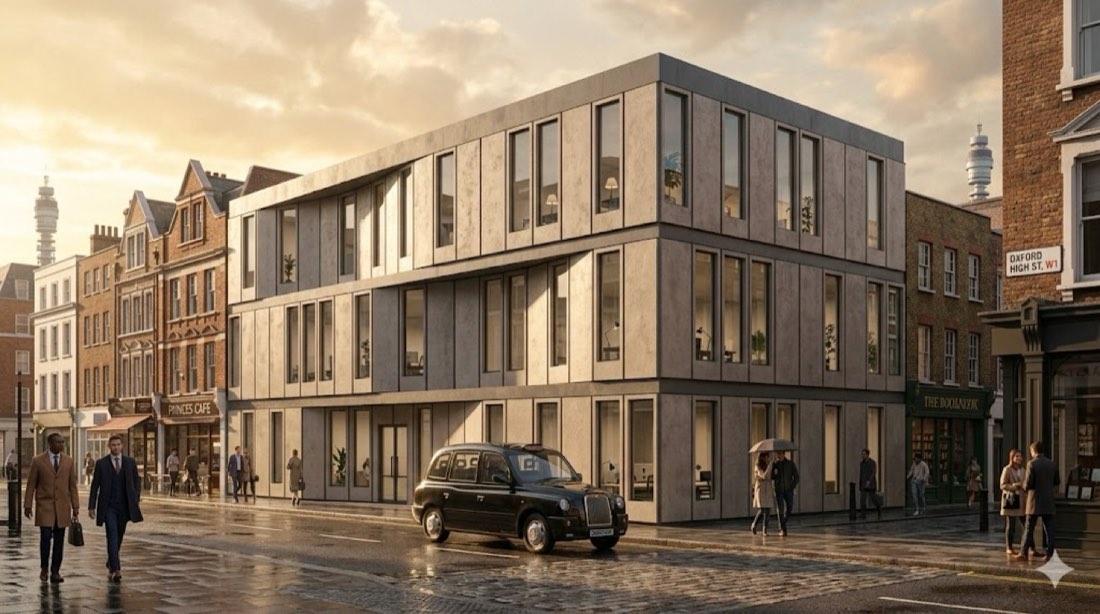
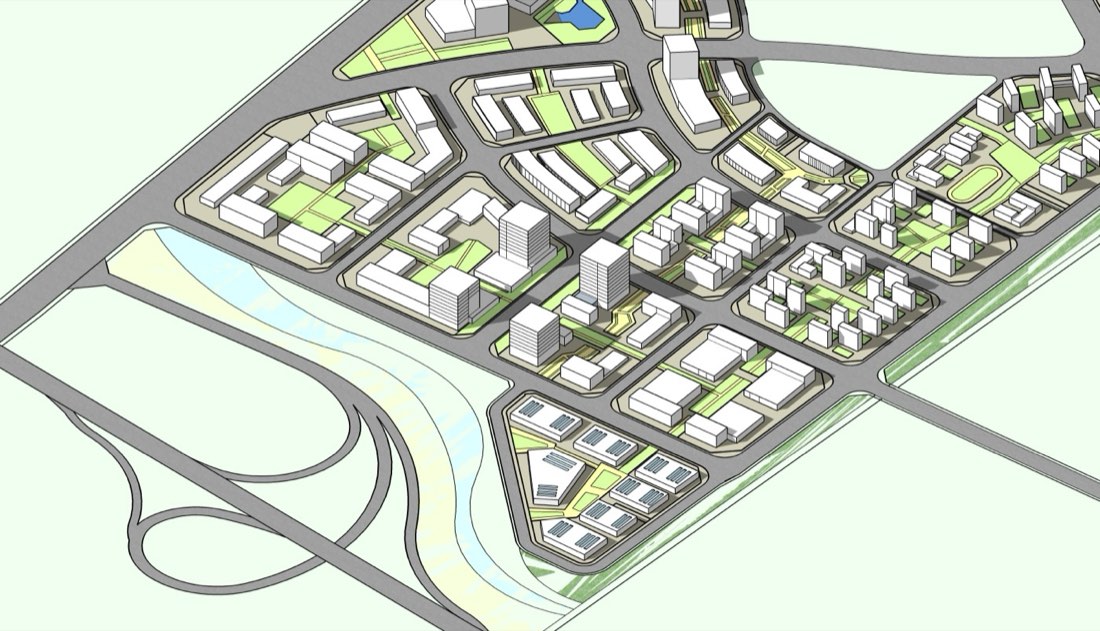
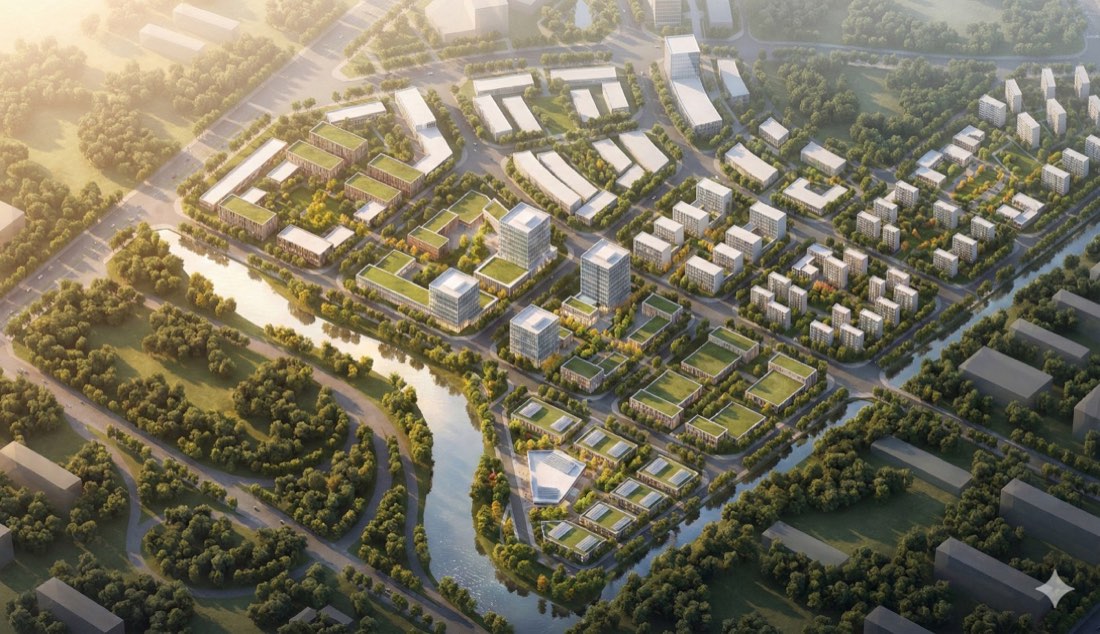
Model to Rendering – Example 1: BeforeModel to Rendering – Example 1: Nano Banana
BeforeNano Banana

Nano Banana → ChatGPT

Prompt · Free prompt

Turn this SketchUp model into a photorealistic architectural rendering. Preserve the original perspective and building proportions. Apply realistic facade materials—especially glass curtain walls for the tall buildings. Use natural daylight with soft shadows to enhance depth. Add subtle landscaping, street details, people, and environmental context to bring the scene to life. Clean, high-quality professional visualization style, suitable for urban design presentations. surrounding urban environment and green space are added to achieve a photo-realistic texture.​

将这个 SketchUp 模型转换为照片级真实的建筑效果图。保留原有透视和建筑比例。使用写实的立面材质——高层建筑尤其采用玻璃幕墙。使用自然日光和柔和阴影增强纵深感。加入适量的景观、街道细节、人物和周边环境,让场景生动起来。干净、高品质的专业可视化风格,适合城市设计汇报。加入周边城市环境和绿地,以达到照片级的质感。
Questions

Model to Rendering

What do I need to do model to rendering with AI?

Only Nano Banana and ChatGPT. Upload your source image and paste a prompt from this page. There are 5 worked examples here to follow.

Is Nano Banana or ChatGPT better for model to rendering?

Most examples on this page run the same prompt through both tools and show the results side by side. Nano Banana usually keeps the composition and geometry of the input closer, while ChatGPT pushes the style further.

Can I use these prompts for client work?

Yes. The prompts can be used in your own design projects, competitions and portfolio.

More lessons

Common Uses, the everyday rendering moves.

Open section →

Get every prompt in the library

218 tested prompts, 210 worked examples and 423 before/after images for Nano Banana and ChatGPT, plus the 291-page bilingual PDF guide.

Get the full library