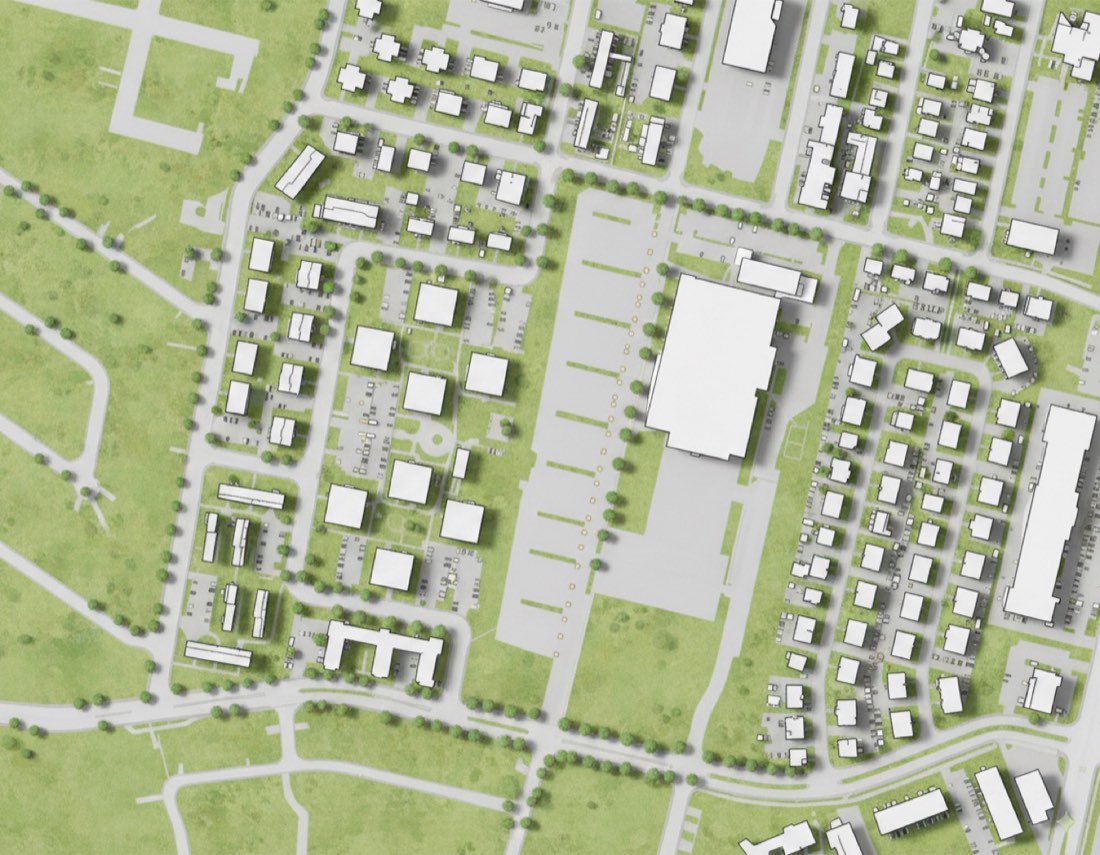
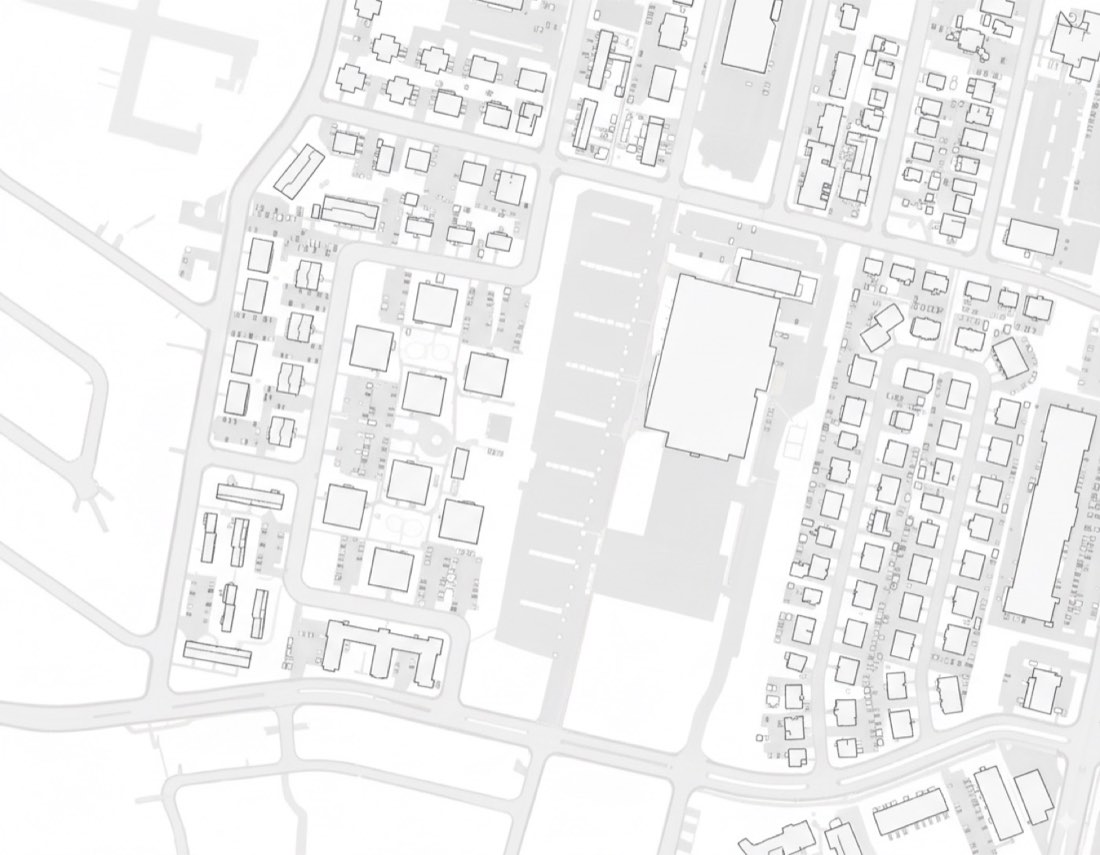
AI for Architecture
Pick tools by workflow stage: an image model for concept visuals (Midjourney, Nano Banana or ChatGPT), a way to render your own models (Nano Banana from a SketchUp screenshot, SketchUp Diffusion or D5 Render), a site-analysis platform (Autodesk Forma, Land Kit for Rhino) and Photoshop with Firefly for post-production. Good prompts written in landscape vocabulary matter more than the choice of tool.
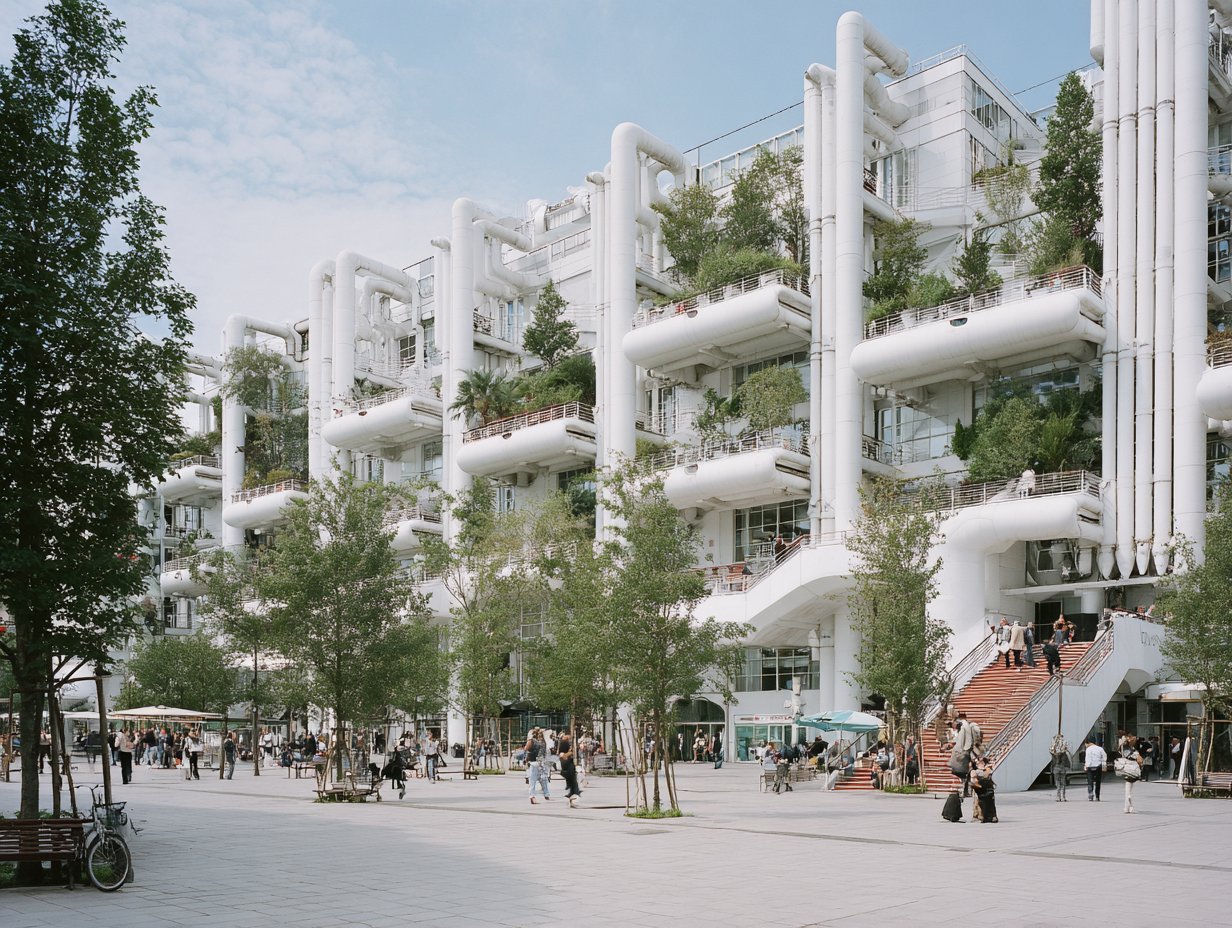
1. Concept visualization
- Midjourney: strong for atmosphere images, competition visuals and masterplan concepts; style references keep a series consistent.
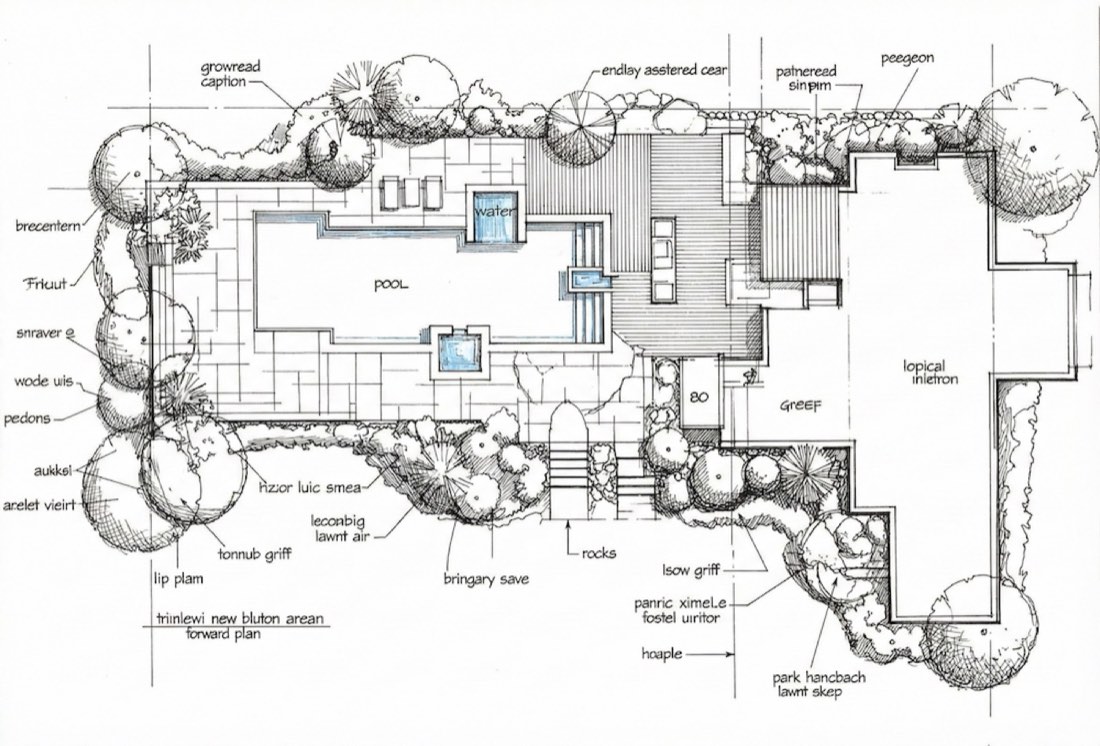
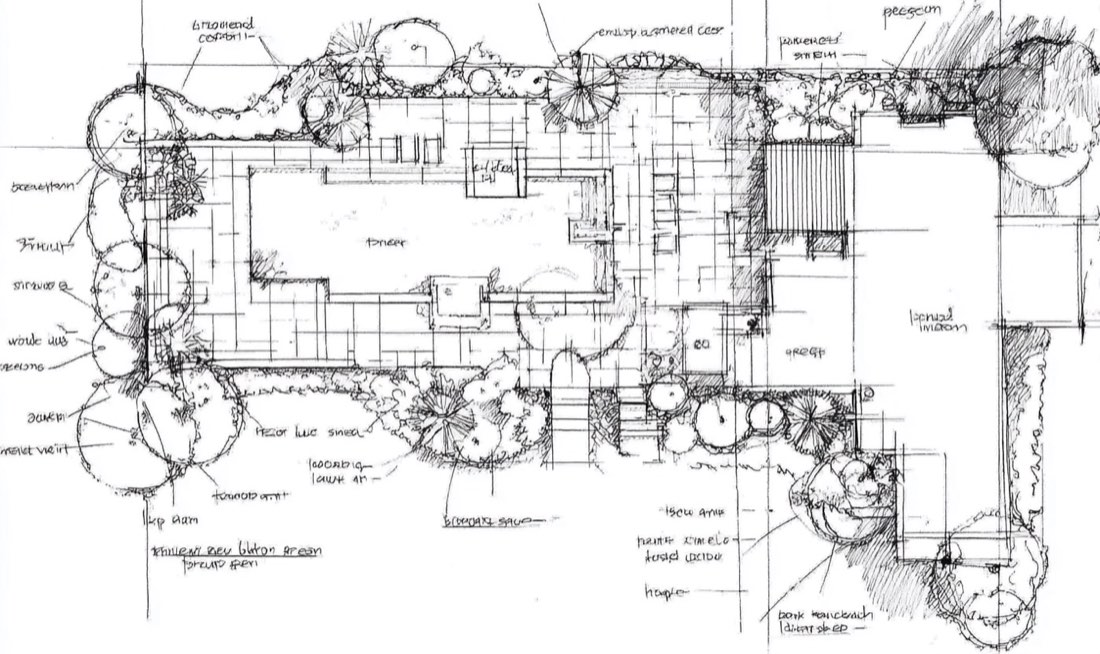
- Rendair AI: built for landscape and architecture; turns planting plans and sketches into renders, with a slider for how closely it follows your lines.
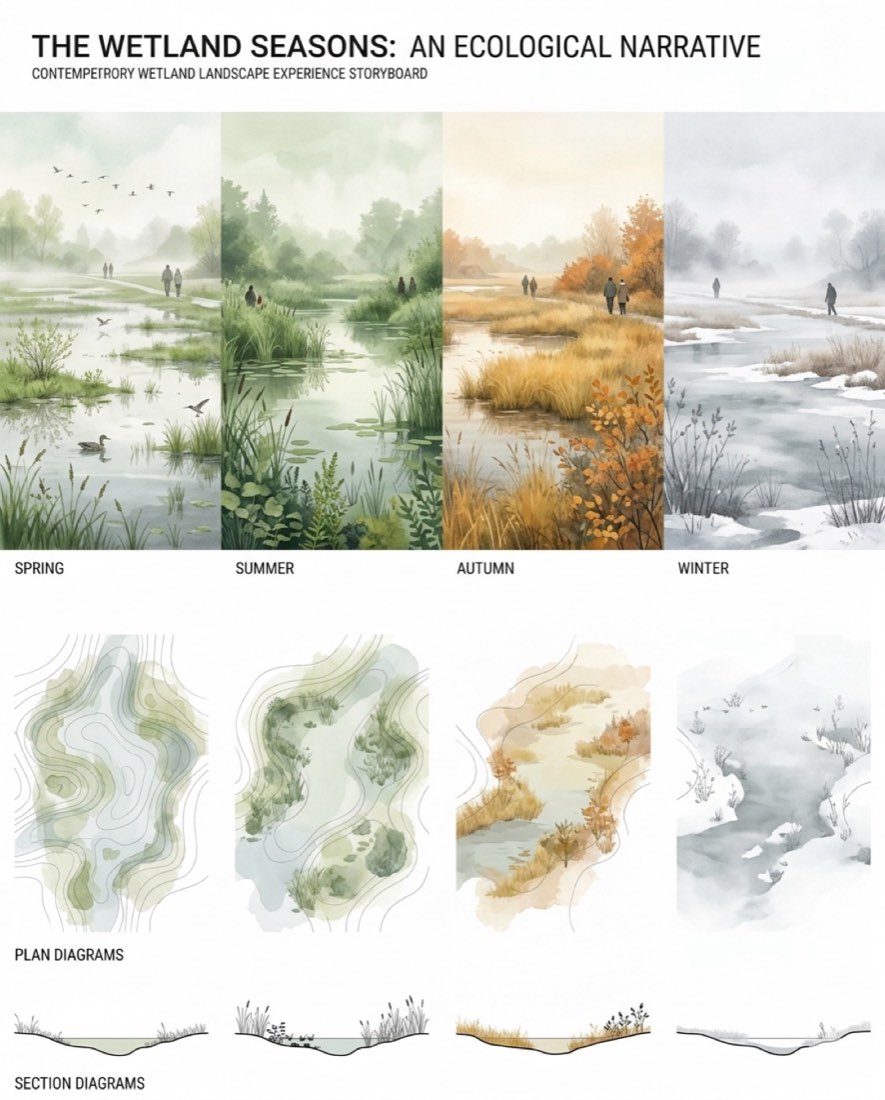
- Adobe Firefly in Photoshop: Generative Fill for swapping vegetation, changing seasons and adding people inside your board.
2. Render your own SketchUp model
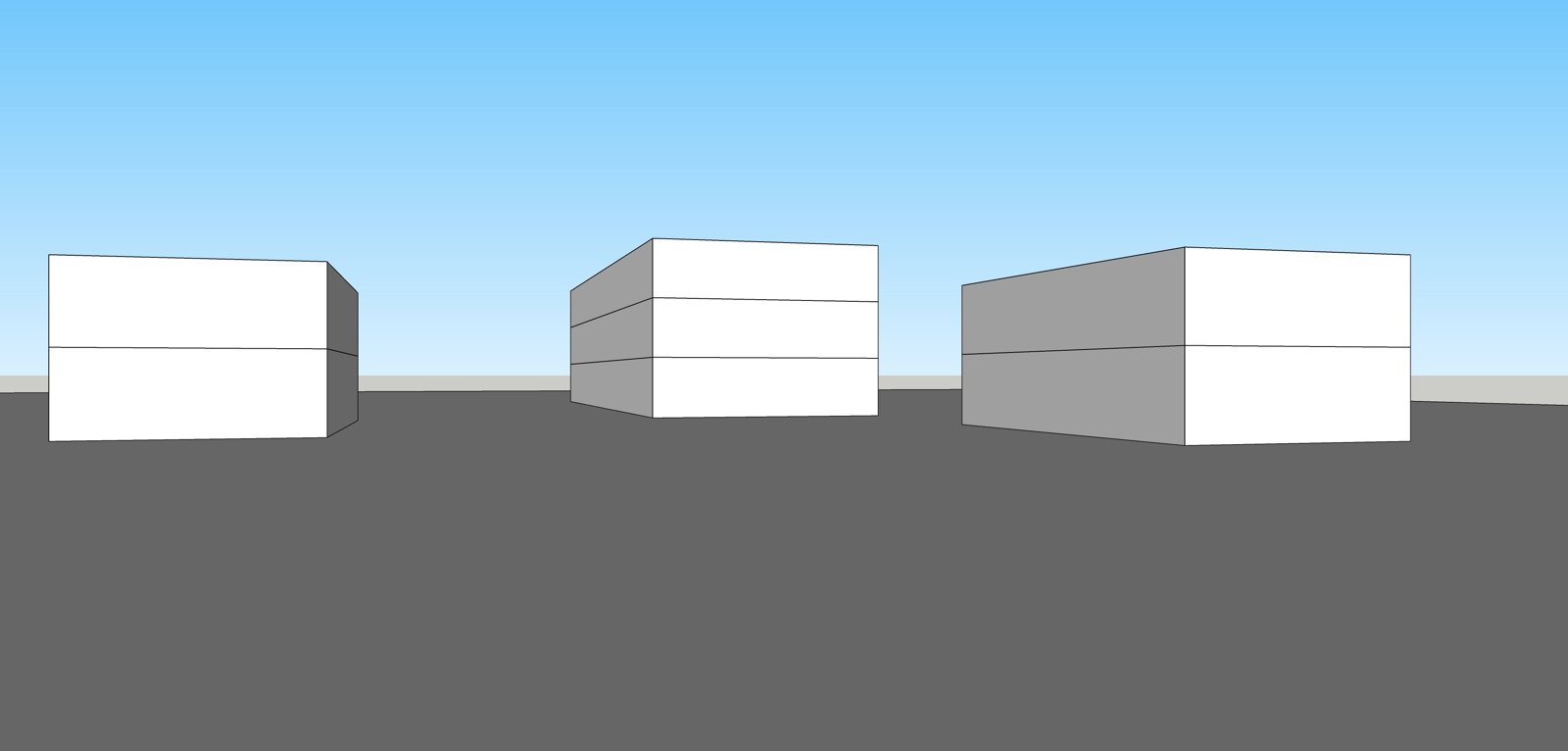
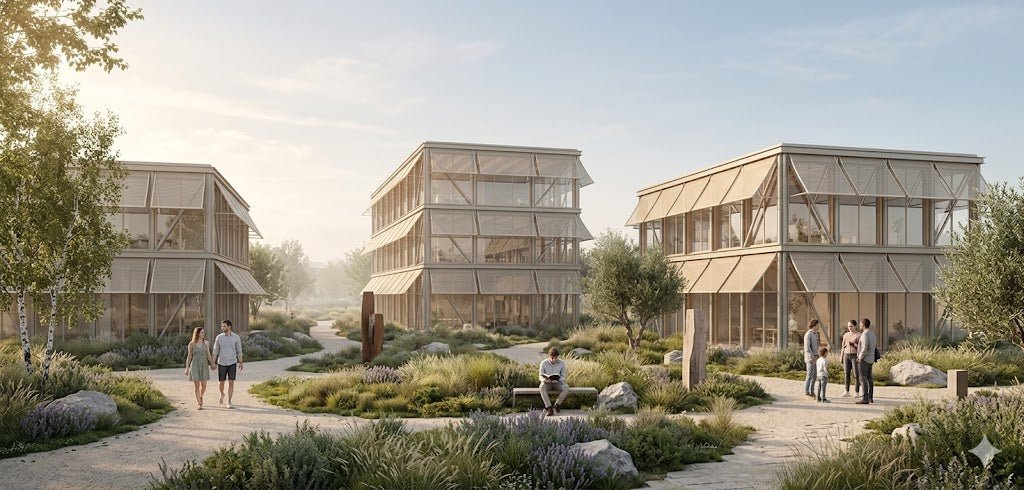
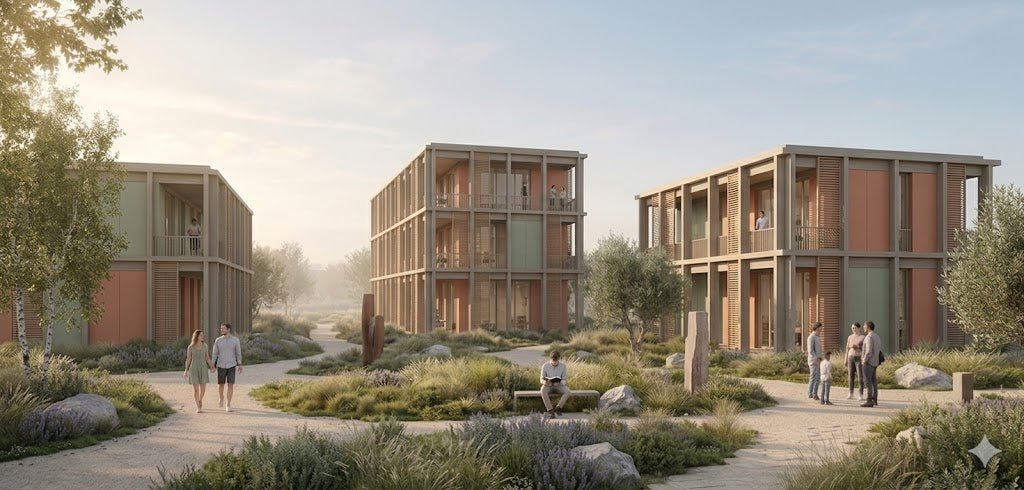
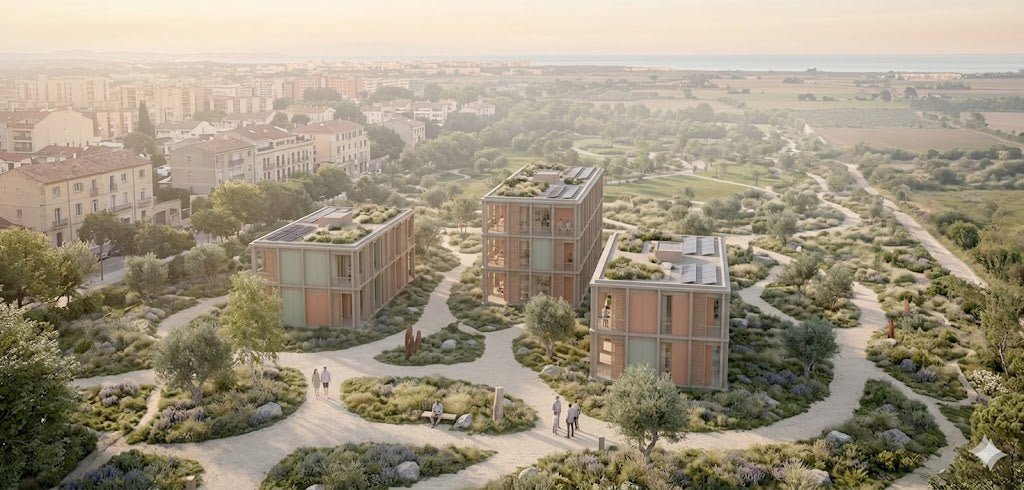
- Nano Banana (Gemini): the simplest route. Upload a SketchUp screenshot and describe the architecture, landscape and atmosphere.
- SketchUp Diffusion: built into SketchUp, with style presets and text prompts inside the viewport.
- D5 Render: real-time rendering with strong vegetation and weather, good for comparing seasons and times of day.
3. Site analysis
- Autodesk Forma: early-stage solar, wind, daylight and microclimate feedback, useful for climate-resilient design.
- Land Kit for Rhino: parametric landscape design with grading and water-flow tools inside Rhino.
4. Boards and post-production
An AI render is a start, not a board. Competition sheets still need cut-out trees, vector vegetation, paving textures, people and a precise layout, done in Photoshop and Illustrator with a good asset library.
Three workflows
| Workflow | Steps | Good for |
|---|---|---|
| Competition | Midjourney or Nano Banana → prompt library → Photoshop → Illustrator | Students and entrants, no 3D needed |
| Professional practice | Forma → SketchUp + AI render → D5 Render → AI concepts | Site analysis through client visuals |
| Beginner | Image AI → tested prompts → asset library → Photoshop or Procreate | Zero 3D experience |
Tool features and prices change quickly; check each tool's current plan before you commit. This guide is based on the April 2026 article by Zixu Qiao.
By Zixu Qiao, LandSpace Architecture. Adapted from the original article on the LandSpace blog. Updated 2026-11-17.