AI for Architecture
Short answer
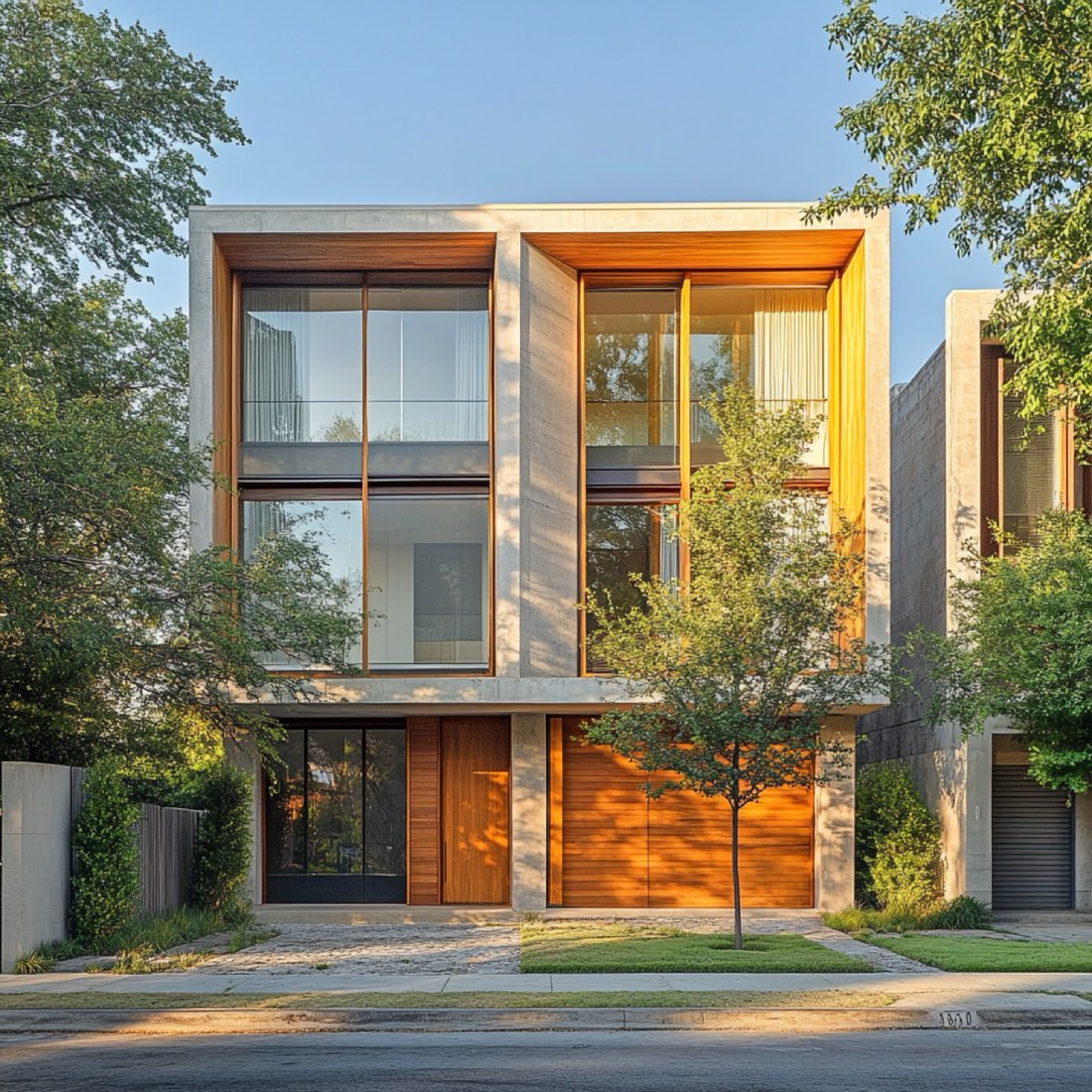
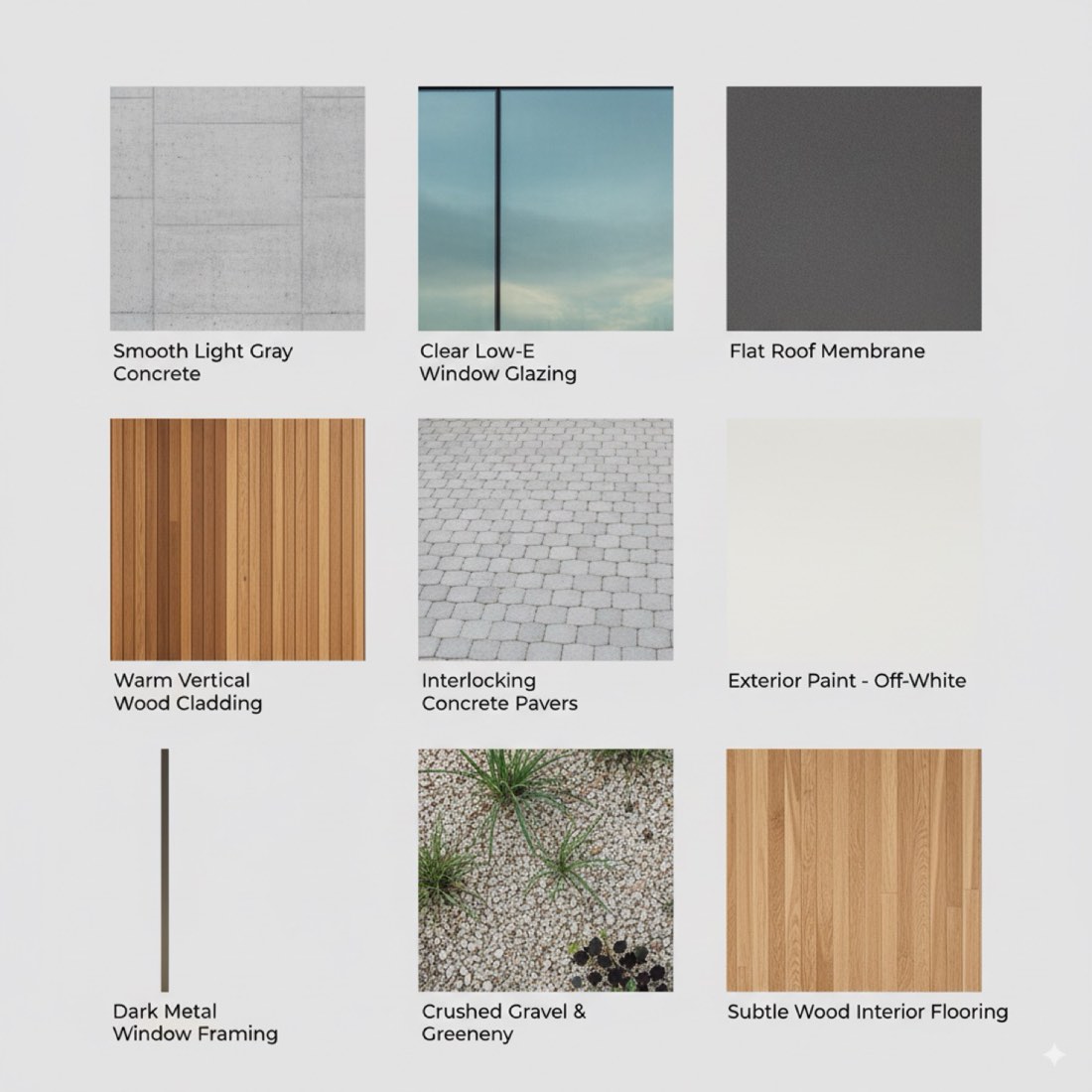
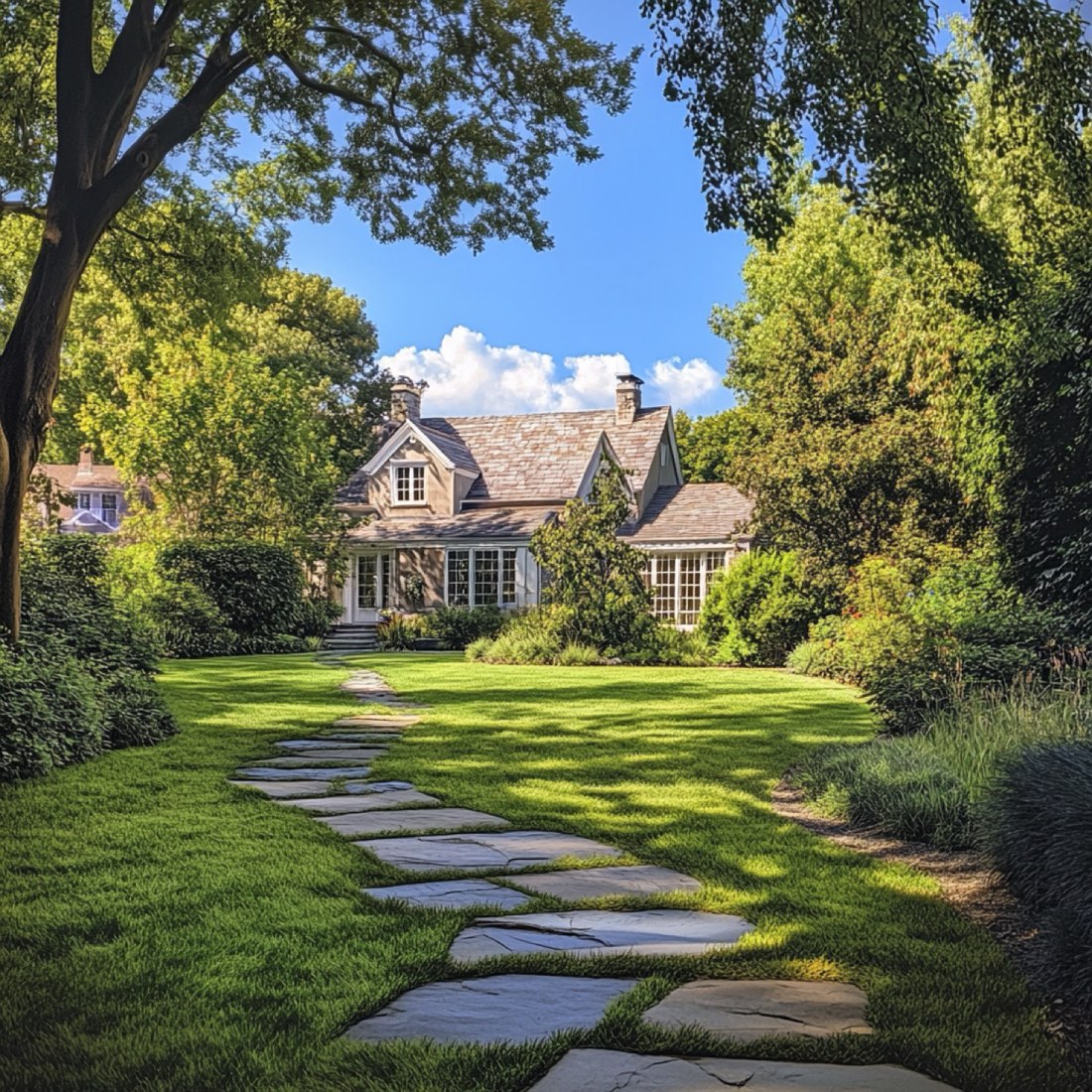
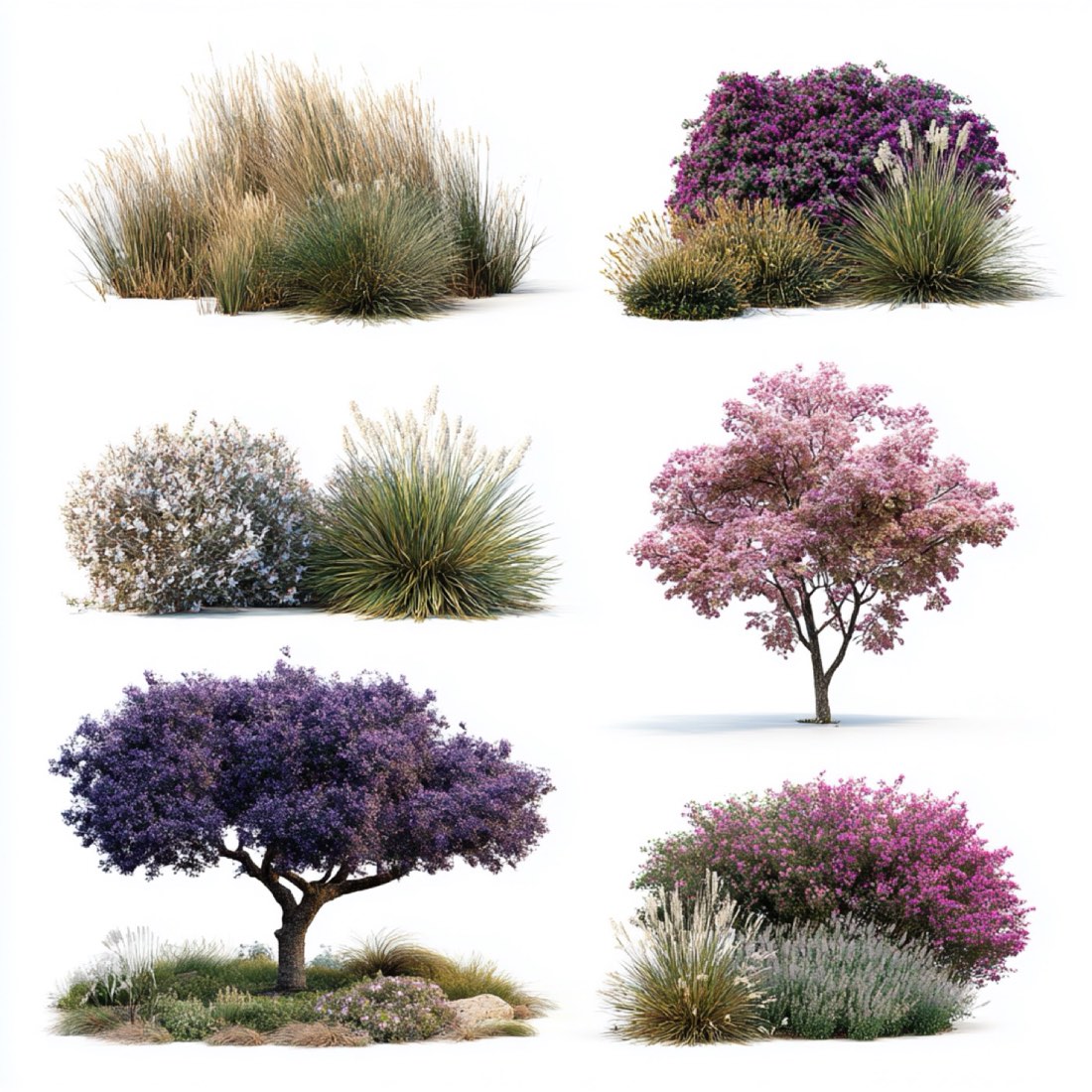
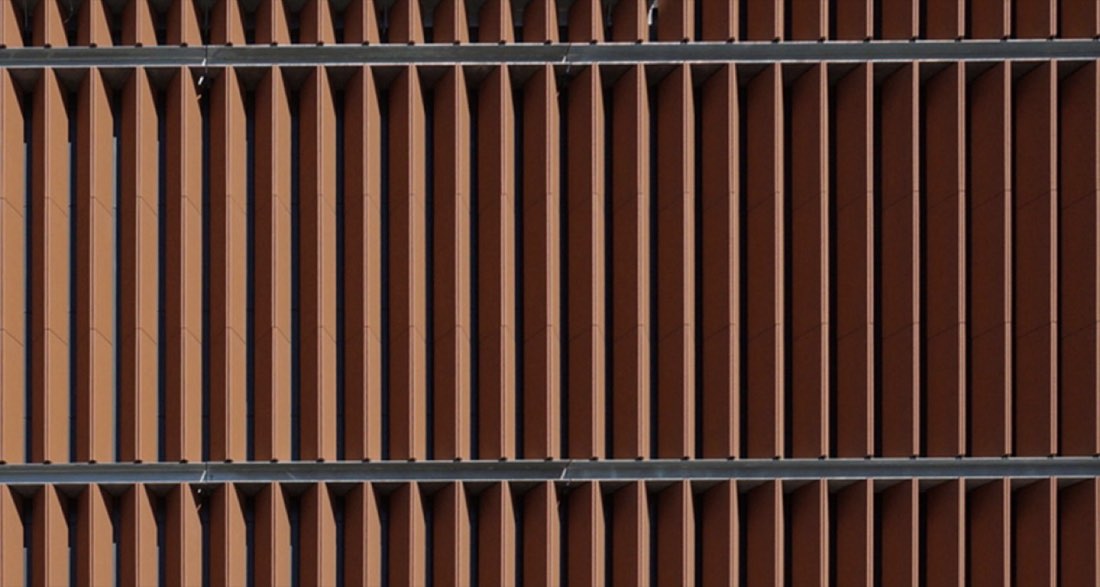
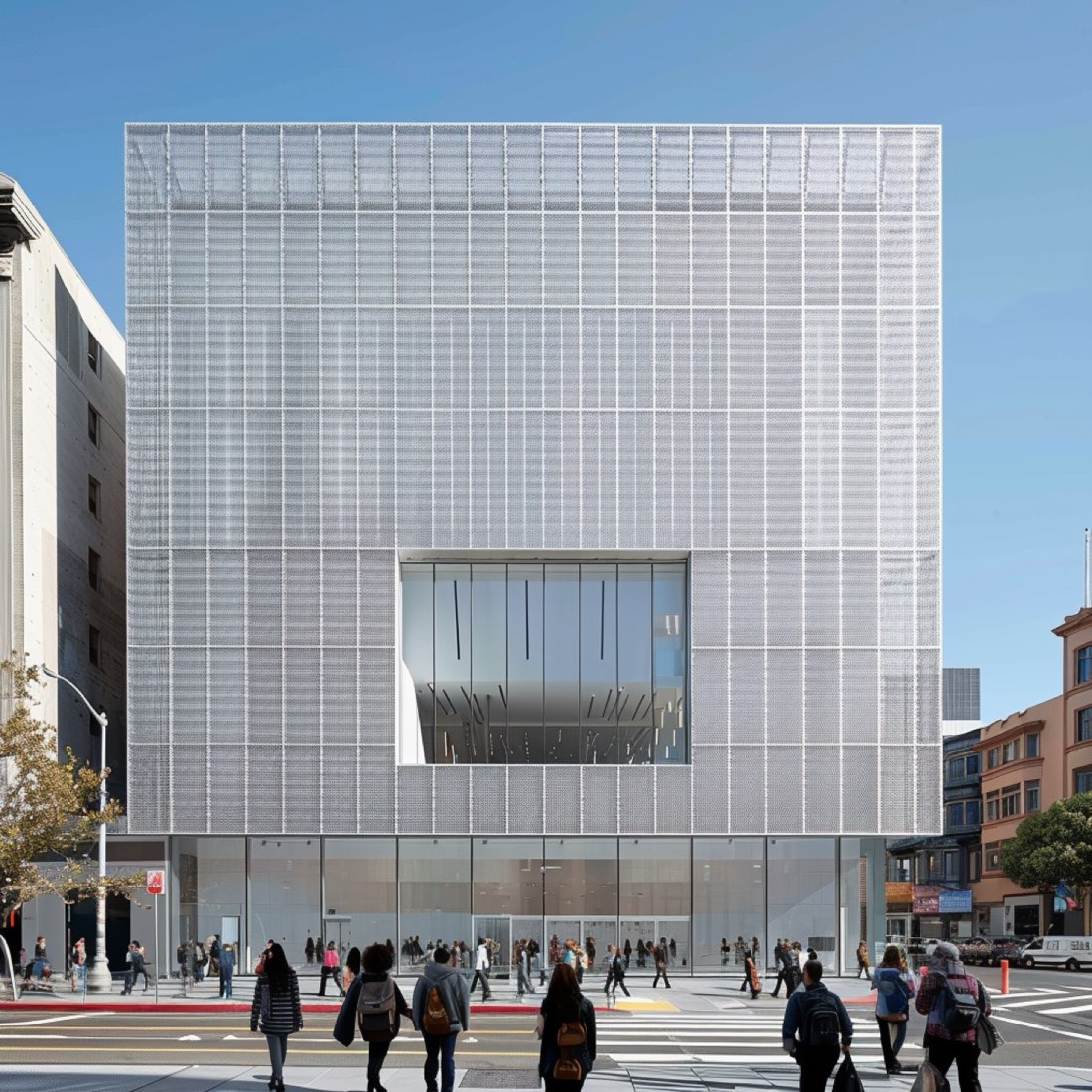
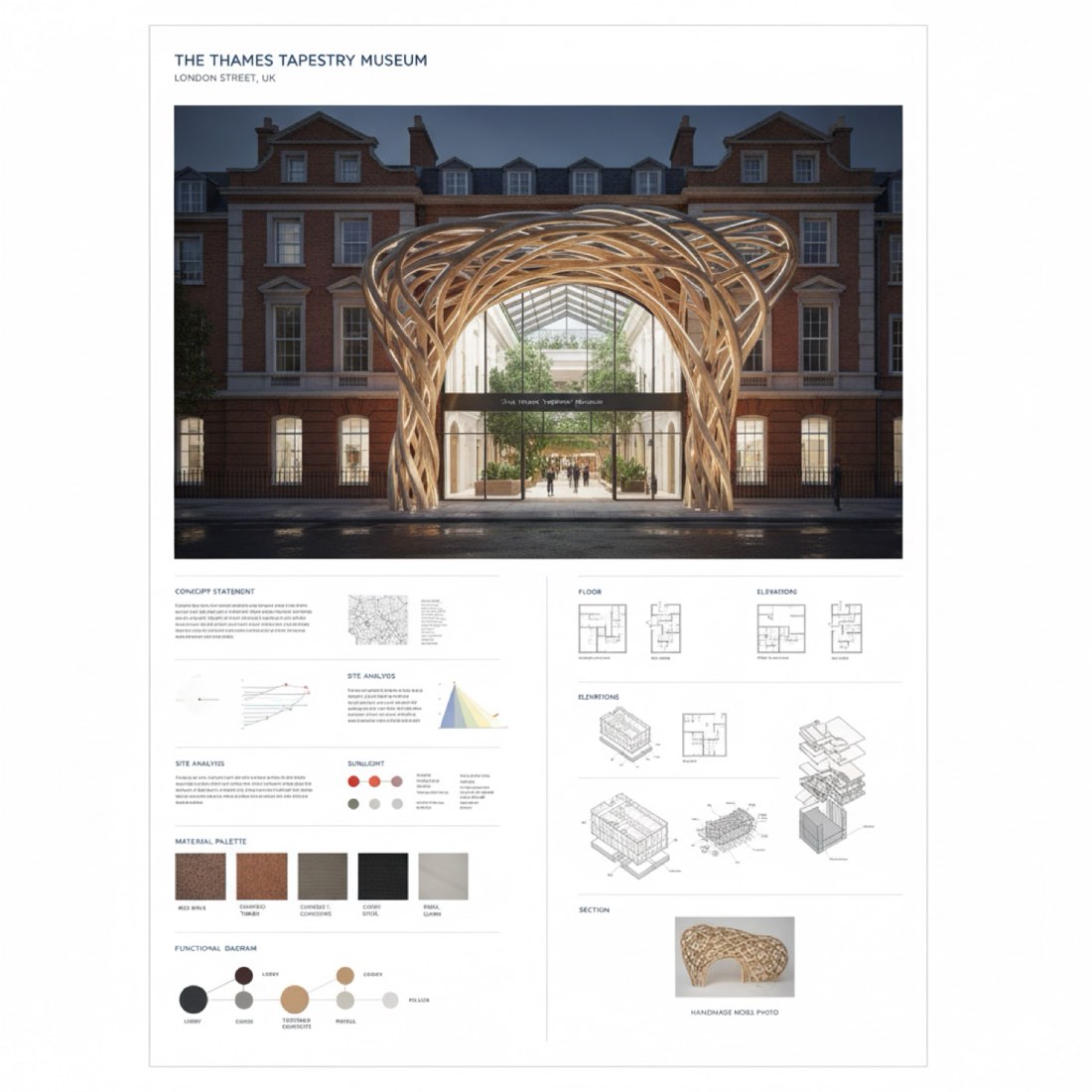
Upload a photo of a building, garden or interior to Nano Banana (Google Gemini) or ChatGPT and ask it to analyse the image, extract the main materials (or plants, or furniture and textiles) and lay them out as labelled, flat swatches in a clean grid on a neutral background. One prompt turns a reference photo into a presentation-ready moodboard in a minute.
What you need
- A clear reference photo: a building facade, a planted space or an interior.
- Nano Banana (in the Gemini app) or ChatGPT with image generation.
- The prompt below, with the material categories changed to suit your project.
Step by step
- Pick a photo where the materials are visible and well lit.
- Upload it to Nano Banana (Gemini) or ChatGPT.
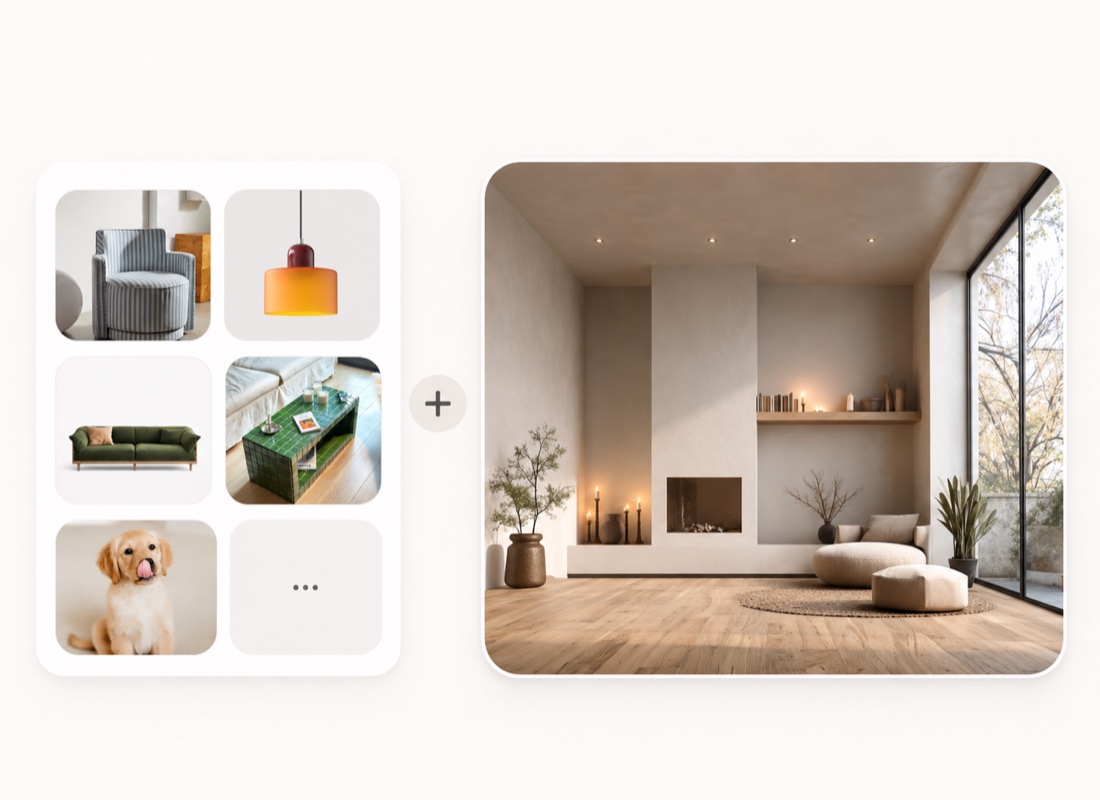
- Paste the prompt below. For a garden, ask for plant species; for an interior, ask for furniture, textiles, colours and lighting.
- Check every label against the photo. If a material is wrong, reply with the correct name: "The facade is zinc, not steel."
- Ask for a second version in a different layout (a row, a collage, a flat-lay) to choose from.
Tips
- List the categories you want (facade, glazing, roof, trim, paving), so nothing important is missed.
- Ask for labels under each swatch: they make the board readable and easy to check.
- Use a neutral white or grey background so the materials read as a palette.
By Zixu Qiao, LandSpace Architecture. Updated 2026-11-28.
More examples: Image to Material Moodboard has 3 worked examples with 3 prompts.