AI for Architecture
Short answer
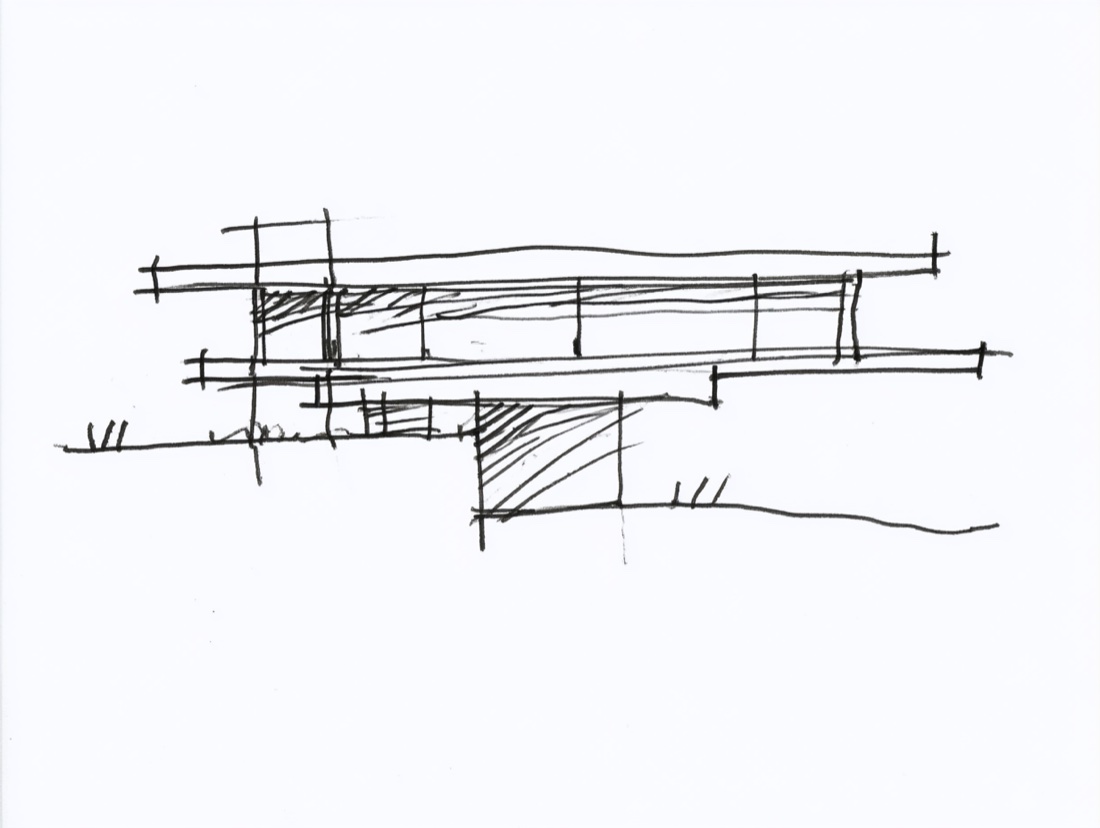
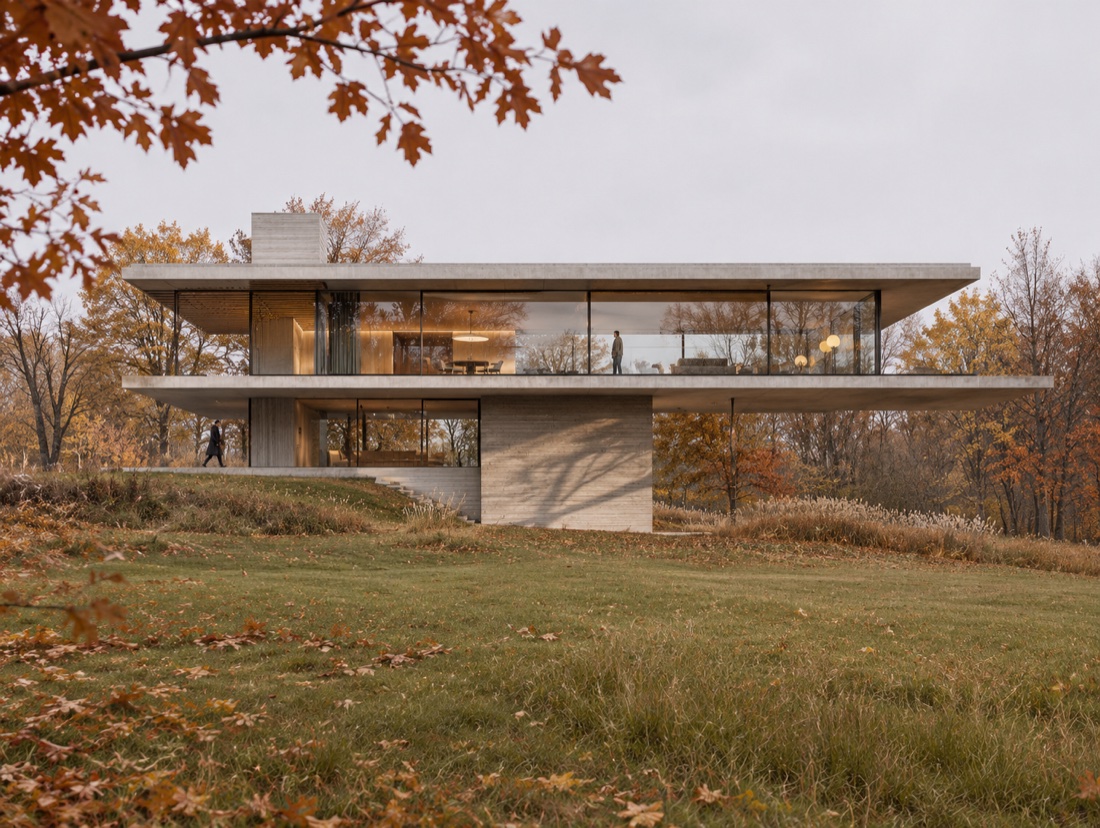
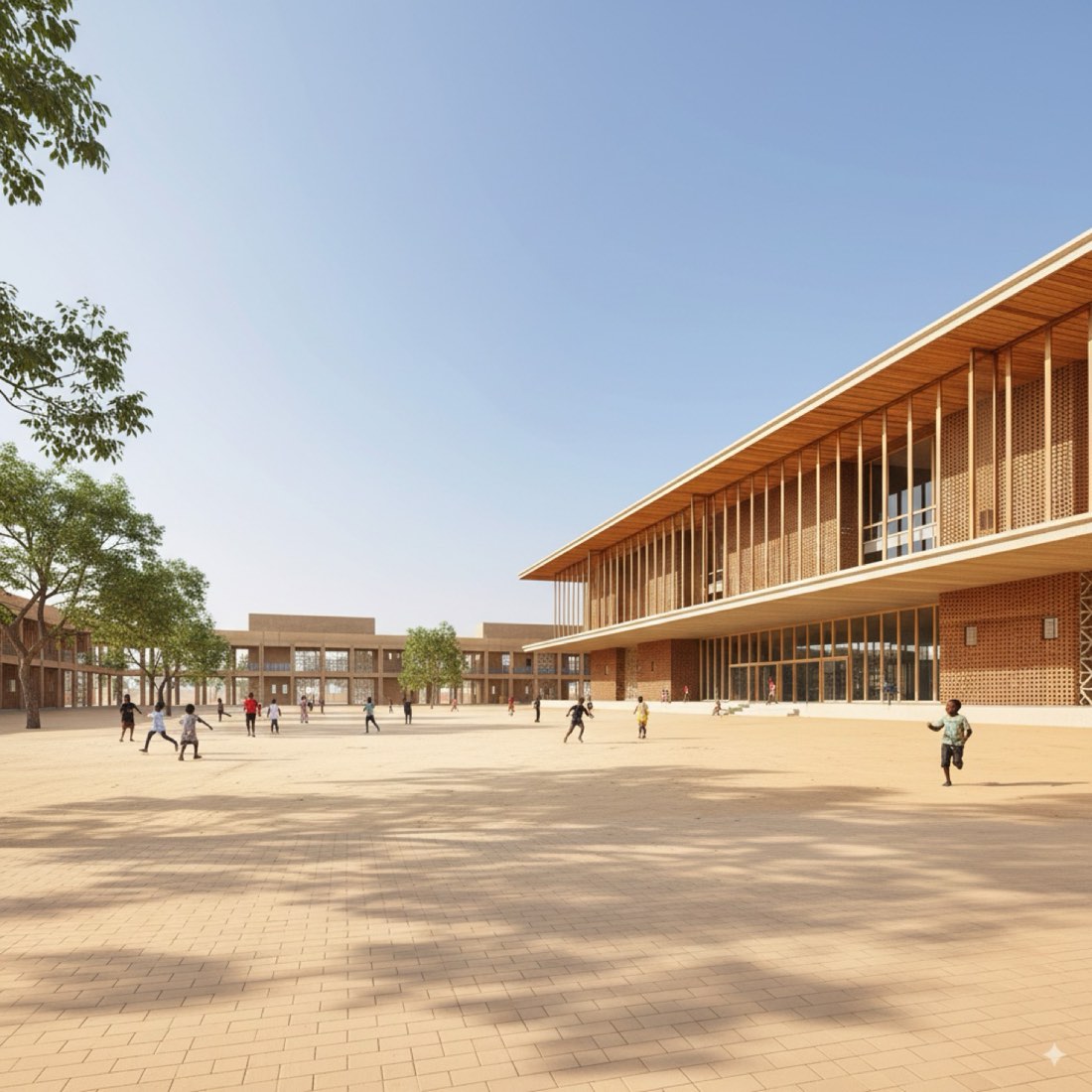
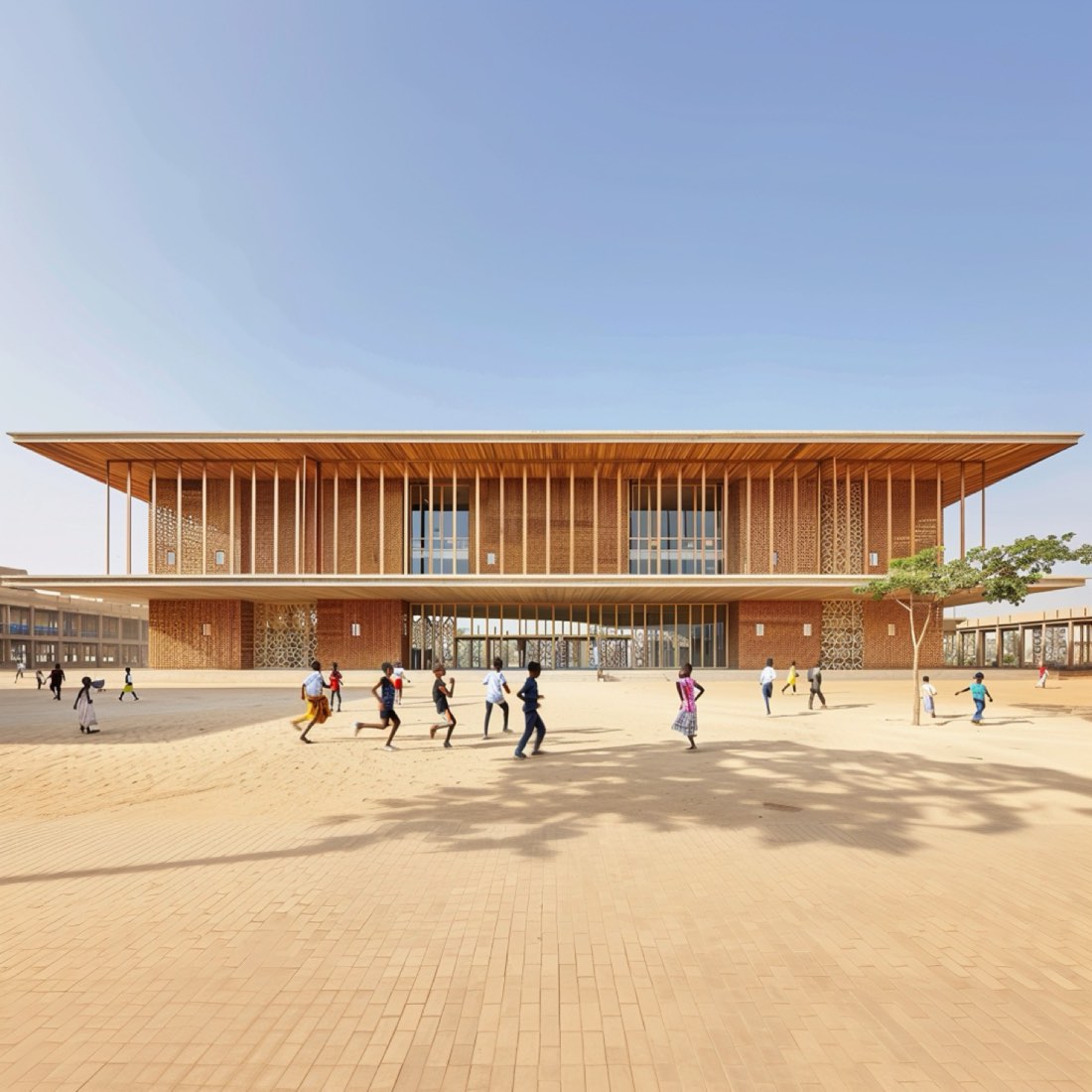
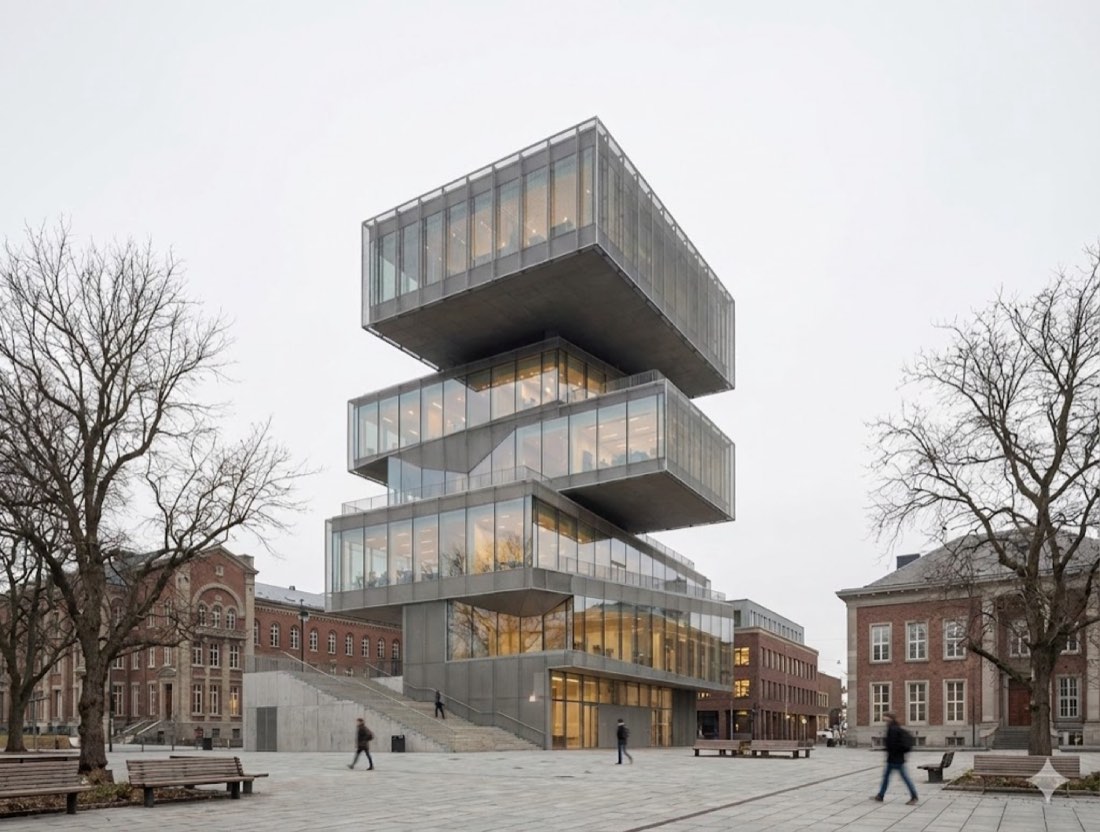
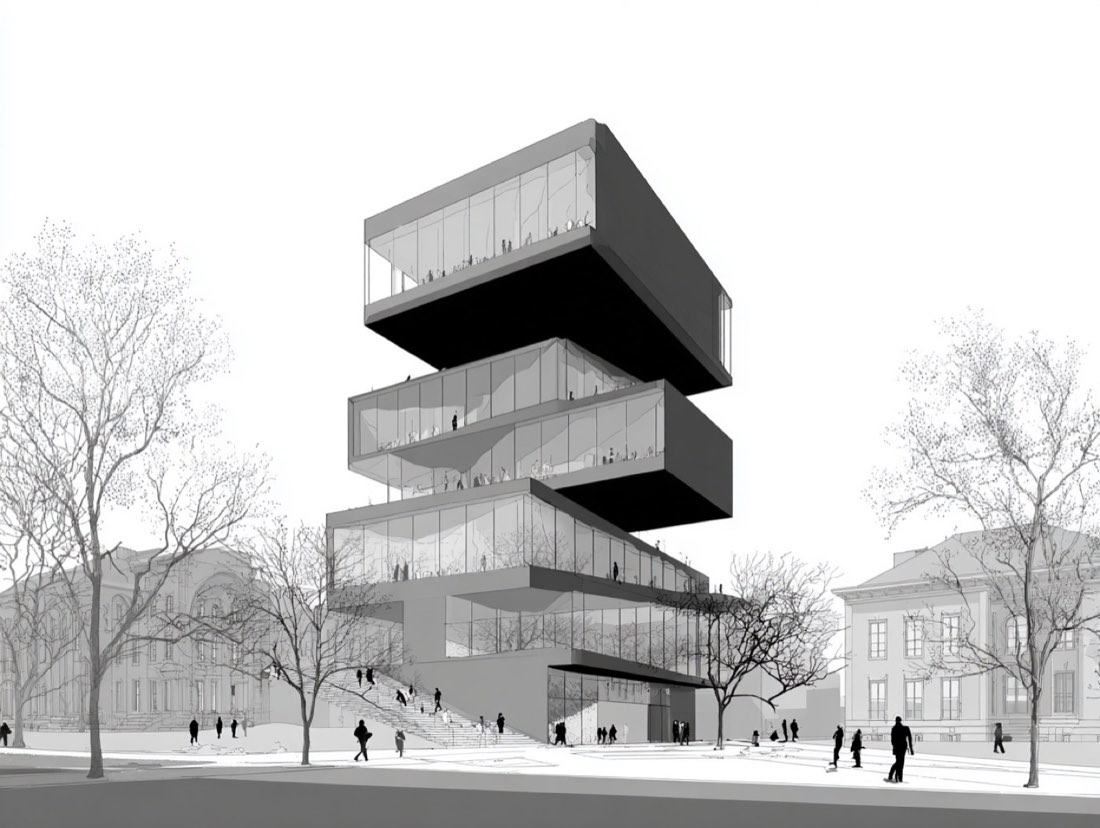
Upload a photo or scan of your sketch to Nano Banana (Google Gemini) or ChatGPT, then use a prompt that first locks the sketch's geometry (silhouette, massing, proportions, openings and viewpoint) and only then describes materials, light and setting. Locking the geometry first is what keeps the AI from redesigning your building. Expect one prompt plus one or two follow-up edits.
What you need
- A clear sketch: photographed flat and straight-on in good light, cropped to the drawing.
- Nano Banana (in the Gemini app) or ChatGPT with image generation.
- The prompt below, with the bracketed parts changed to your project.
Step by step
- Photograph or scan the sketch straight-on and crop away the table and margins.
- Open Nano Banana (Gemini) or ChatGPT and upload the image.
- Paste the prompt below. Replace the bracketed parts with your building type, materials and setting.
- Compare the result with your sketch. If the massing or openings changed, reply: "Keep the geometry of the sketch exactly; only change the materials and light."
- Refine one thing at a time in the same chat: time of day, season, people, planting.
Tips
- Clear outlines and a visible ground line help the AI read the drawing.
- Name real materials ("board-formed concrete", "vertical larch cladding") instead of "modern materials".
- Ask for one change per message; several changes at once make the AI drift from the sketch.
By Zixu Qiao, LandSpace Architecture. Updated 2026-11-17.
More examples: Sketch to Image has 9 worked examples with 11 prompts.