 Output
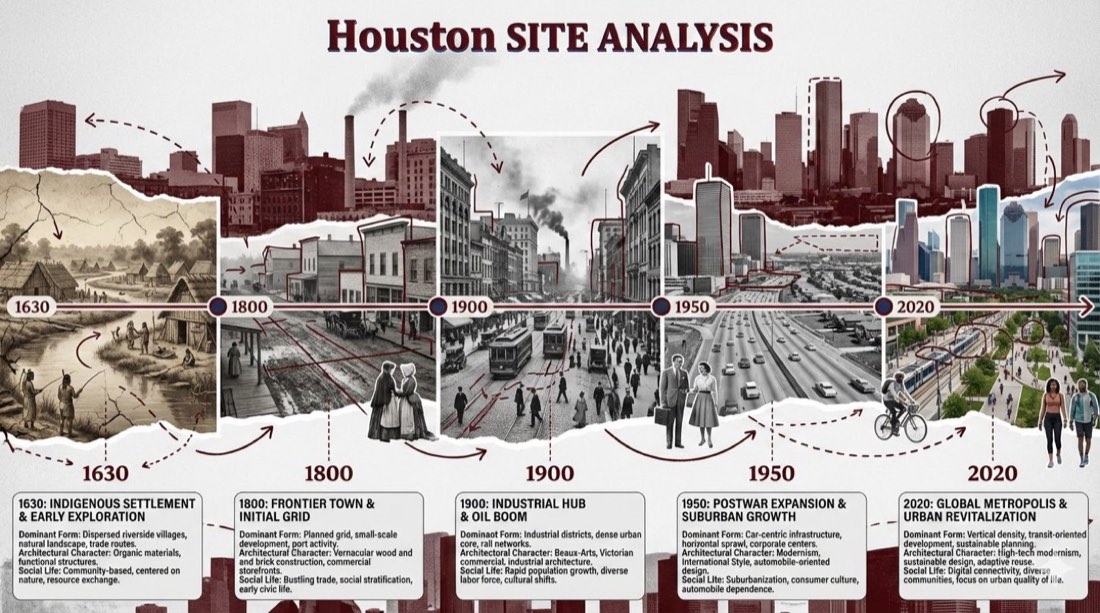
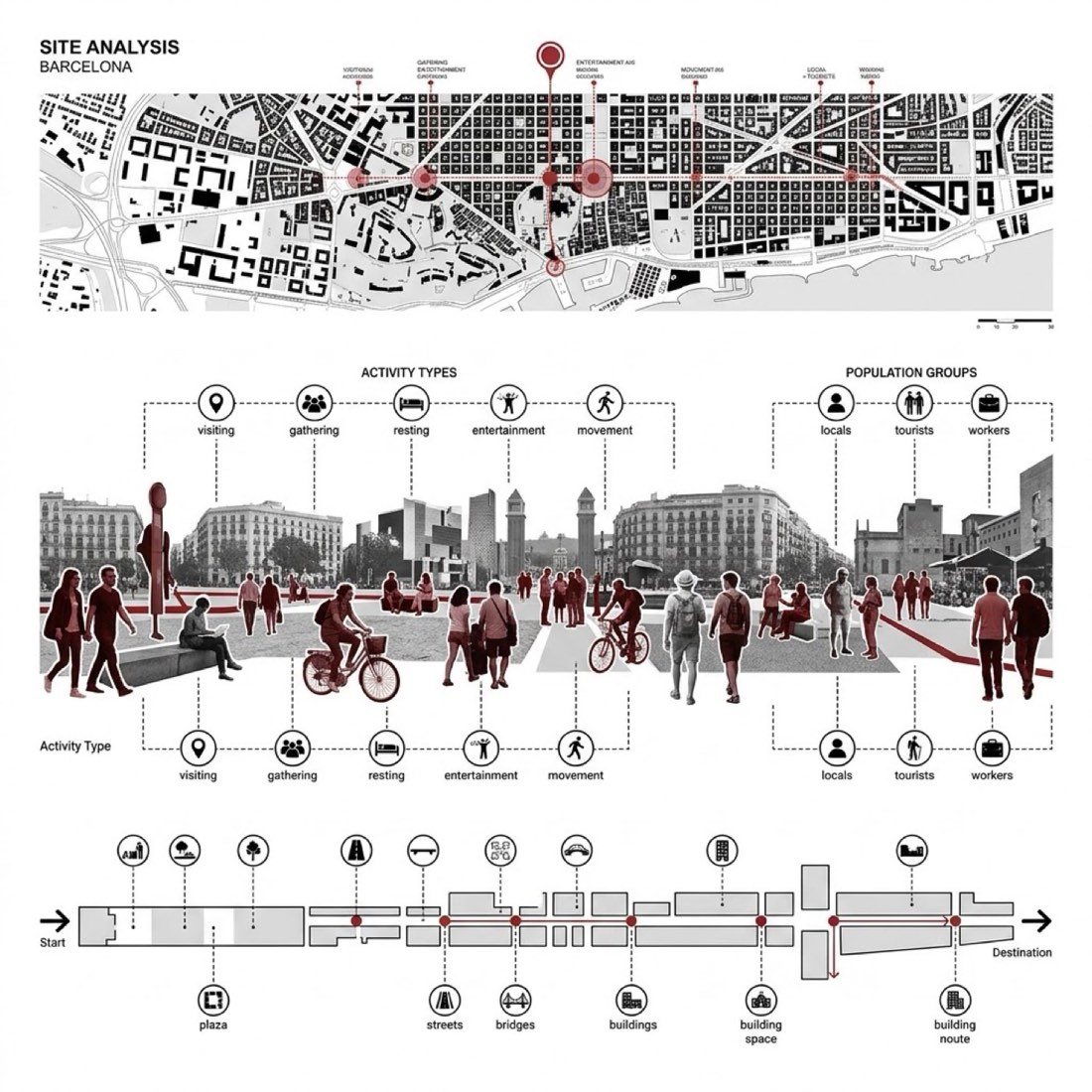
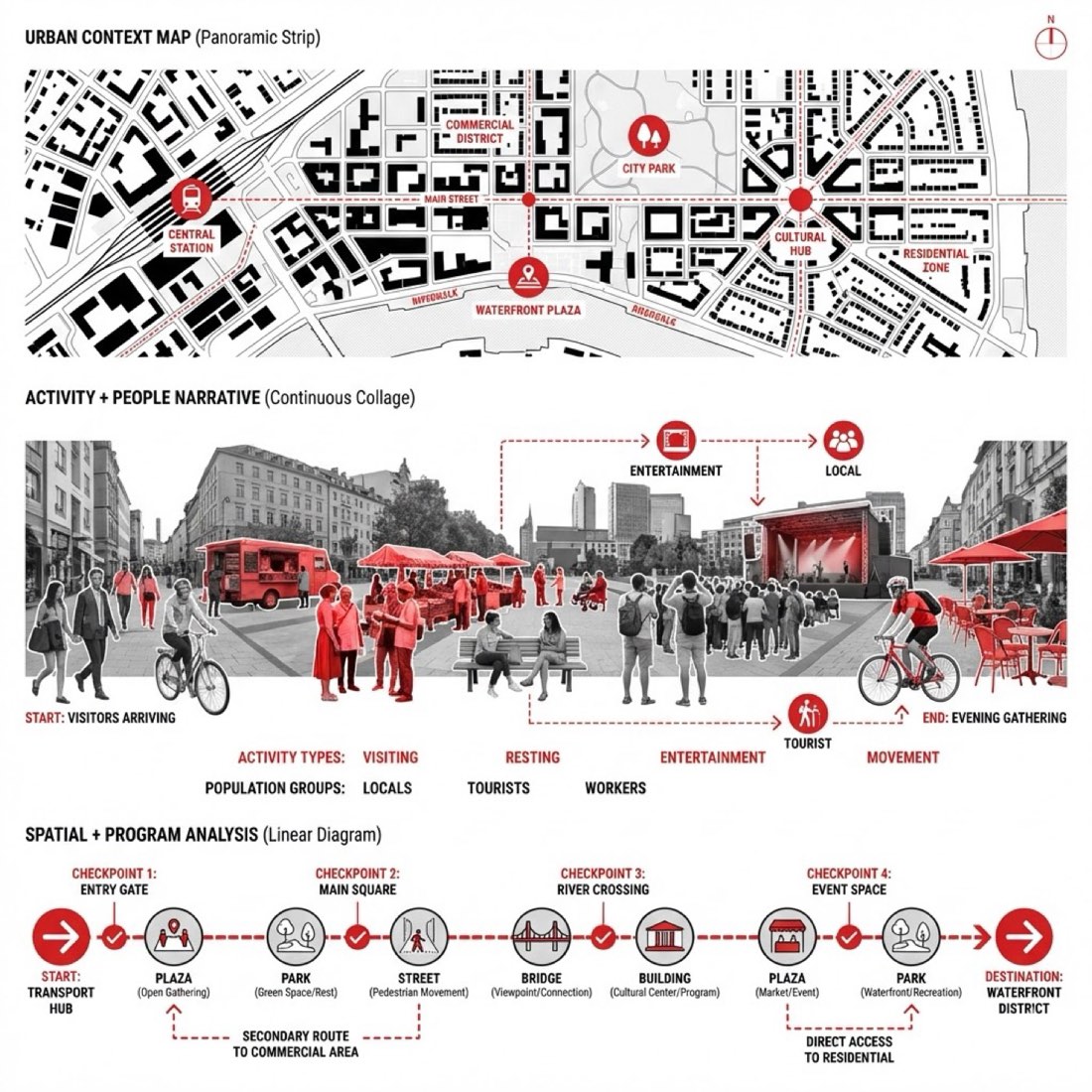
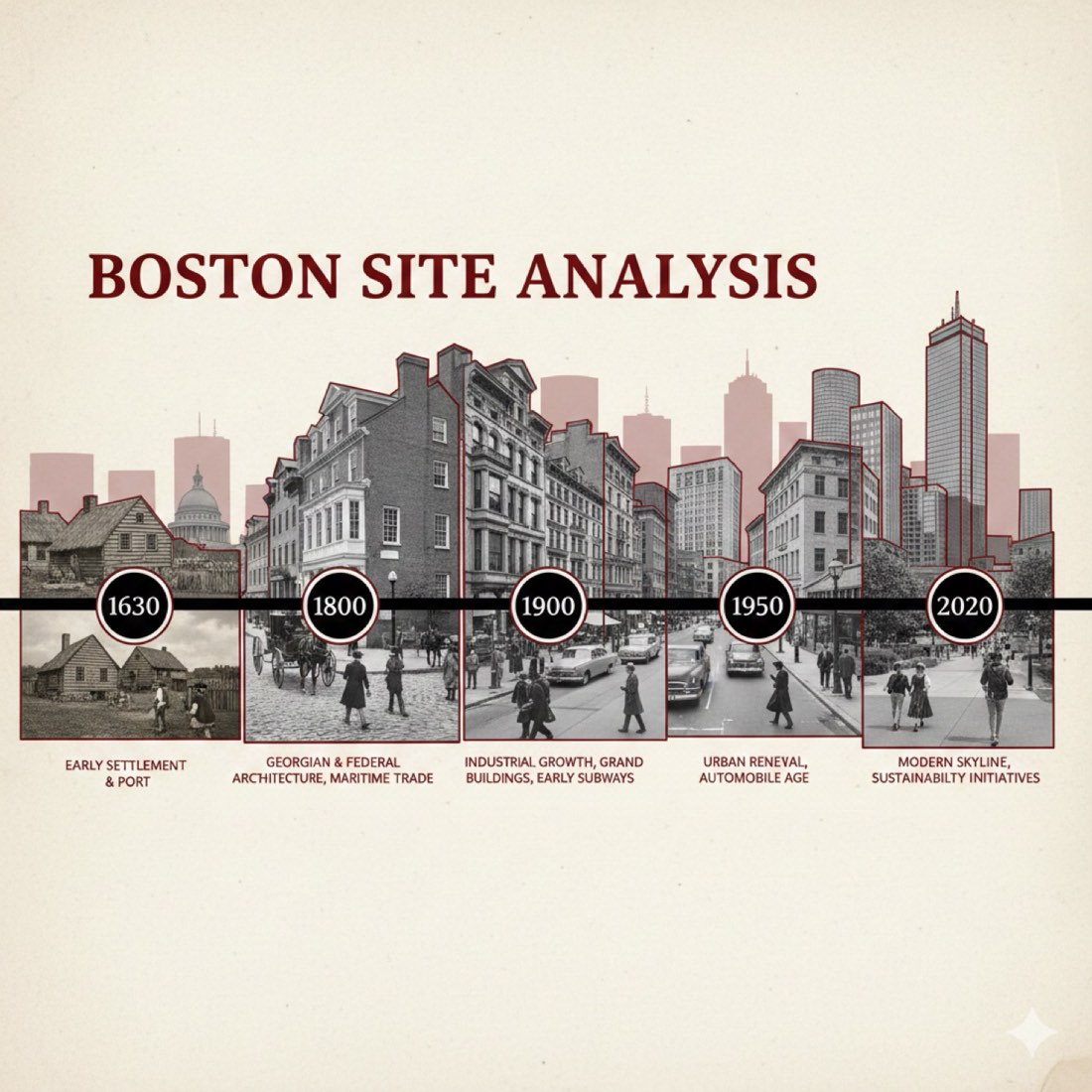
Generate a horizontal collage-style timeline analysis diagram of Boston’s early urban development: 1. DIAGRAM STRUCTURE: Place a horizontal timeline across the center of the image, with five key time points marked on it: [year1], [year2 ], [year3], [year4], [year5]. You name the key time points based on your research. Each point should include a representative architectural photo from that era along with descriptive text. 2. VISUAL ELEMENTS: At each time point, include street or architectural images that reflect that period. Use vintage photo textures, overall black-white-gray tone, and collage-style layout. Foreground elements should include people wearing era-appropriate clothing and representing typical daily life from that time. 3. VISUAL STYLE: The base color scheme should be black, white, and gray, with dark red accents. Add irregular hand-drawn dark red outline strokes following the contours of buildings. Create a continuous horizontal cityscape collage effect. Some background buildings should be overlaid with low-opacity dark red silhouettes. 4. TEXT ELEMENTS: Each time node should be paired with brief textual descriptions. The title "[SITE NAME] SITE ANALYSIS" should appear at the top in bold serif font using the highlight color (dark red). 5. ATMOSPHERE: Combine historic and modern buildings and era-specific characters into a unified scene. The text and visual elements should connect to form a narrative of urban evolution. TECHNICAL REQUIREMENTS: • Layout: 16:9 landscape layout. Asymmetrical balance, clear visual hierarchy • Elements: Mix of building elevations, city street photos, and human activity scenes • Fonts: Retro serif fonts; bold and eye-catching title • Detailing: Sharp architectural features, naturally integrated human figures • Texture: Vintage photo texture style • Color palette: Monochrome (black, white, gray) with dark red accents • Narrative quality: Use visual elements to express the historical trajectory of Boston’s urban development
生成一张横向拼贴风格的时间线分析图,表现波士顿早期的城市发展: 1. 分析图结构: 在图像中部放一条横向时间线,标出五个关键时间点: [年份1]、[年份2]、[年份3]、[年份4]、[年份5]。根据你的研究确定这些关键时间点。 每个时间点配一张该时代的代表性建筑照片和说明文字。 2. 视觉元素: 在每个时间点加入反映该时期的街道或建筑图像。 使用复古照片质感、整体黑白灰色调和拼贴式版式。 前景元素应包括穿着该时代服装、表现当时典型日常生活的人物。 3. 视觉风格: 基础配色为黑、白、灰,配深红色点缀。 沿建筑轮廓加入不规则的手绘深红色描边。 营造连续的横向城市风貌拼贴效果。 部分背景建筑叠加低不透明度的深红色剪影。 4. 文字元素: 每个时间节点配简短的文字说明。 顶部用高亮色(深红色)的粗体衬线字体写标题“[场地名称] SITE ANALYSIS(场地分析)”。 5. 氛围: 把历史建筑、现代建筑和各时代人物融合到一个统一的场景中。 文字和视觉元素相互连接,形成城市演变的叙事。 技术要求: • 版式:16:9 横版。非对称平衡,视觉层级清晰 • 元素:建筑立面、城市街道照片和人的活动场景的混合 • 字体:复古衬线字体;标题醒目加粗 • 细节:建筑特征清晰,人物自然融入 • 质感:复古照片质感风格 • 配色:单色(黑、白、灰)配深红色点缀 • 叙事性:用视觉元素表达波士顿城市发展的历史轨迹