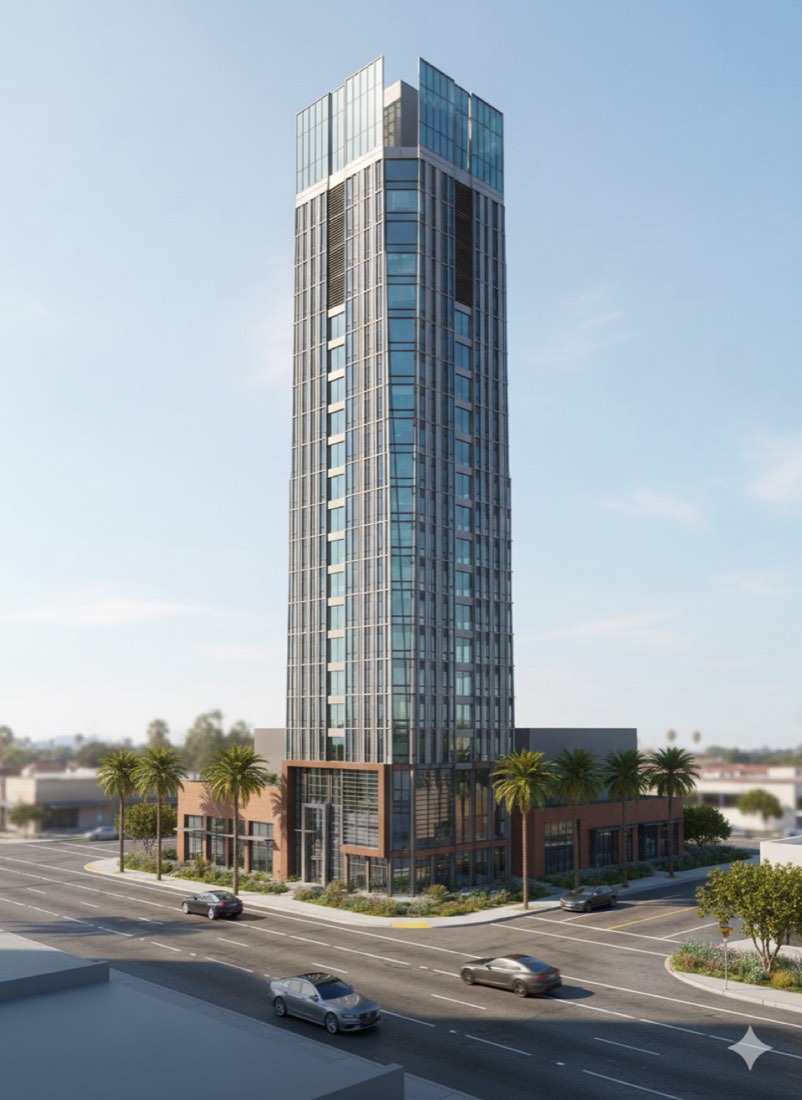
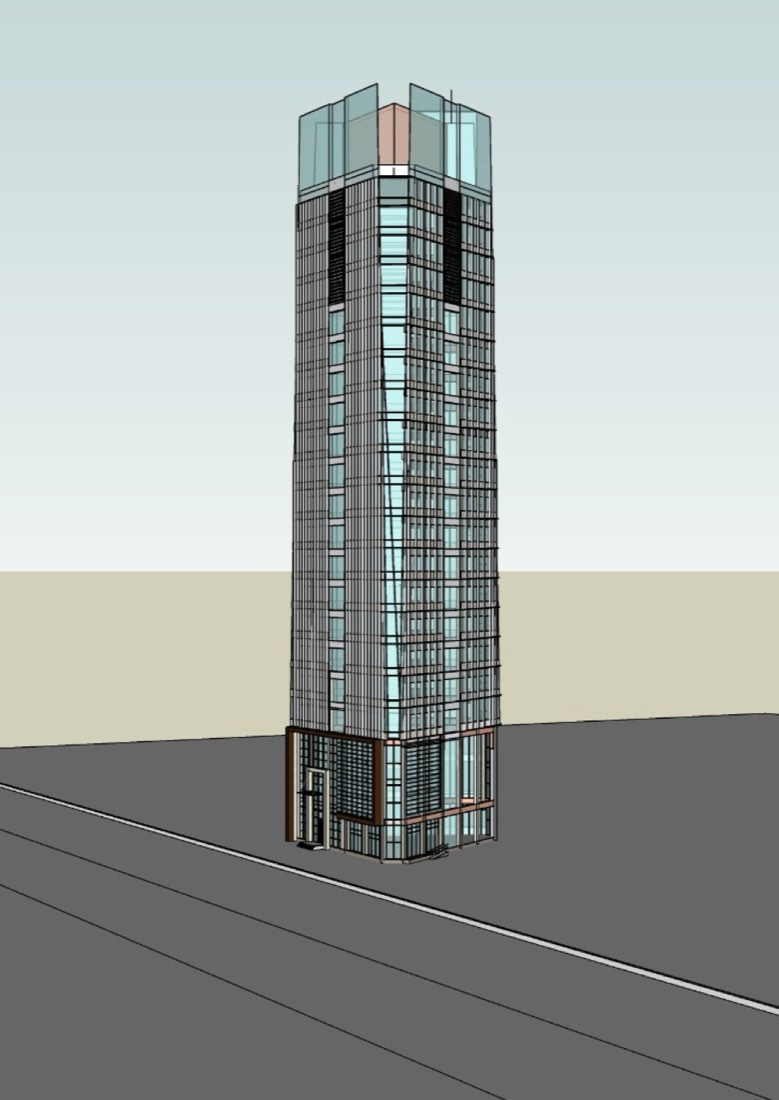
AI for Architecture
Short answer
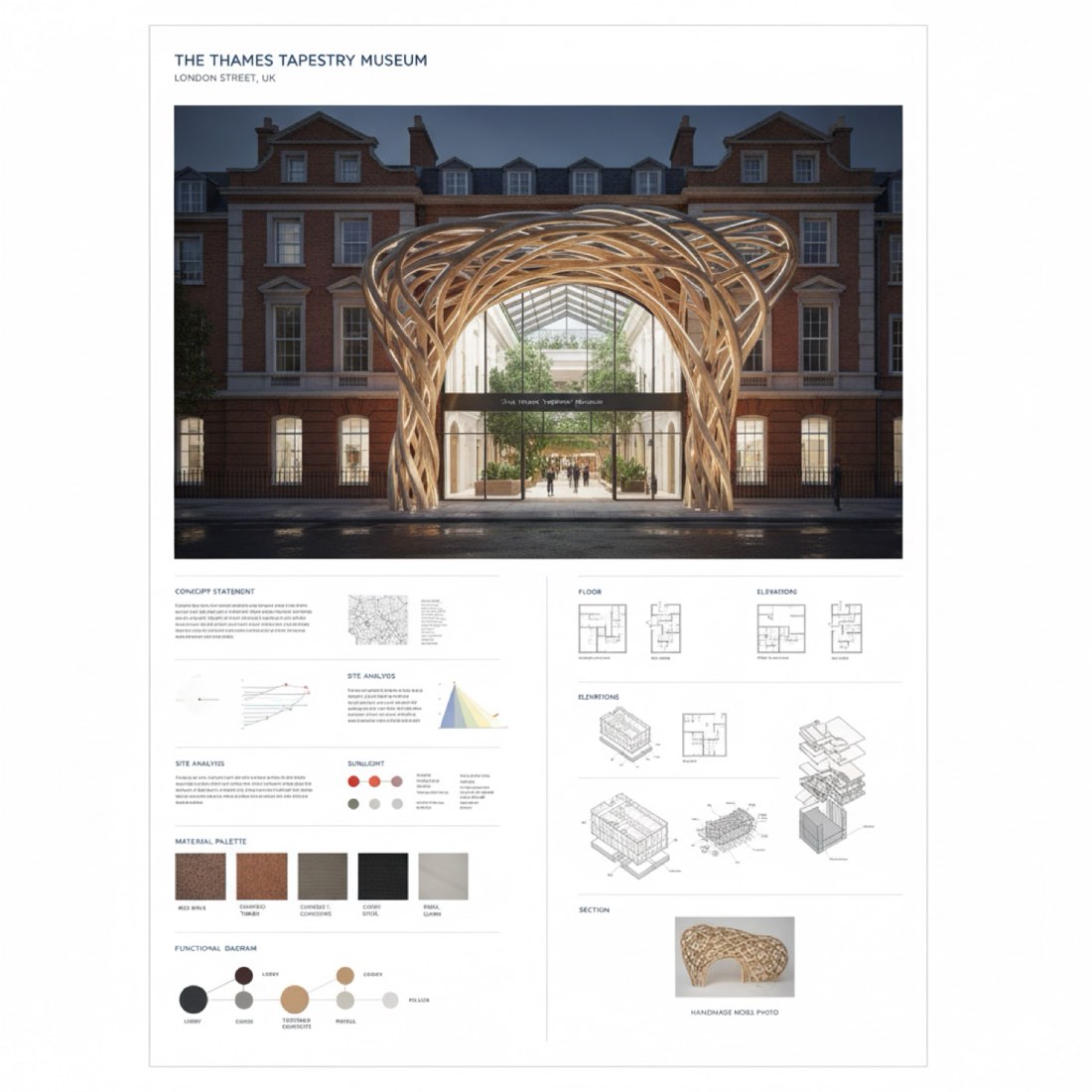
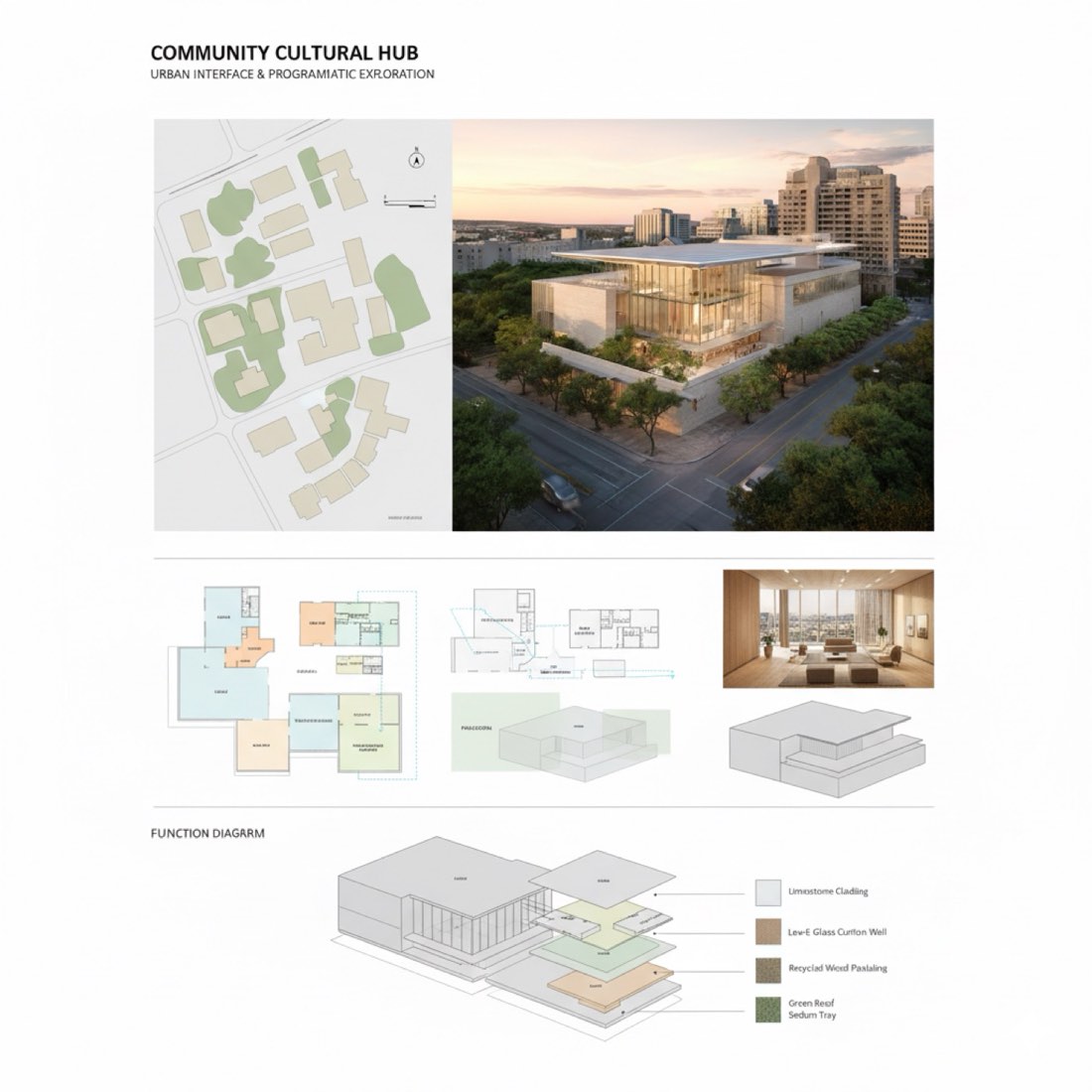
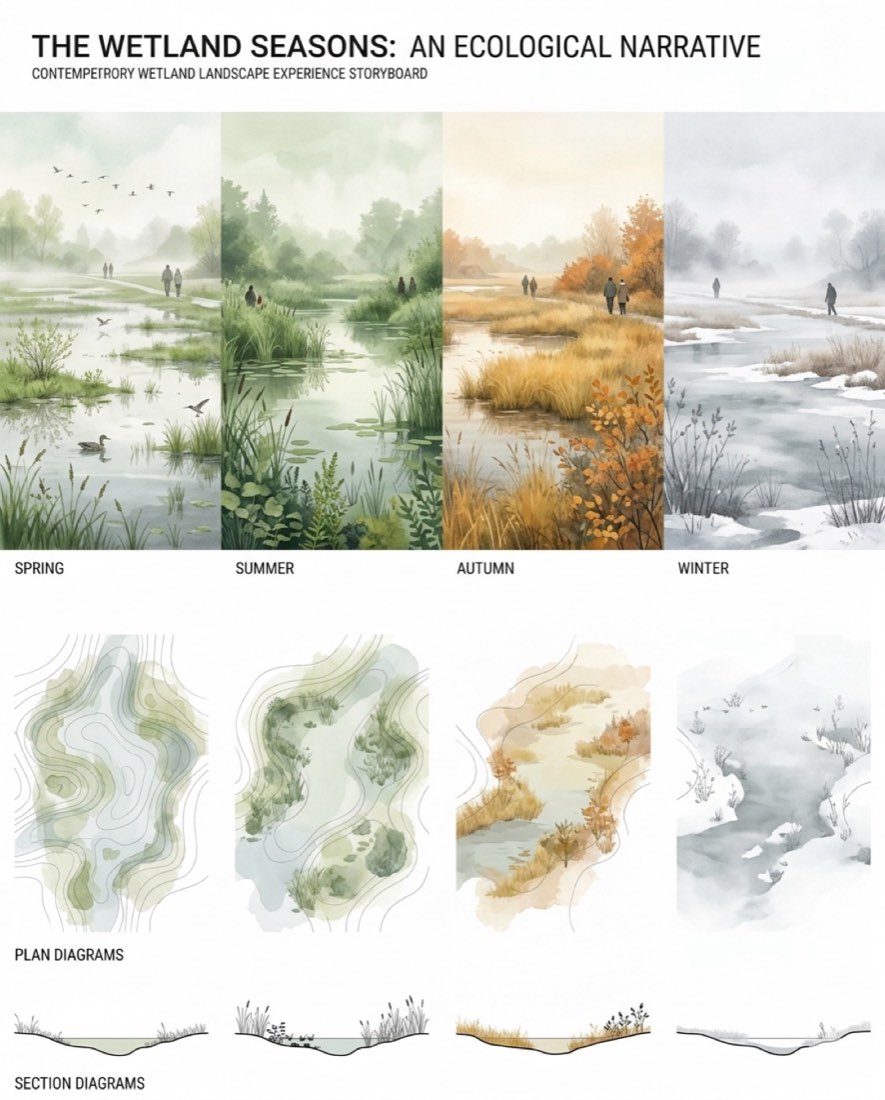
Give Nano Banana (Google Gemini) one prompt that describes the project and lists everything the board should contain (street-view rendering, floor plans, section, axonometric diagram, material palette, zoning) and the format, such as a clean A1 vertical board. The AI lays out the whole board in one image. Check all text and drawings before using it, because AI boards can contain wrong labels.
What you need
- A short project description: building type, site and design idea.
- The list of drawings the board should include and its format.
- Nano Banana (Gemini).
Step by step
- Write two or three sentences about the project and its main design move.
- List the drawings to include and the board size and orientation.
- Paste the prompt below, swap in your project, and send it.
- Fix details in the same chat, one at a time: "make the section larger", "remove the text at the bottom".
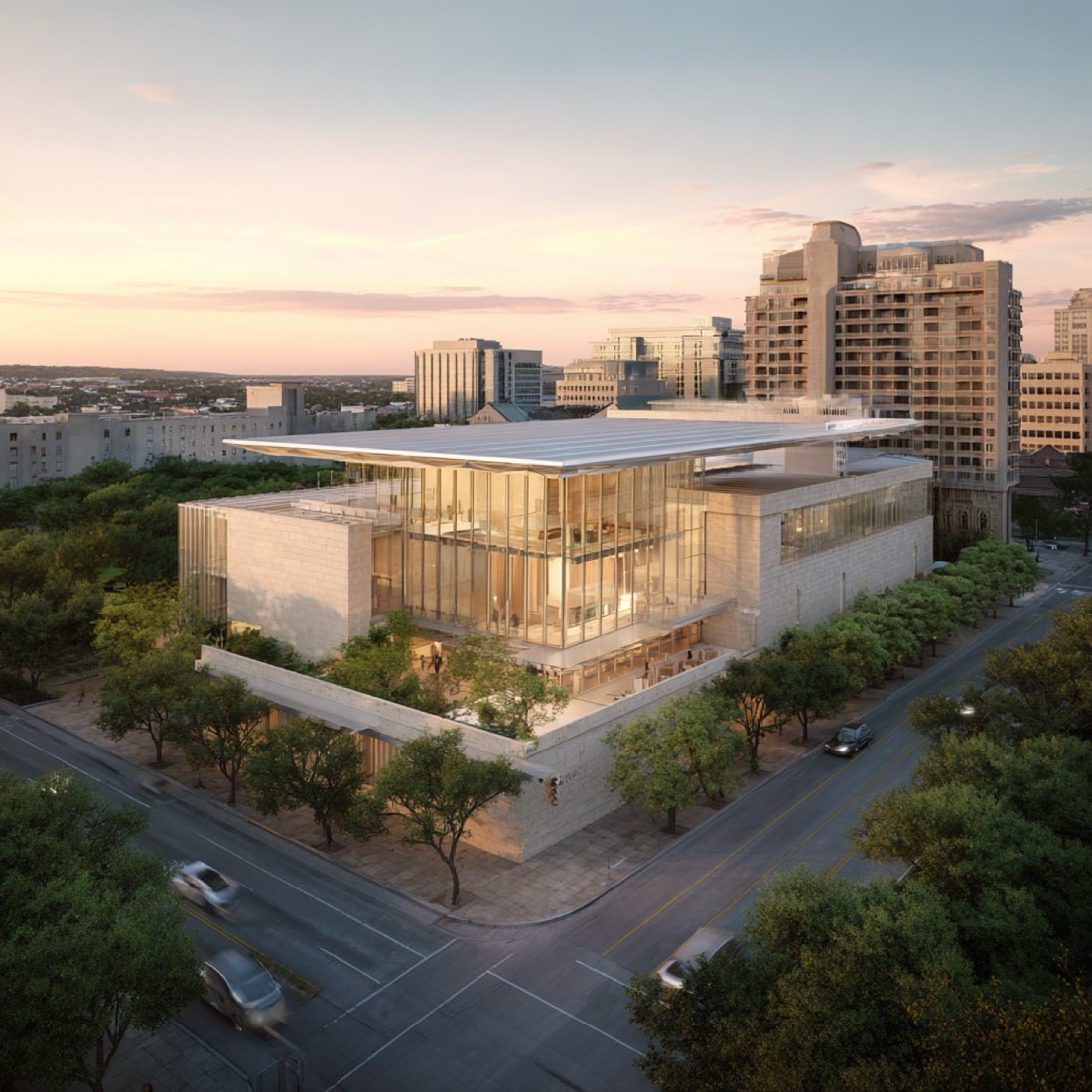
- To build a board around your own rendering, follow Rendering to Presentation Board.
Tips
- Fewer drawings per board give cleaner layouts.
- Treat AI text and dimensions as placeholders and replace them in your layout software.
- Reuse the same style sentence to make a matching set of boards.
By Zixu Qiao, LandSpace Architecture. Updated 2026-11-17.
More examples: Presentation Board has 6 worked examples with 6 prompts.