AI for Architecture
Short answer
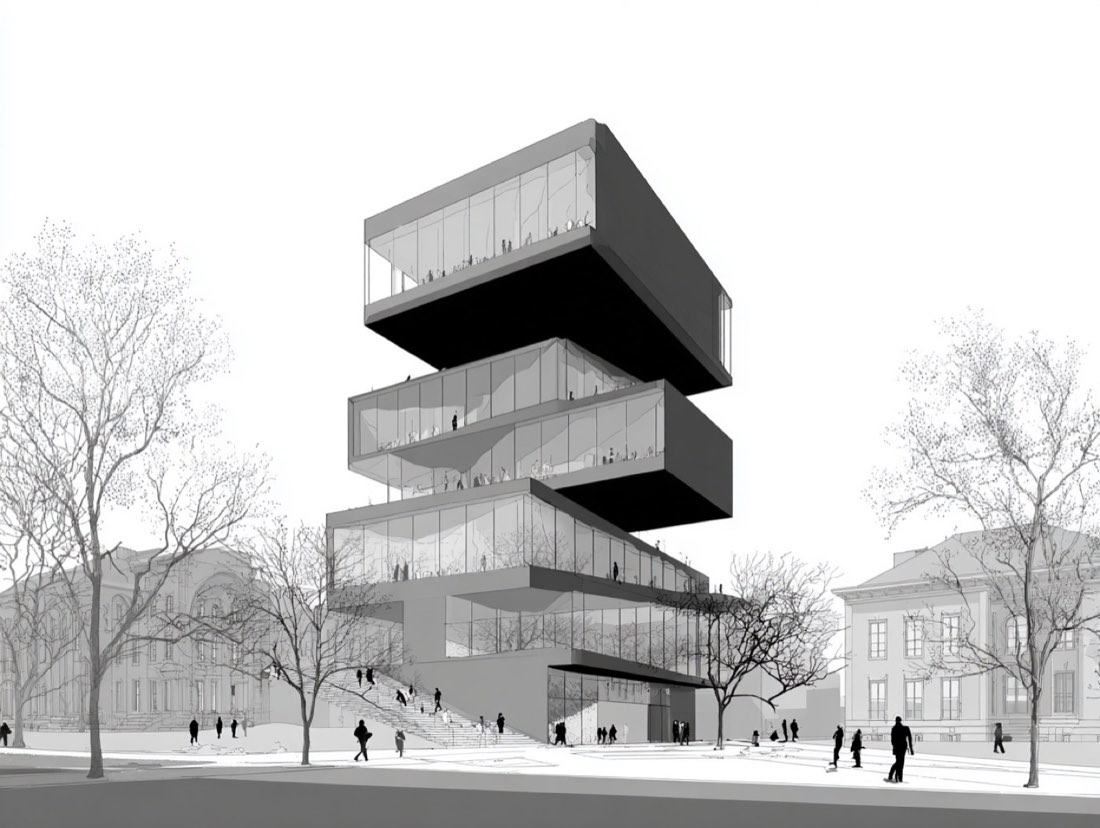
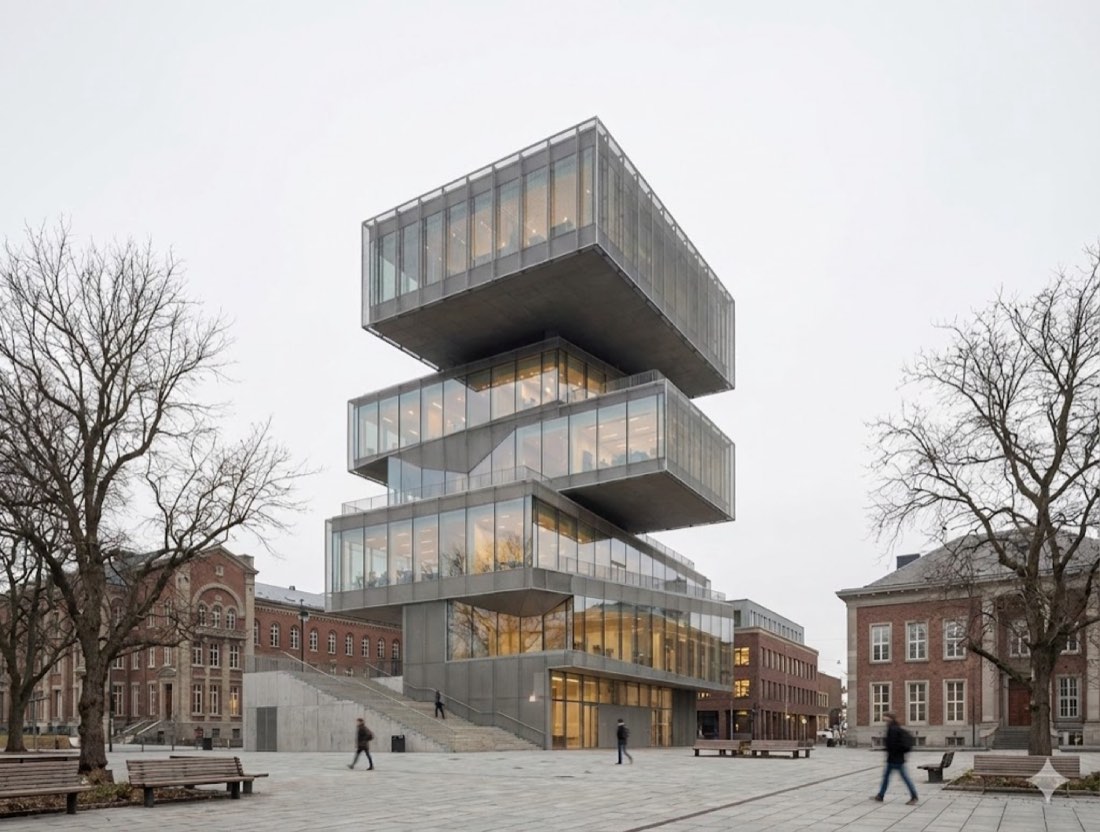
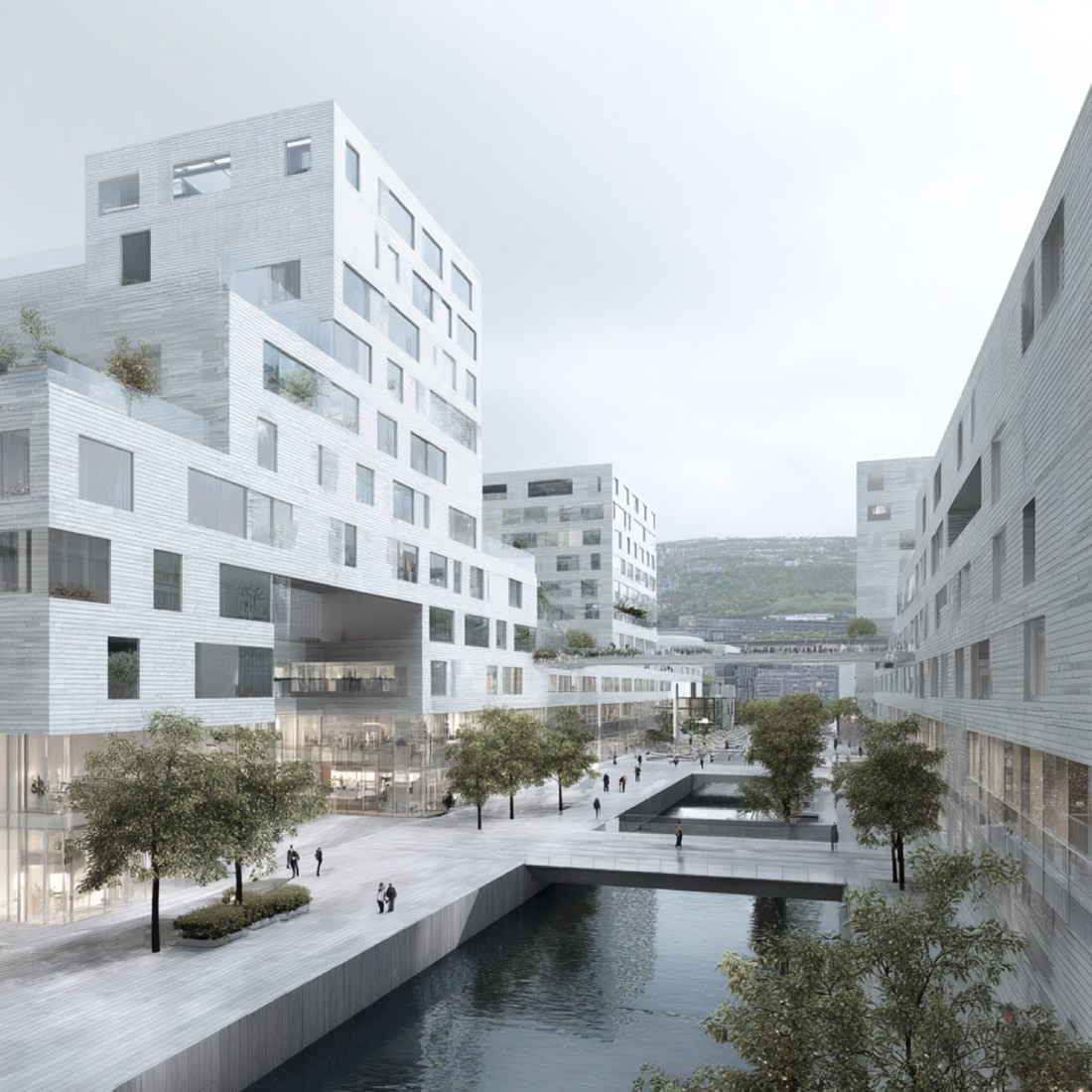
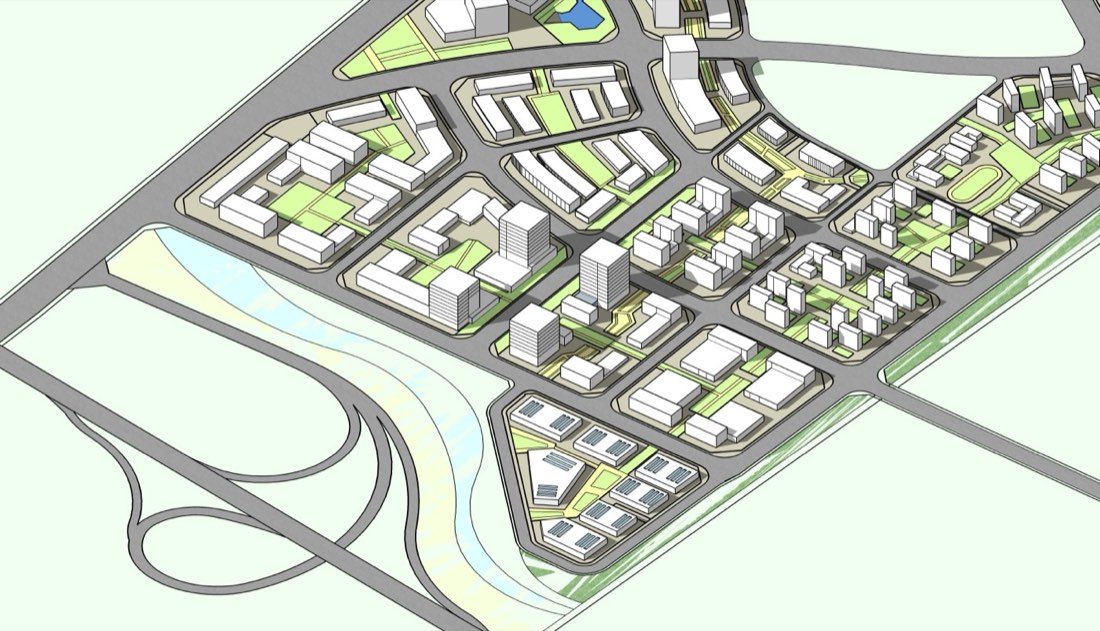
Upload your rendering to Nano Banana (Google Gemini) or ChatGPT and describe the target style as a photographer would (viewpoint, light, colour palette, materials and mood), while telling the AI to keep the architecture, context and composition exactly the same. For example: overcast architectural photography with soft diffuse light and a muted grey palette. The same rendering can be restyled as dusk, winter or cinematic minimalism in minutes.
What you need
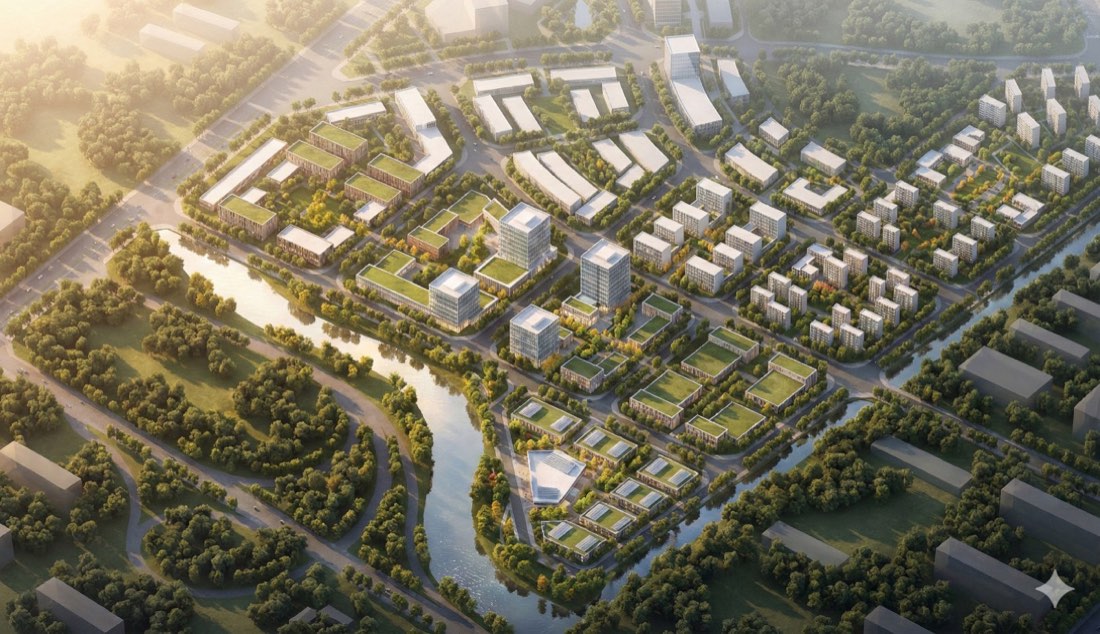
- A rendering or model screenshot of your project.
- Nano Banana (in the Gemini app) or ChatGPT with image generation.
- A style description, or a reference image of the look you want.
Step by step
- Upload your rendering to Nano Banana (Gemini) or ChatGPT.
- Paste the prompt below, which turns it into overcast architectural photography.
- Check that the building, trees and paving are unchanged. If not, reply: "Keep the architecture and composition exactly the same; only change the light and colour."
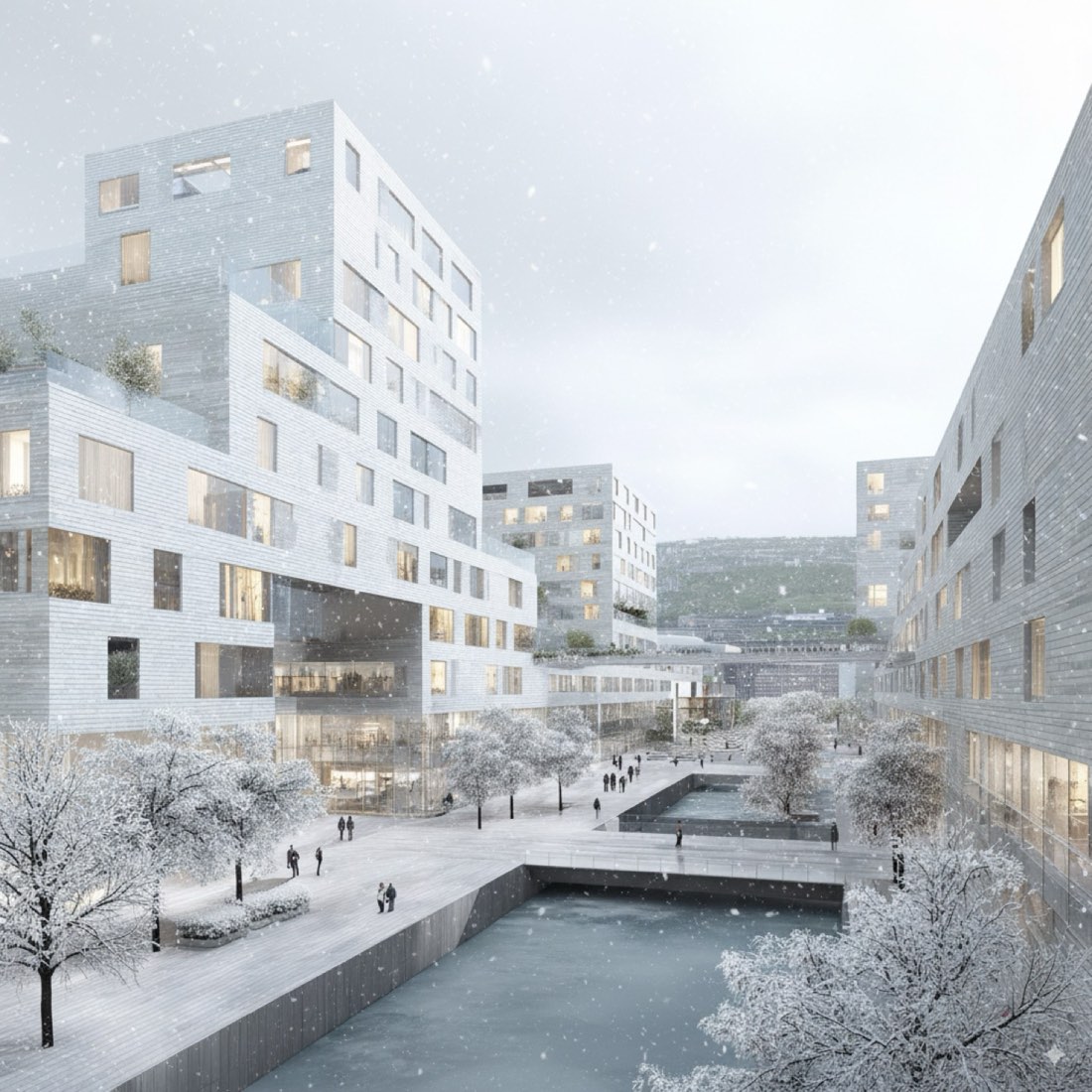
- For other looks, swap the light and palette sentences: blue-hour dusk, snow and overcast winter sky, or soft cinematic minimalism.
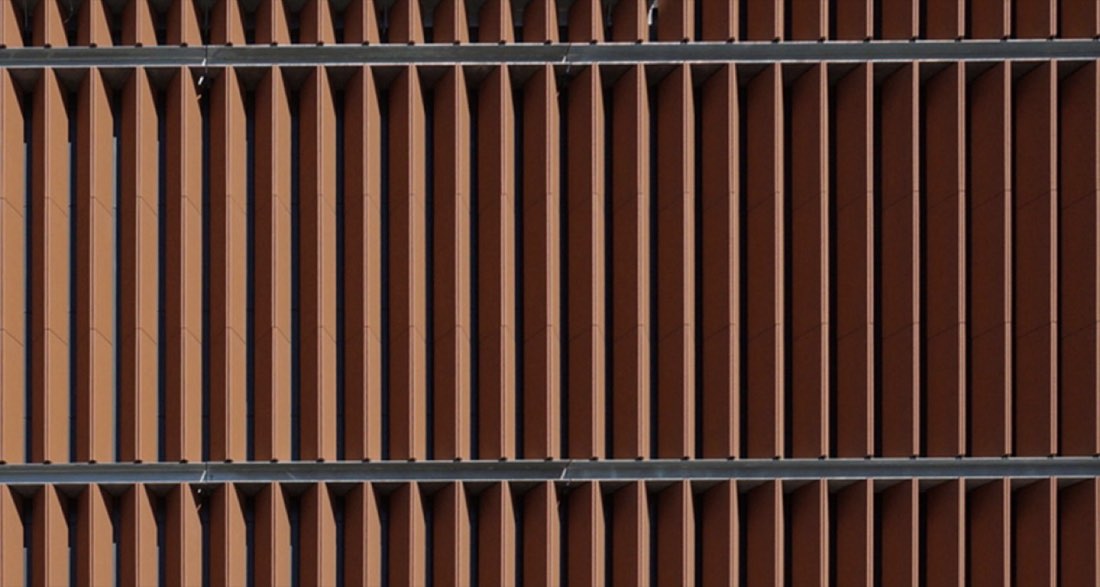
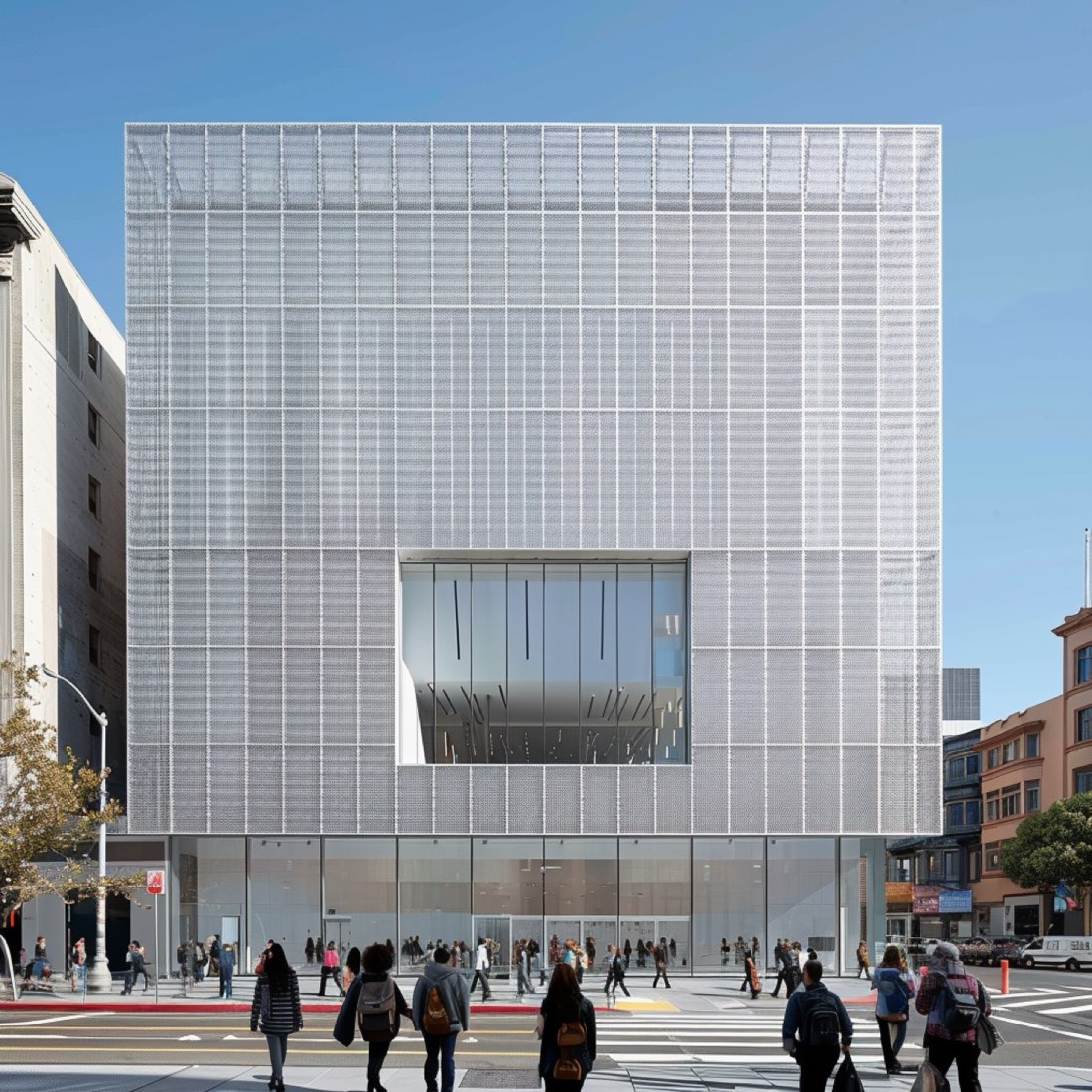
- To try a new facade, add a reference image and describe the facade system you want.
Tips
- Describe light (overcast, blue hour, low sun) before materials; light sets the mood.
- Name a restrained palette ("grays, soft browns, warm interior light") to avoid oversaturated results.
- Change one thing per message so the building stays stable.
By Zixu Qiao, LandSpace Architecture. Updated 2026-11-28.
More examples: Rendering Style has 9 worked examples with 9 prompts.