AI for Architecture
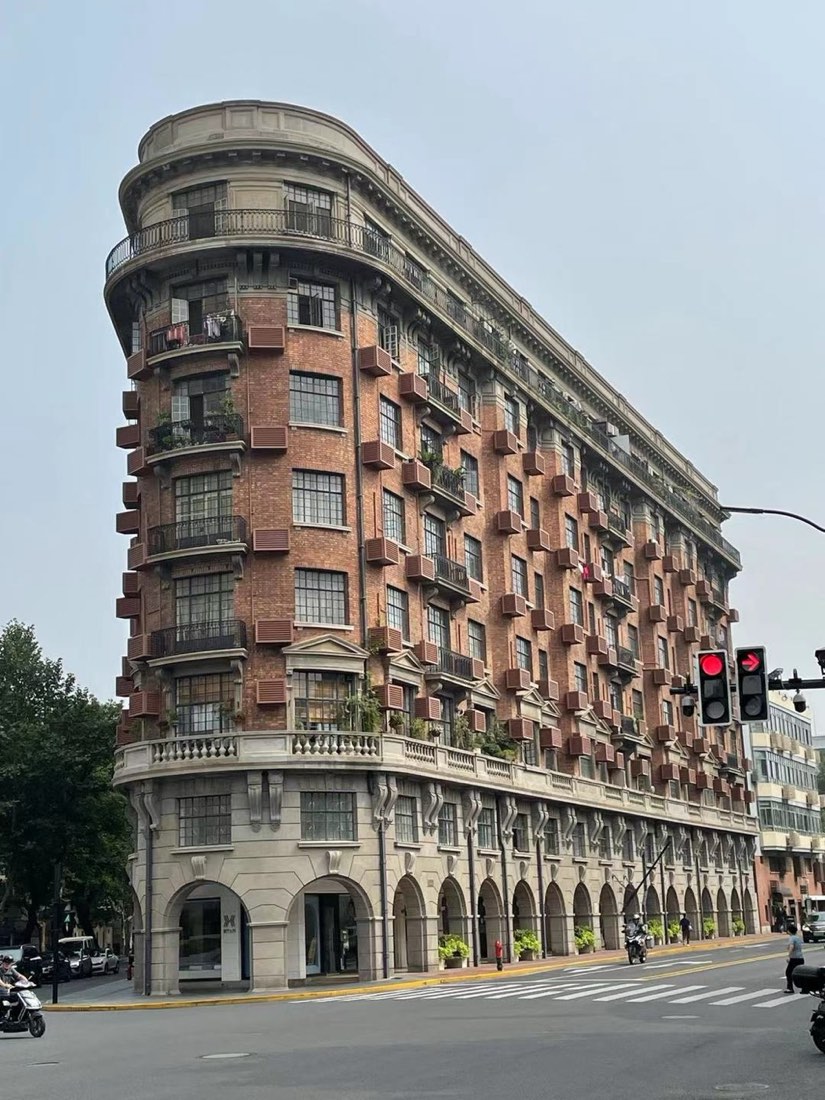
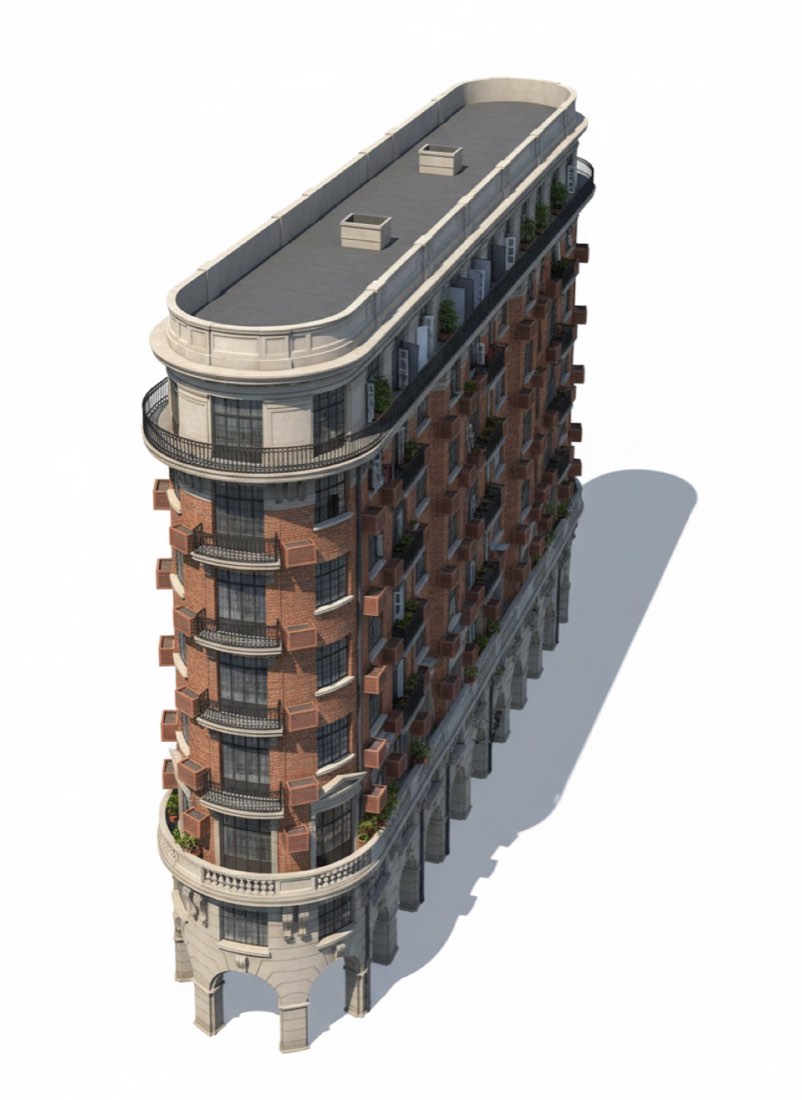
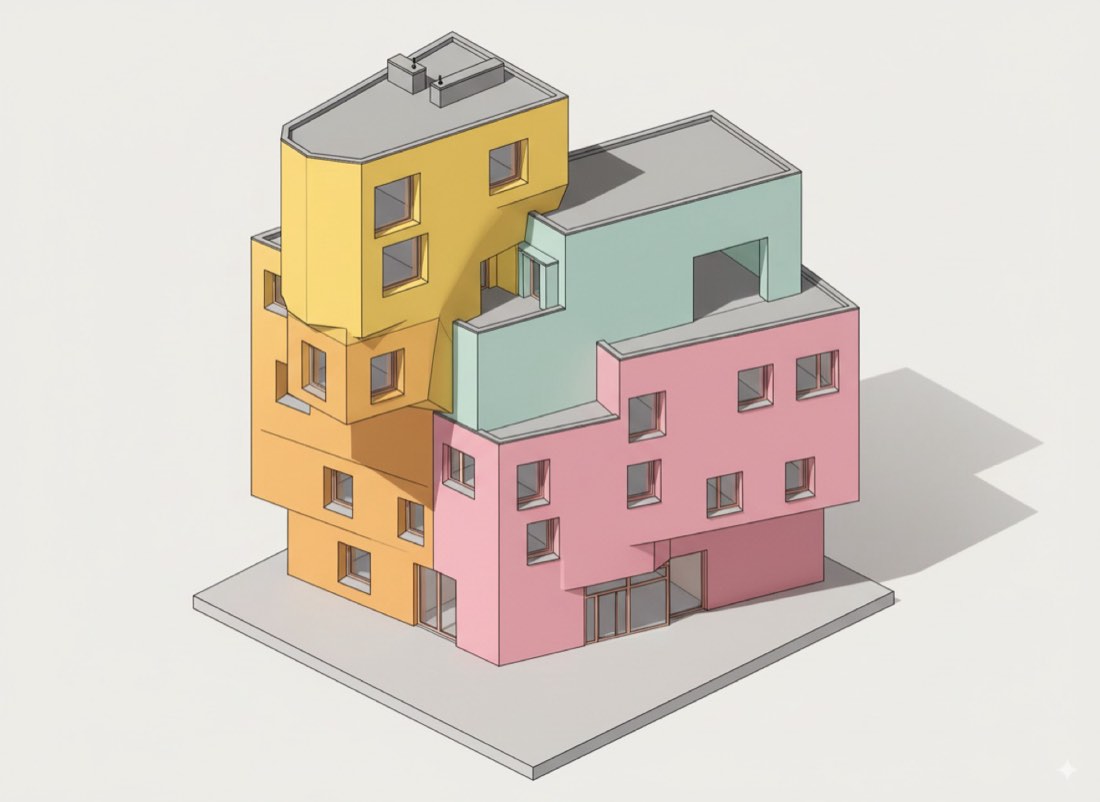
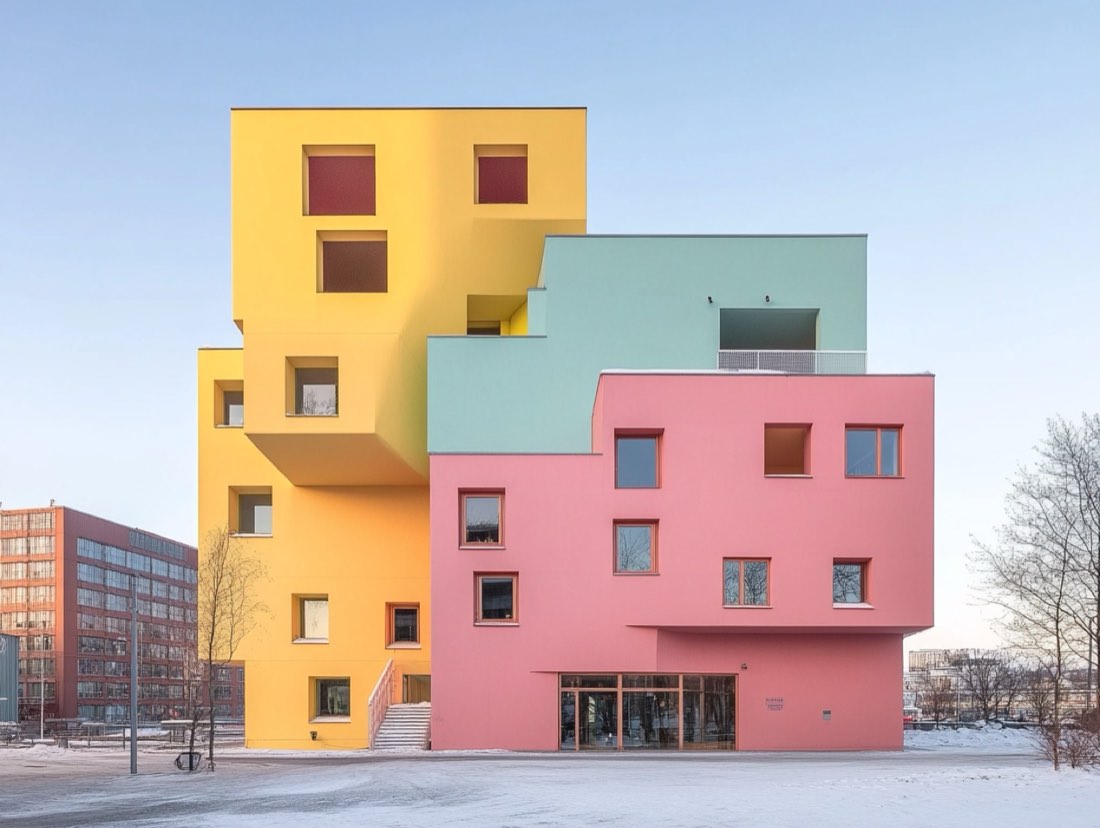
Upload a photo of the building to Nano Banana (Google Gemini) and ask for a "3D printed building model" seen from a 45-degree top-down view, keeping the main structure and facade details. The AI returns an image of a physical-style scale model of the building, which works well for presentations, diagrams and social posts. It is an image, not an editable CAD or mesh file.
What you need
- A photo of the building with the main facade clearly visible.
- Nano Banana (in the Gemini app).
- The prompt below.
Step by step
- Choose a photo where the building is not cut off and not hidden by trees or cars.
- Open Nano Banana (Gemini) and upload the photo.
- Paste the prompt below and send it.
- If parts of the building are missing or invented, reply with what to fix, e.g. "keep the three-storey corner tower from the photo".
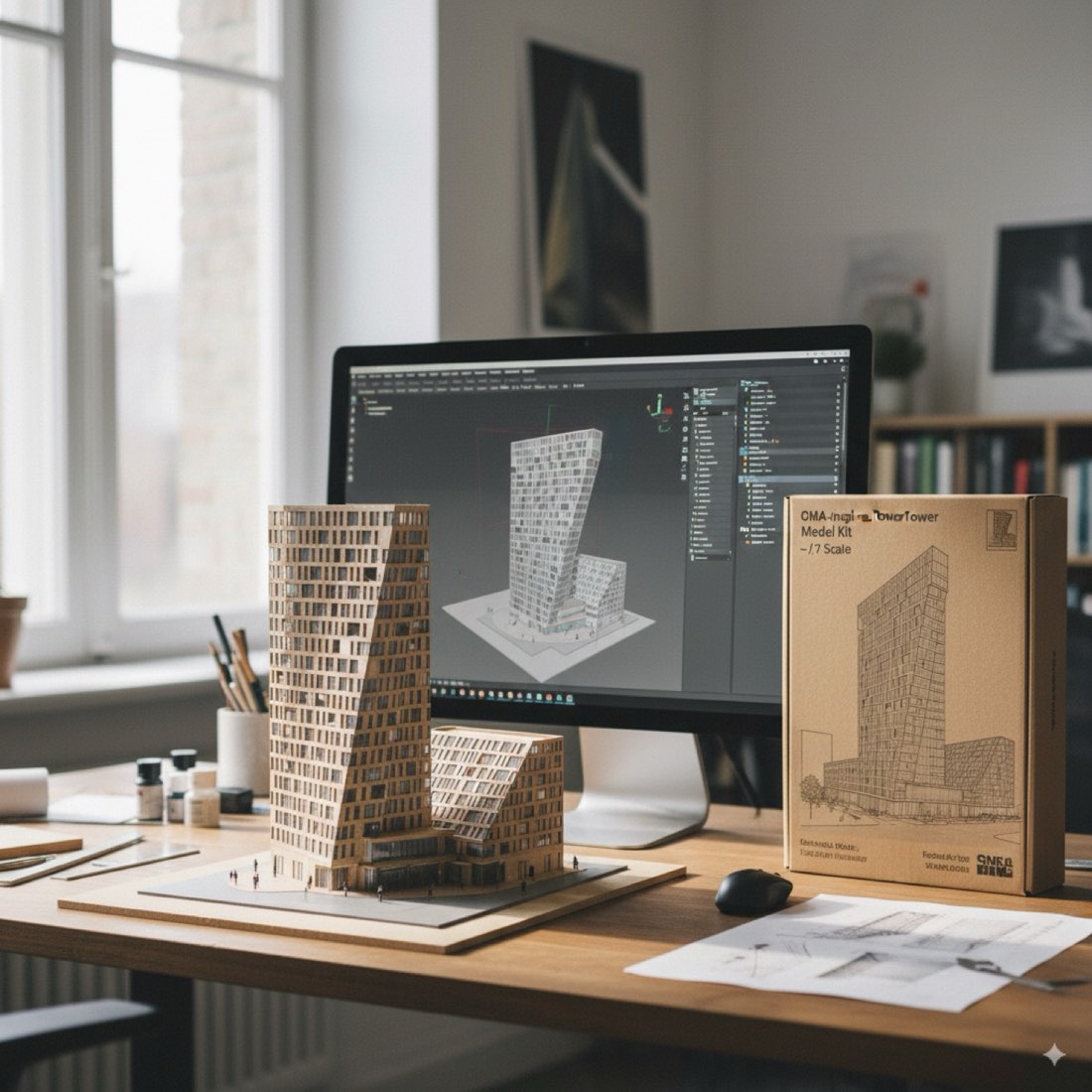
- For other model looks, try the related lessons: a model on a desk, an isometric diagram, or a section turned into 3D.
Tips
- Daylight photos with clear edges give cleaner models than night shots.
- Say which side of the building should face the viewer.
- Ask for a plain background if you want to cut the model out later.
More examples and prompts
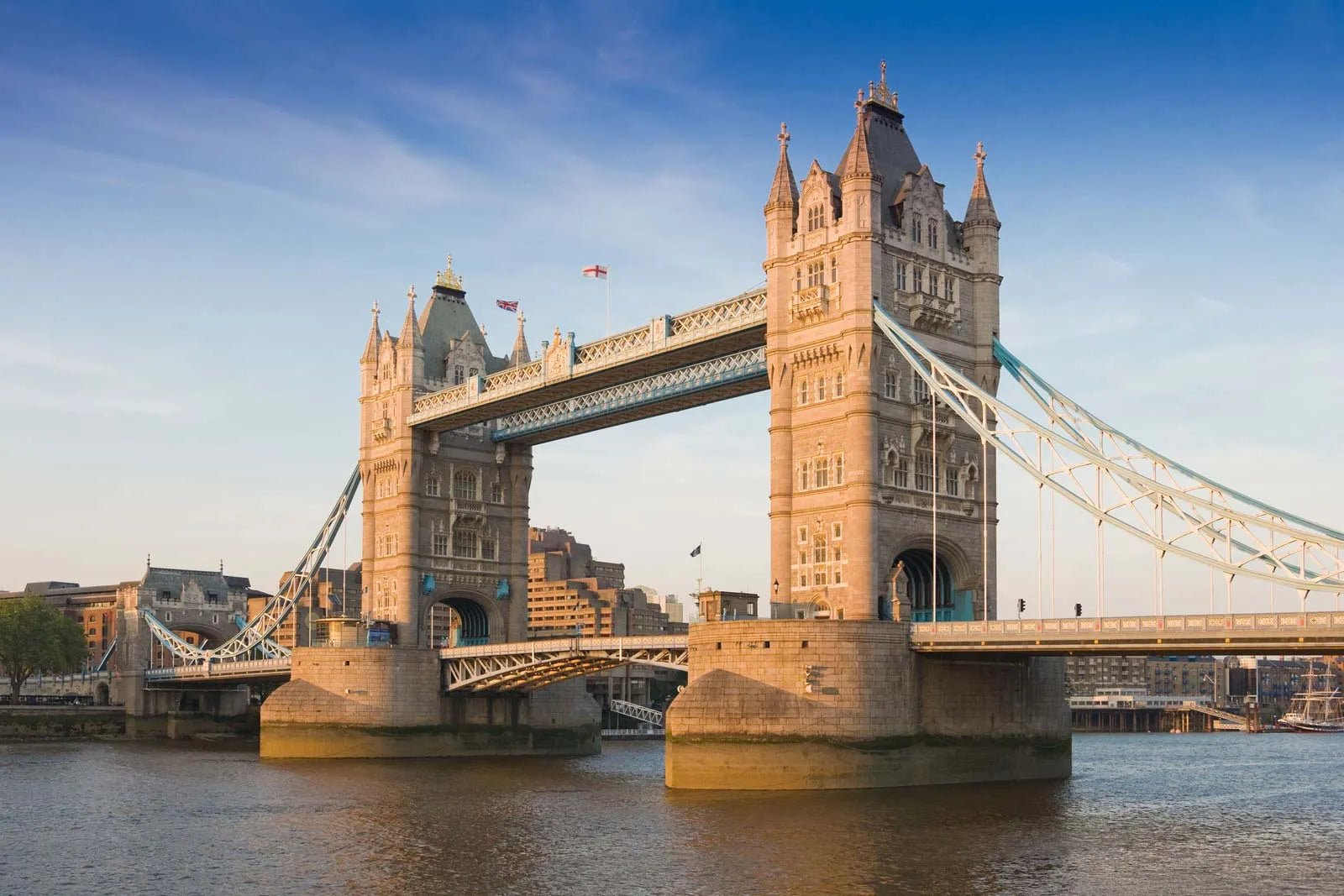
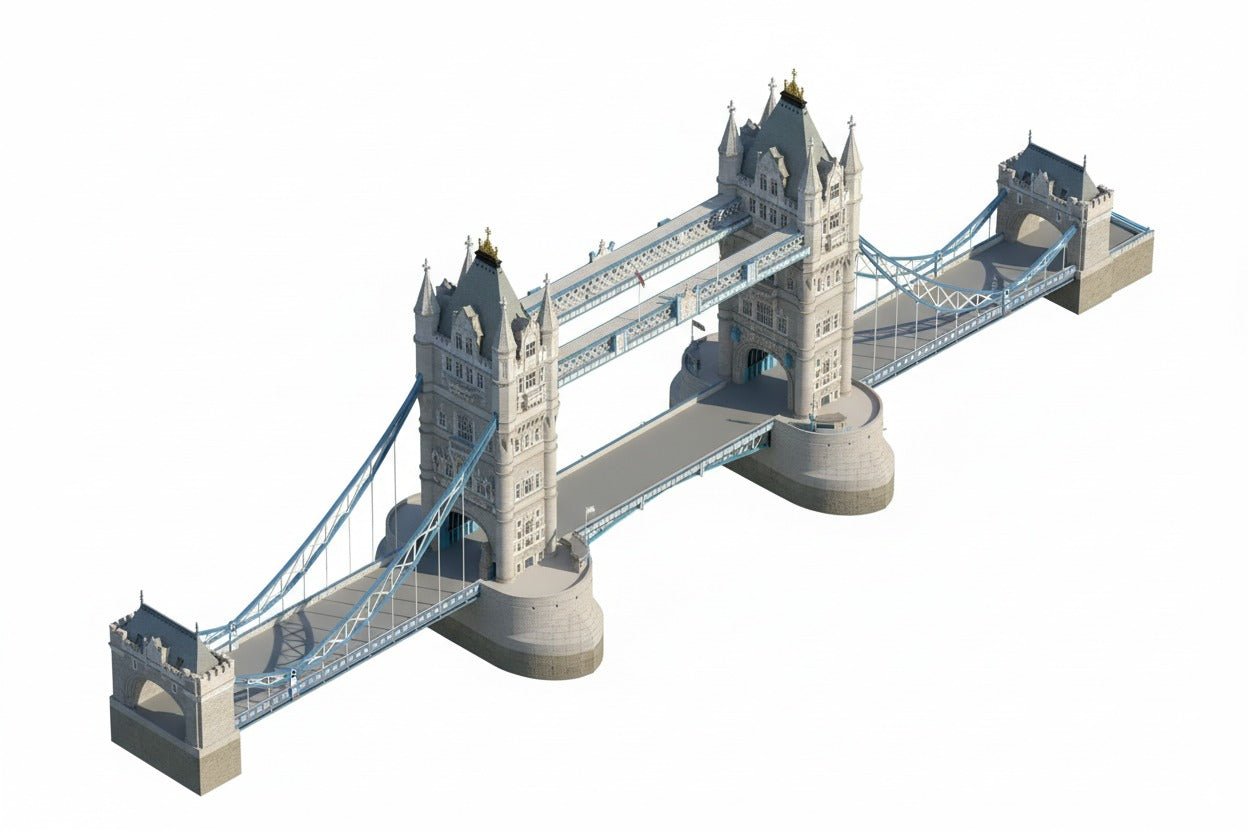
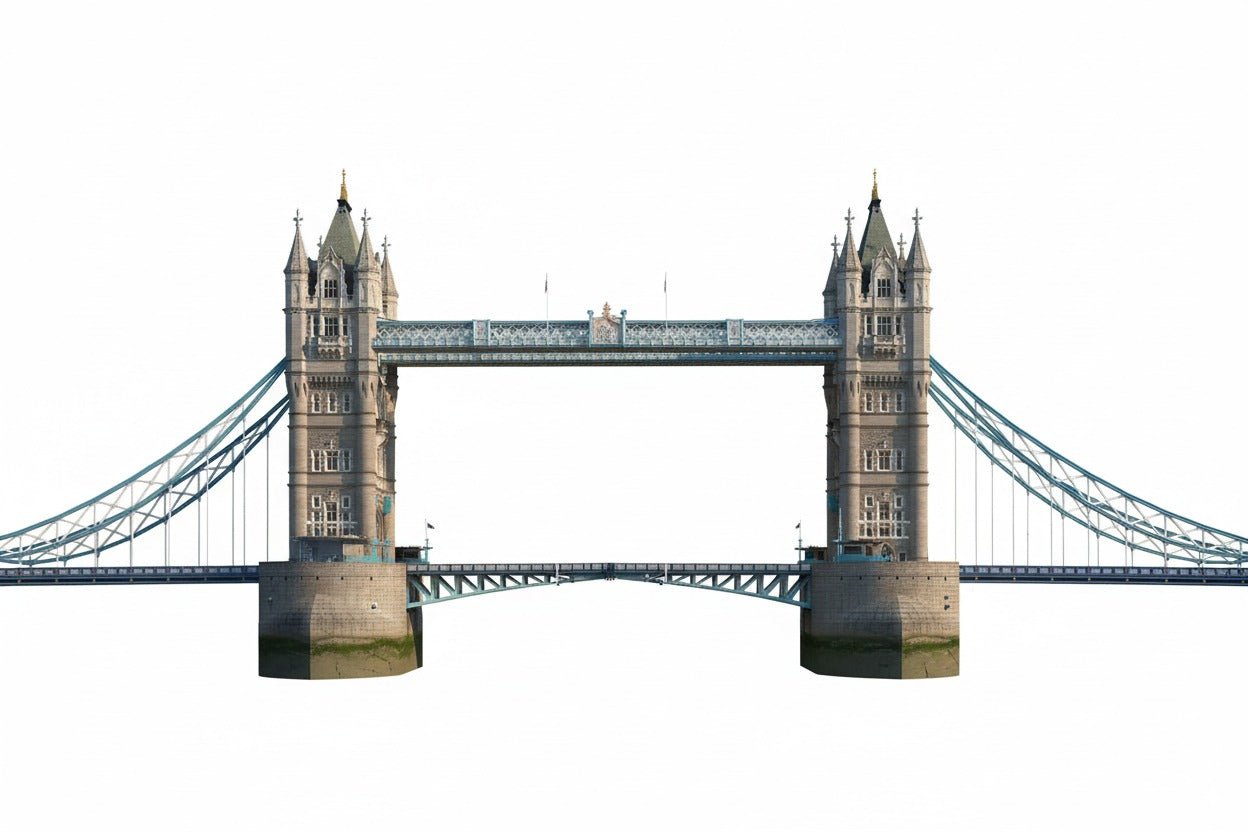
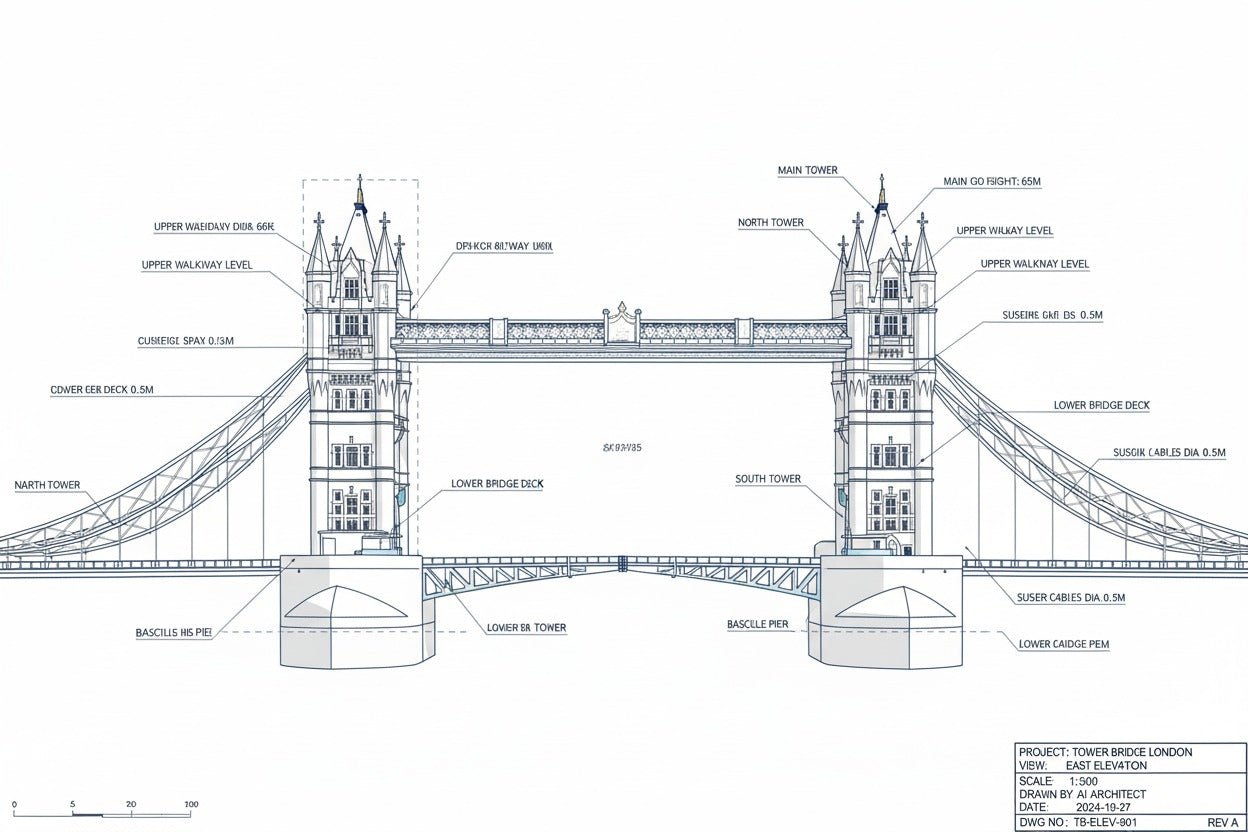
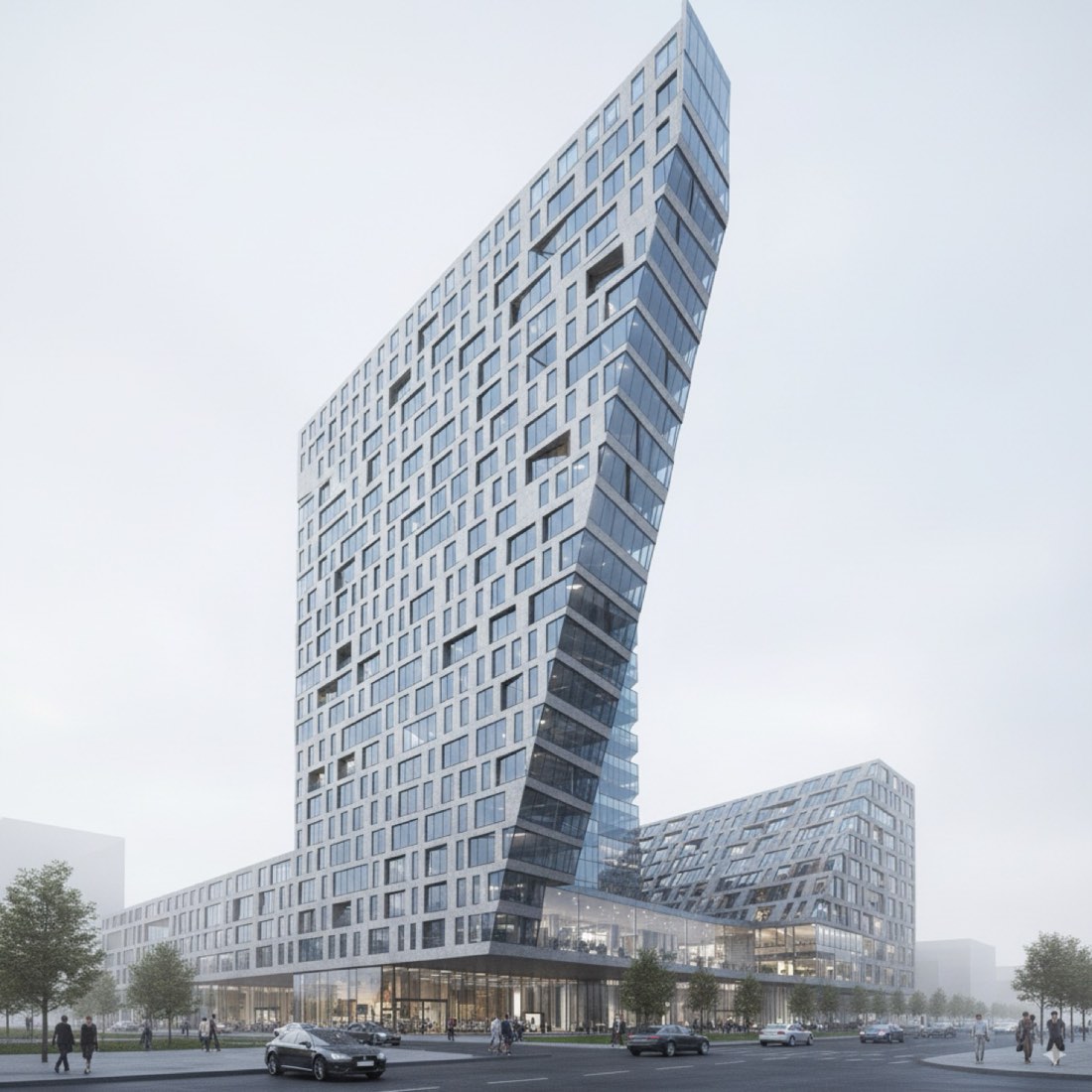
Nano Banana is the name used for Google's Gemini image generation and editing models. You can start from a site photo, a Street View screenshot, a rendering, a SketchUp or Rhino screenshot, or a sketch. Choose an image where the massing, facade and proportions are clearly visible.
Use the uploaded architectural photograph as the primary reference. Transform the building into a high-quality 3D architectural model-style visualization. Preserve the original building's overall massing, proportions, façade composition, roof form, windows, entrances, and major architectural details as closely as possible. Show the building from a 45-degree elevated axonometric perspective, with the front façade and one side visible. Use clean architectural geometry, realistic material textures, soft natural lighting, and subtle ambient shadows. Isolate the building against a pure white background with minimal surrounding context. Create a professional architectural visualization with crisp edges, clear geometry, and a realistic physical-model appearance. Do not randomly redesign the building or introduce unnecessary architectural elements.
[Use two reference images—1) street-view photo of the façade and 2) aerial/oblique photo showing roof and site. Generate a high-fidelity 3D building model in the look of a “3D-printed architecture model.” Preserve the building’s massing, proportions, fenestration, and key texture details, lightly stylized for a game. Render with physically based, realistic lighting and shadows. Show a 45° top-down (isometric) view to emphasize depth. Define materials clearly —so it reads as a realistic, high-quality, game-engine-ready render. Pure white background.]
Refine the previous architectural visualization while maintaining the original building design. Pay closer attention to the building's massing, roof geometry, window arrangement, number of floors, and façade proportions. Reduce unnecessary decorative details and simplify the geometry. Keep the same elevated axonometric camera angle, white background, and professional architectural model presentation style. Do not add new building volumes, floors, balconies, or windows that are not supported by the reference image.
Remember: the result is an image of a model, not CAD or BIM geometry. Prompts can improve fidelity but cannot guarantee exact geometry.
By Zixu Qiao, LandSpace Architecture. Includes material from the original article on the LandSpace blog. Updated 2026-11-17.
More examples: Photo to 3D Building Model has 4 worked examples with 4 prompts.