AI for Architecture
 Animation
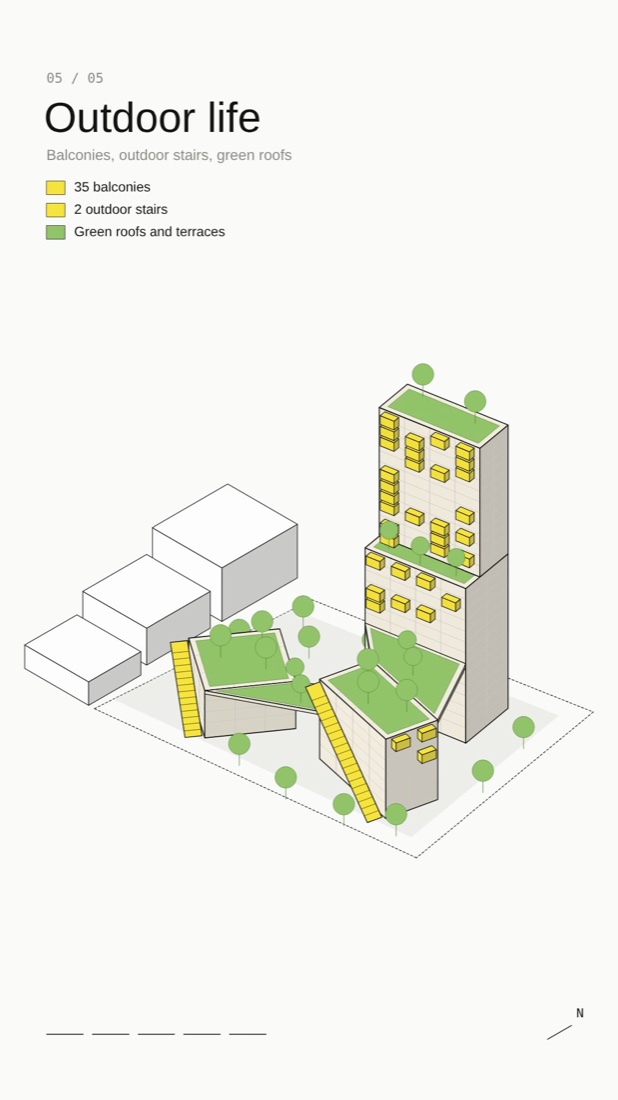
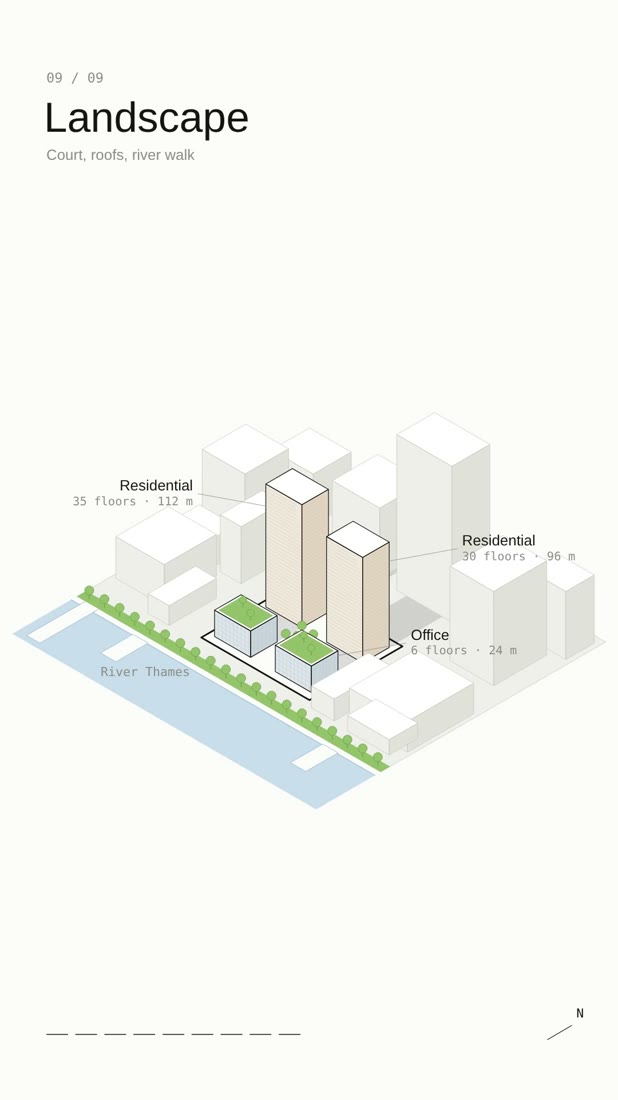
Diagram → Animation with Claude
No MCP or plugin needed: this is a Claude skill, a folder of instructions and example code Claude reads when it makes the animation. 1. Download arch-diagram-animation.zip below. 2. Add it to Claude: • Claude app or claude.ai: Settings → Capabilities → Skills → Upload skill (code execution must be on). • Claude Code: unzip it into ~/.claude/skills/ 3. Start a new chat, upload your step-by-step diagram (like example 06) and paste the prompt below.
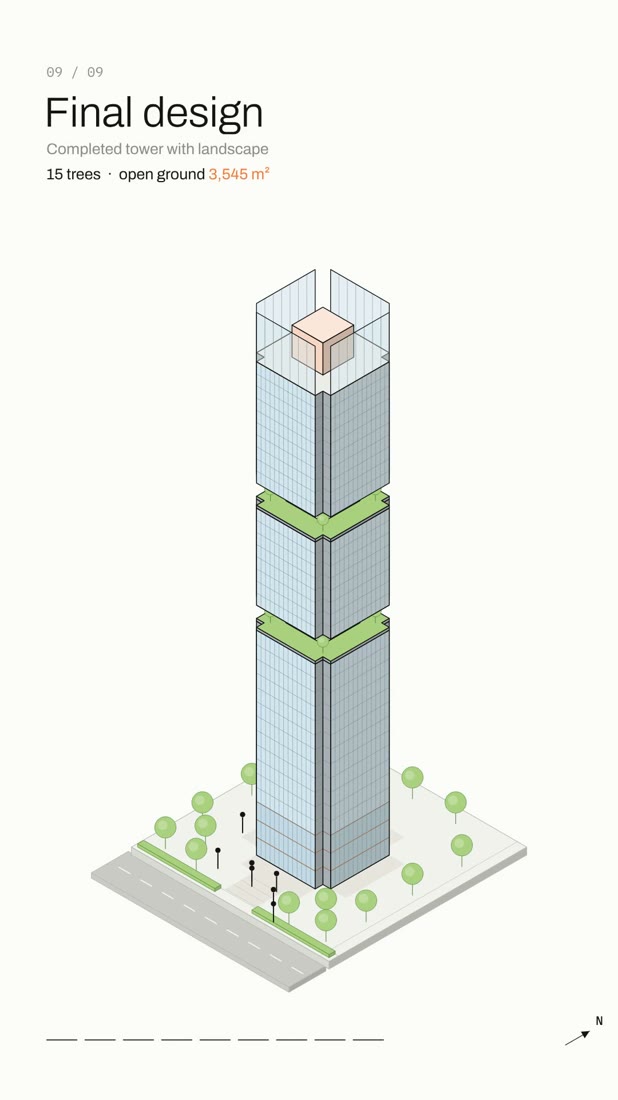
Use the arch-diagram-animation skill to turn this 9-step mass evolution diagram into an animated architecture concept diagram. Keep the same steps, captions and program colours: site, base mass, vertical extrusion, mass articulation, void carving, top composition, program organization, facade & material, final design. Build one isometric model that changes step by step, calculate the real areas and heights shown on screen, and export a vertical 1080×1920 MP4 with sound, about 30 seconds.
Claude also makes an interactive web page with play, scrub and a sound toggle. The MP4 export uses Node, Playwright and ffmpeg; in Claude Code, install them on your computer first.