The "Archivision Studio" Prompt
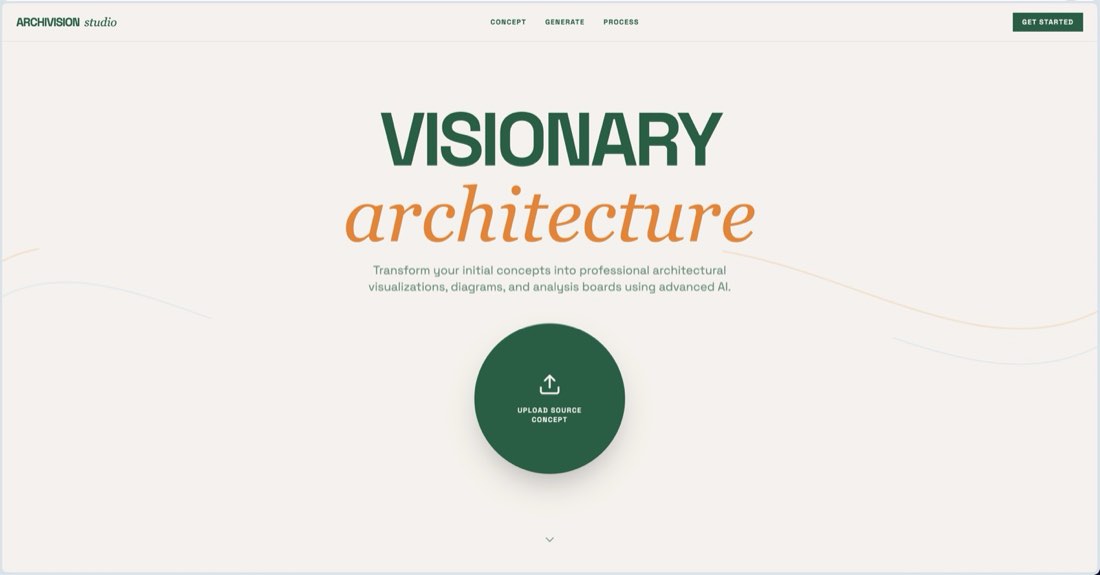
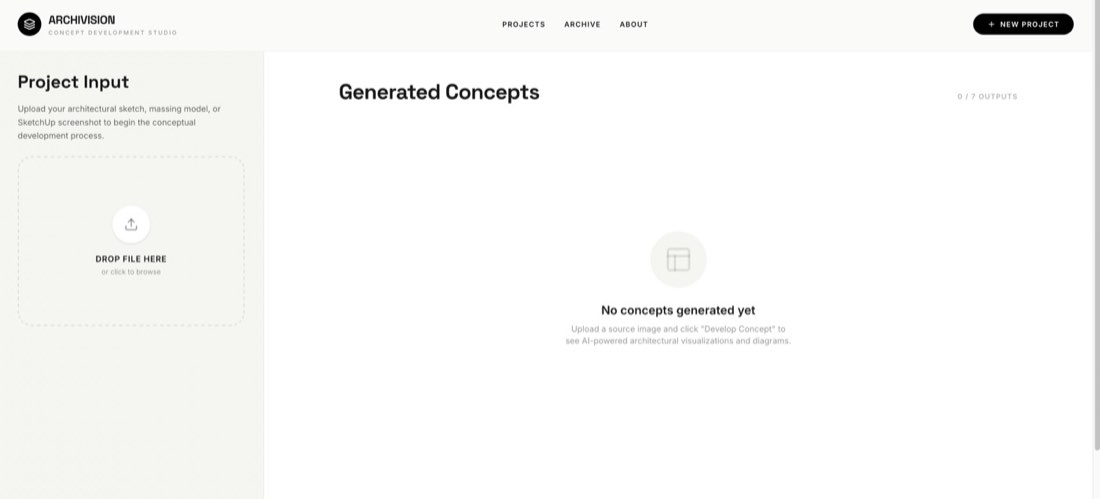
Role: You are a world-class senior creative technologist and architectural designer. Objective: Build a high-end "Architectural Concept Development Studio" web application called Archivision. The app allows architects to upload a single sketch or massing model and automatically generates a suite of 7 professional analytical diagrams and visualizations using AI. Design Aesthetic (Recipe: Warm Organic / Refined Technical): Mood: Approachable, professional, and "crafted." It should feel like a boutique design tool, not a generic SaaS product. Palette: Use a warm off-white background (#F5F5F0), pure black for primary UI elements, and a muted olive-green (#5A5A40) for primary action buttons. Typography: Bold, tight-tracked display headings (Inter or similar) paired with clean, small-caps micro-labels for technical metadata. Layout: A split-pane layout. The left sidebar (approx. 450px) handles project inputs and status; the right main area is a generous, masonry-style grid for the generated results. Cards: Use large rounded corners (rounded-[2rem]) and subtle "card-shadow" depth. CORE FEATURES: 1. Image Upload: A drag-and-drop zone for architectural sketches or screenshots. 2. Sequential Generation: When "Develop Concept" is clicked, the app must sequentially trigger 7 specific AI generation tasks using the gemini-2.5-flash-image model: • Bird's-eye View: 45° top-down perspective. • Program Diagram: Color-coded 3D blocks for spatial functions. • Programmatic Exploded Axonometric: Vertically separated functional volumes with circulation arrows. • Urban Context: Monochrome isometric diagram showing city integration. • Architectural Section: Clean technical cross-section. • Floor Analysis: Vertical distribution of program with annotations. 3. Massing Diagram: A 3×3 evolution grid from site to final form. Progress Tracking: A real-time progress bar and status indicator showing which specific diagram is currently being processed. 4. Resilience: Implement exponential backoff retry logic and a 2-second delay between tasks to handle API rate limits (429 RESOURCE_EXHAUSTED). TECHNICAL STACK: Frontend: React, Tailwind CSS, Lucide-React icons. Animation: Use motion/react for smooth entrance animations of the generated cards and progress bars. AI Integration: Use the @google/genai SDK. Ensure image generation prompts are highly detailed, specifying "architectural competition style," "clean linework," and "no photorealism" for diagrams.
角色:你是一名世界级的资深创意技术专家和建筑设计师。 目标:构建一个名为 Archivision 的高端“建筑概念深化工作室”网页应用。用户(建筑师)上传一张草图或体量模型后,应用会用 AI 自动生成一套 7 张专业分析图和可视化图。 设计美学(配方:温暖有机 / 精致技术): 氛围:亲切、专业、有“手作感”。它应该像一个精品设计工具,而不是千篇一律的 SaaS 产品。 配色:使用暖米白背景(#F5F5F0),主要 UI 元素用纯黑色,主要操作按钮用柔和的橄榄绿(#5A5A40)。 字体:醒目、字距紧凑的展示标题(Inter 或类似字体),搭配干净的小型大写微标签,用于技术元数据。 版式:左右分栏布局。左侧边栏(约 450px)处理项目输入和状态;右侧主区域是宽敞的瀑布流网格,用于展示生成结果。 卡片:使用大圆角(rounded-[2rem])和细微的“卡片阴影”层次。 核心功能: 1. 图片上传:用于建筑草图或截图的拖放区。 2. 顺序生成:点击“Develop Concept(深化概念)”后,应用必须使用 gemini-2.5-flash-image 模型依次触发 7 个具体的 AI 生成任务: • 鸟瞰图:45° 俯视透视。 • 功能分析图:用颜色区分空间功能的 3D 体块。 • 功能爆炸轴测图:竖向分离的功能体量,带流线箭头。 • 城市环境:表现城市融合的单色等轴测分析图。 • 建筑剖面:干净的技术横剖面。 • 楼层分析:带标注的功能竖向分布。 3. 体量分析图:从场地到最终形态的 3×3 演变网格。 进度追踪:实时进度条和状态指示,显示当前正在处理哪张分析图。 4. 容错:实现指数退避重试逻辑,并在任务之间延迟 2 秒,以应对 API 限流(429 RESOURCE_EXHAUSTED)。 技术栈: 前端:React、Tailwind CSS、Lucide-React 图标。 动画:使用 motion/react 为生成的卡片和进度条做流畅的入场动画。 AI 集成:使用 @google/genai SDK。确保图像生成提示词非常详细,分析图要注明“architectural competition style(建筑竞赛风格)”“clean linework(干净线条)”和“no photorealism(非照片级写实)”。