AI for Architecture
Short answer
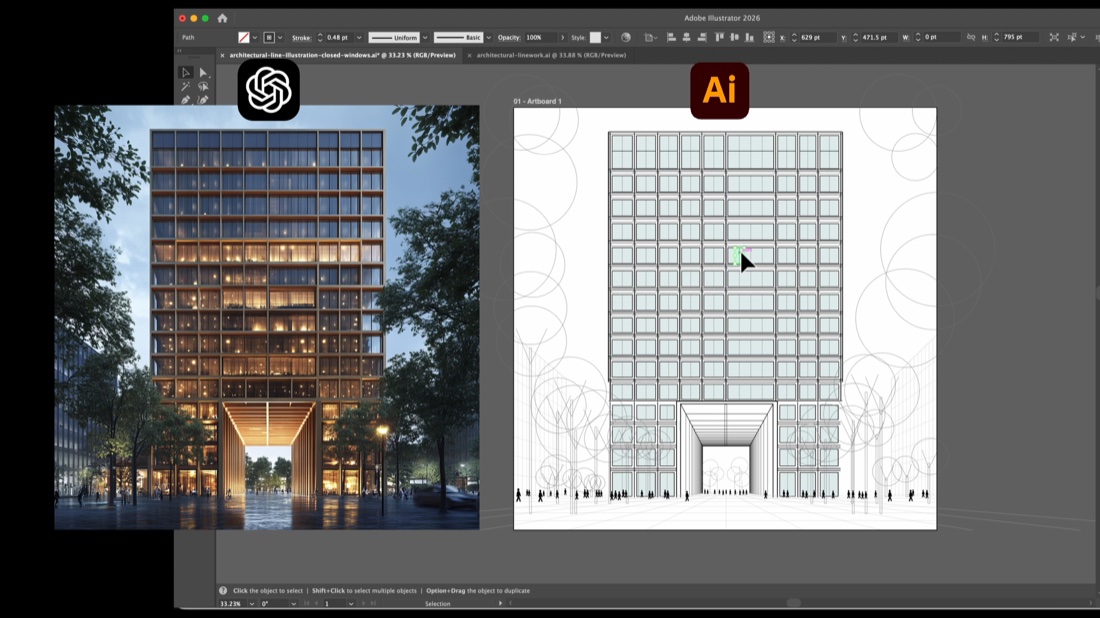
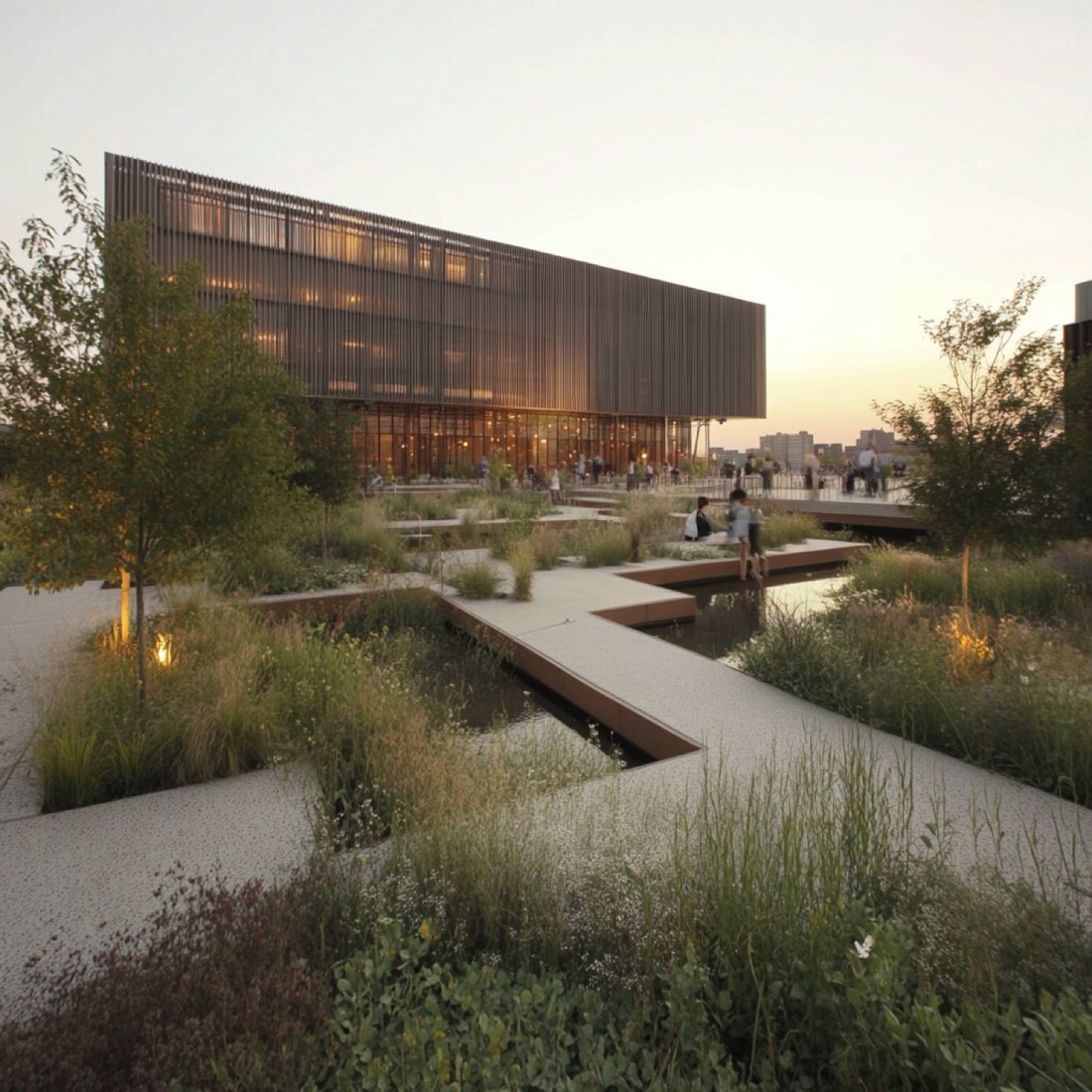
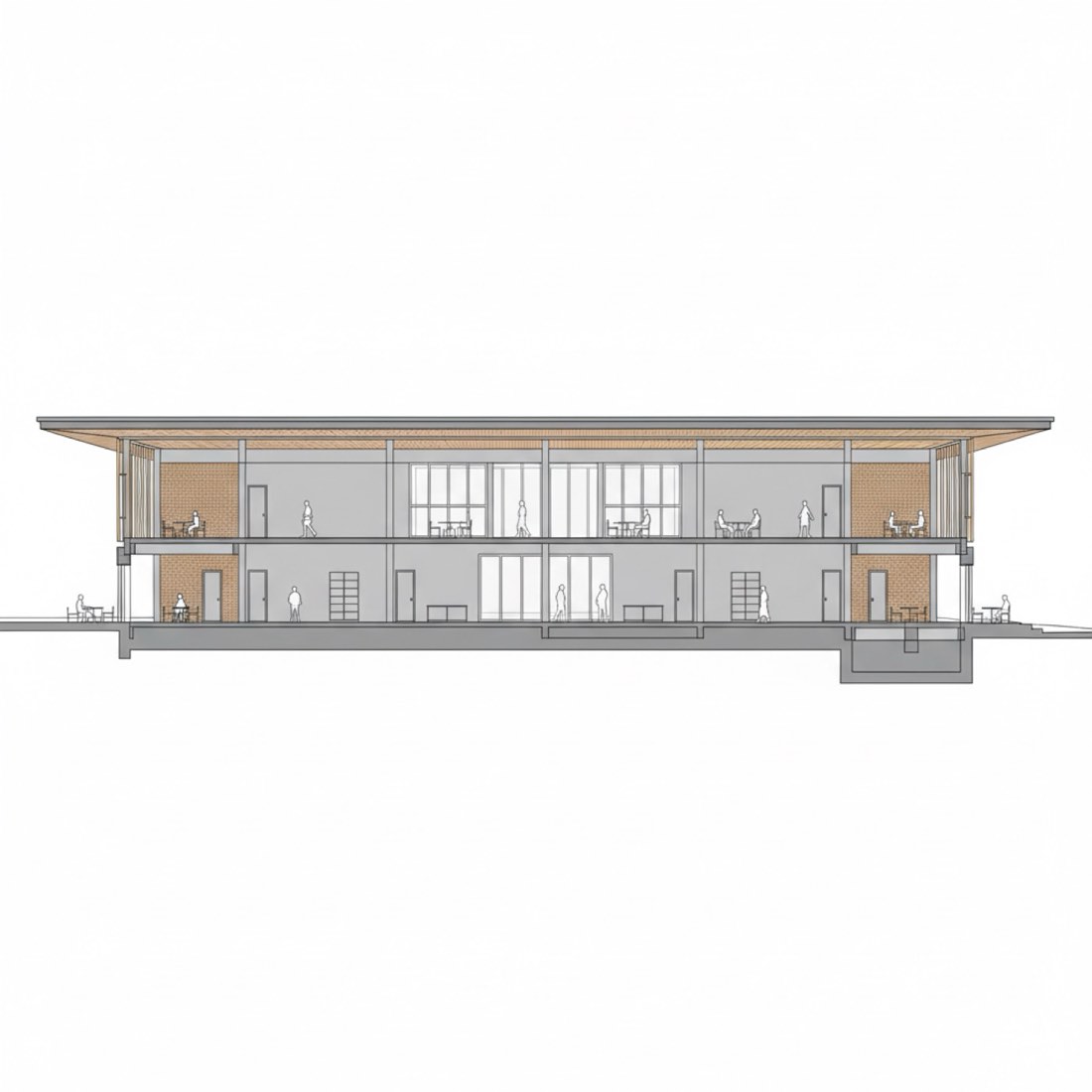
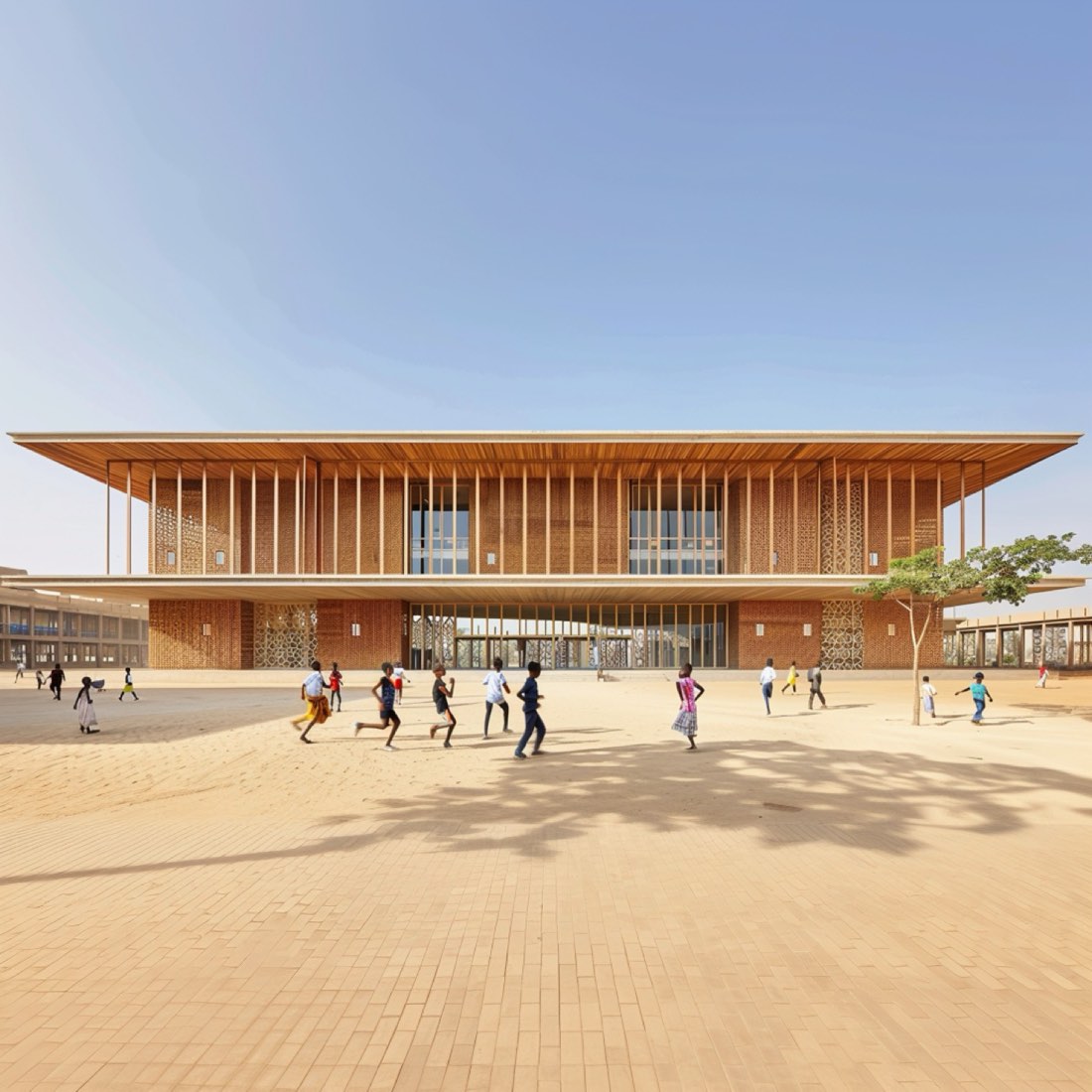
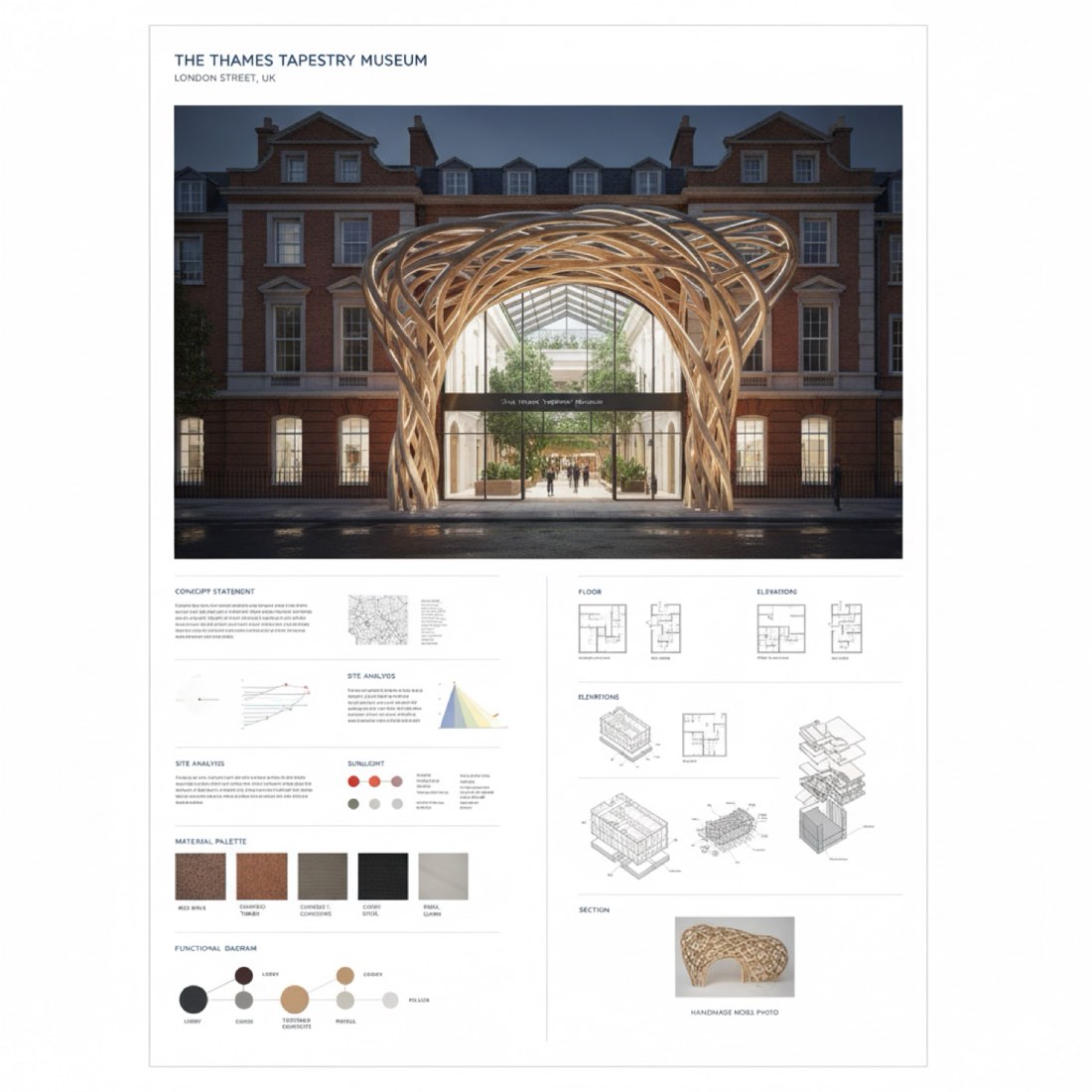
Work in two steps. First, ask ChatGPT (or Nano Banana) to turn the rendering into a clean black-and-white line illustration with the same view, camera angle and scale. Then give that line drawing to an AI coding agent such as Codex or Claude and ask it to rebuild it as an Adobe Illustrator (.ai) file with clean, closed vector paths that match the image exactly. The result is a drawing you can edit, recolour and reuse in your layouts.
What you need
- A rendering or model view of your project.
- ChatGPT or Nano Banana for the line drawing.
- Codex or Claude with file access, to write the vector file.
- Adobe Illustrator to open and edit the result.
Step by step
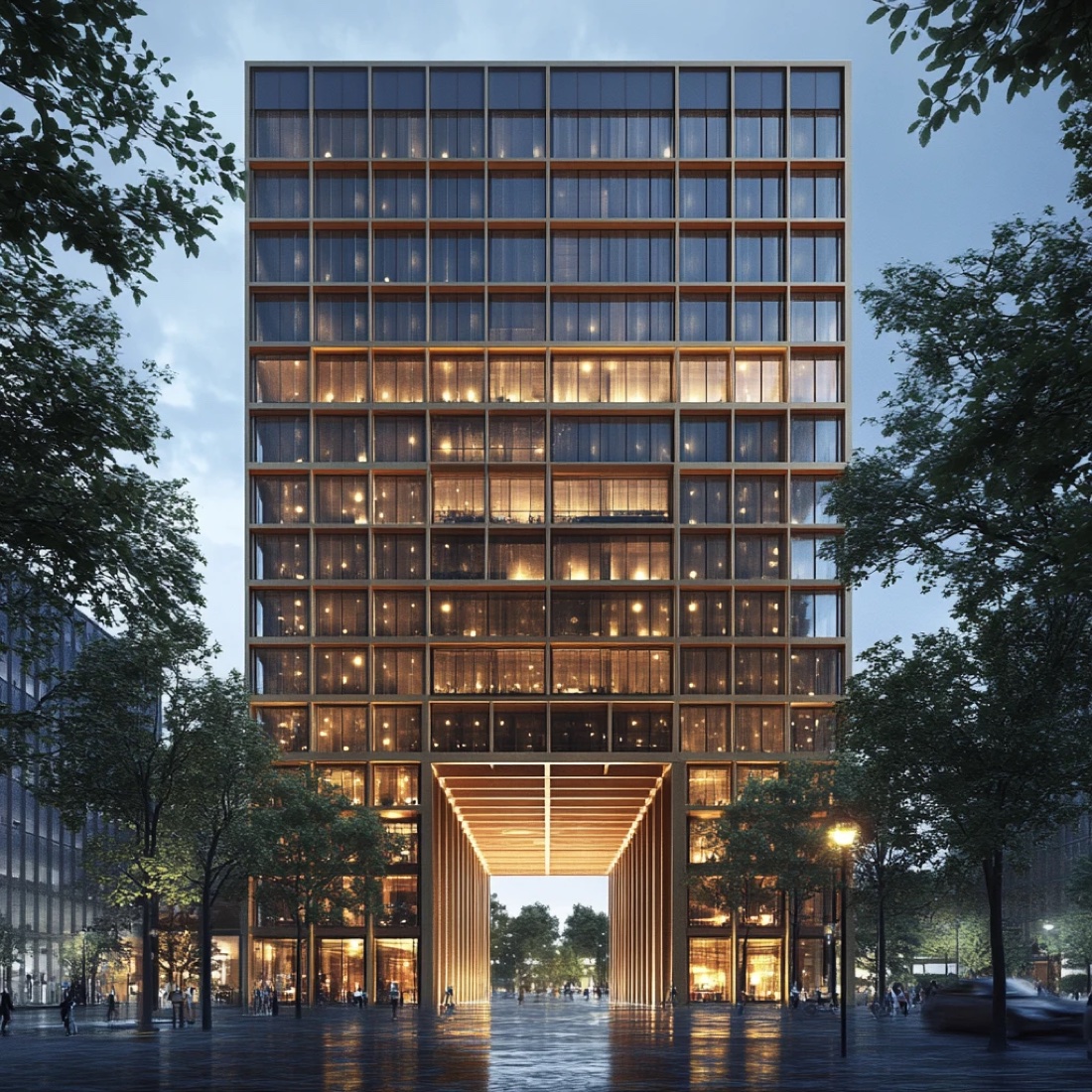
- Upload the rendering to ChatGPT and paste the first prompt below to get a monochrome, competition-style line drawing.
- Check that the view, proportions and windows match your project; regenerate if not.
- Give the line drawing to Codex or Claude with the second prompt below, which asks for an .ai file with closed paths and no broken lines.
- Open the file in Illustrator and check the paths: windows and floor plates should be separate, closed shapes.
- Recolour, change line weights or add your own annotation in Illustrator.
Tips
- A clean line drawing in step one makes the vector step far more accurate.
- Ask for closed paths and no overlapping strokes, so shapes can be filled.
- Keep the surrounding context in lighter lines so the project stays dominant.
By Zixu Qiao, LandSpace Architecture. Updated 2026-11-28.
More examples: Rendering to Illustrator (Editable) has 6 worked examples with 7 prompts.