AI for Architecture
 How to use
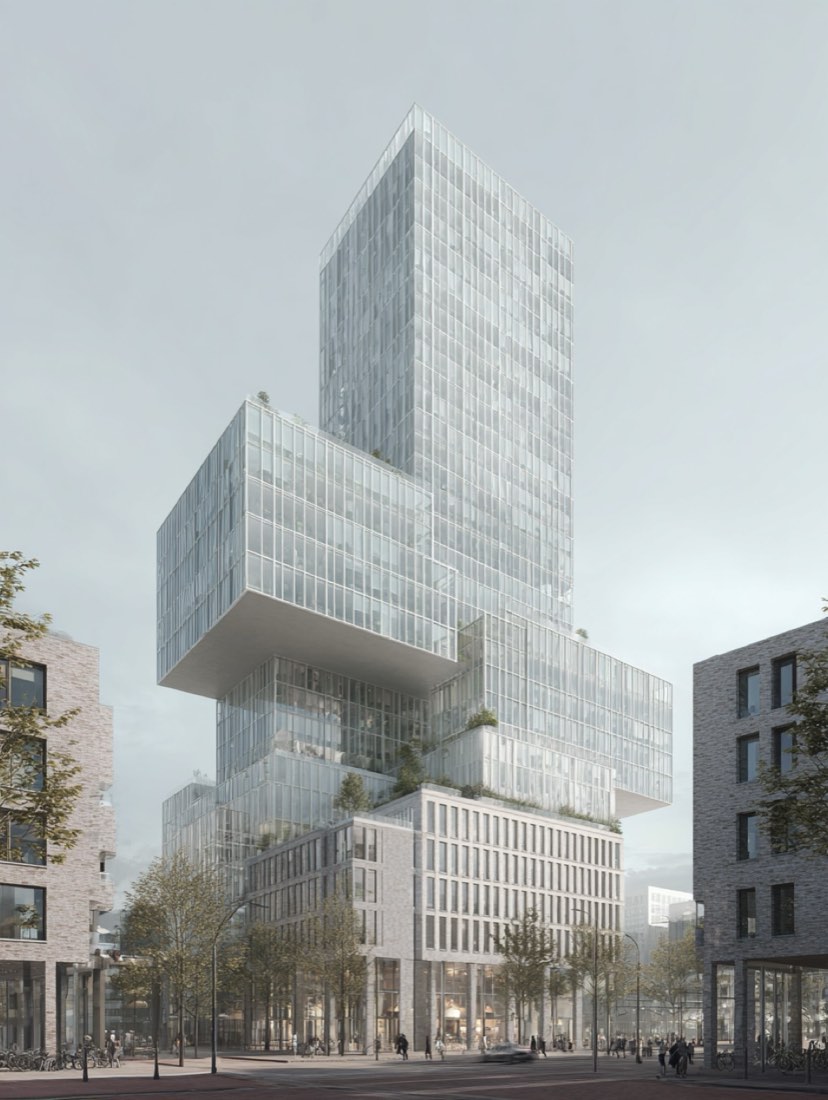
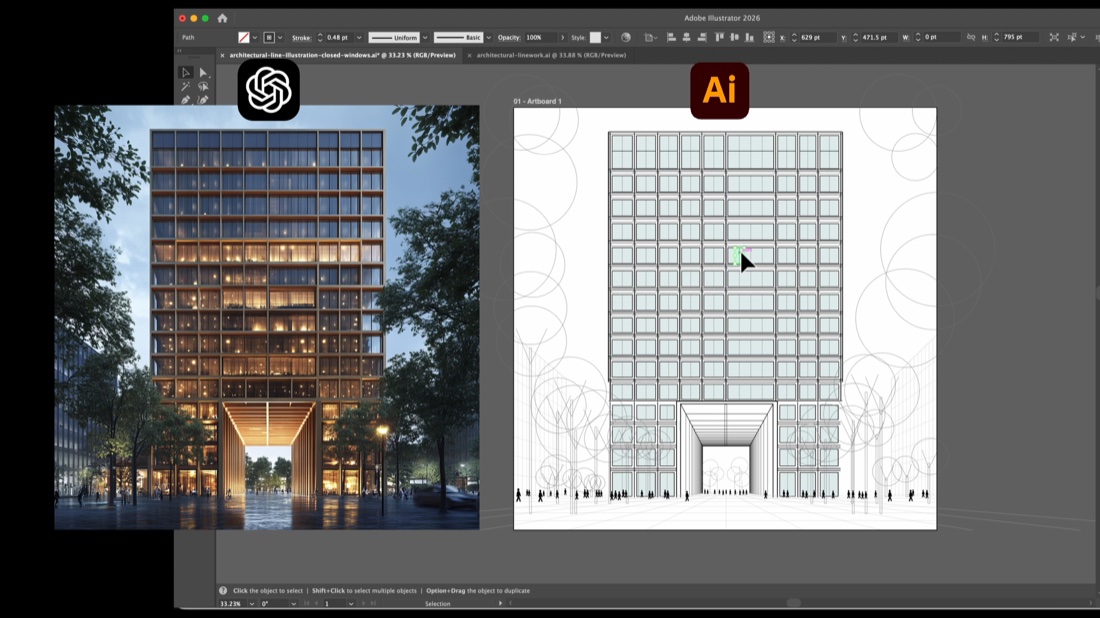
Rendering → editable Illustrator file (Codex or Claude)
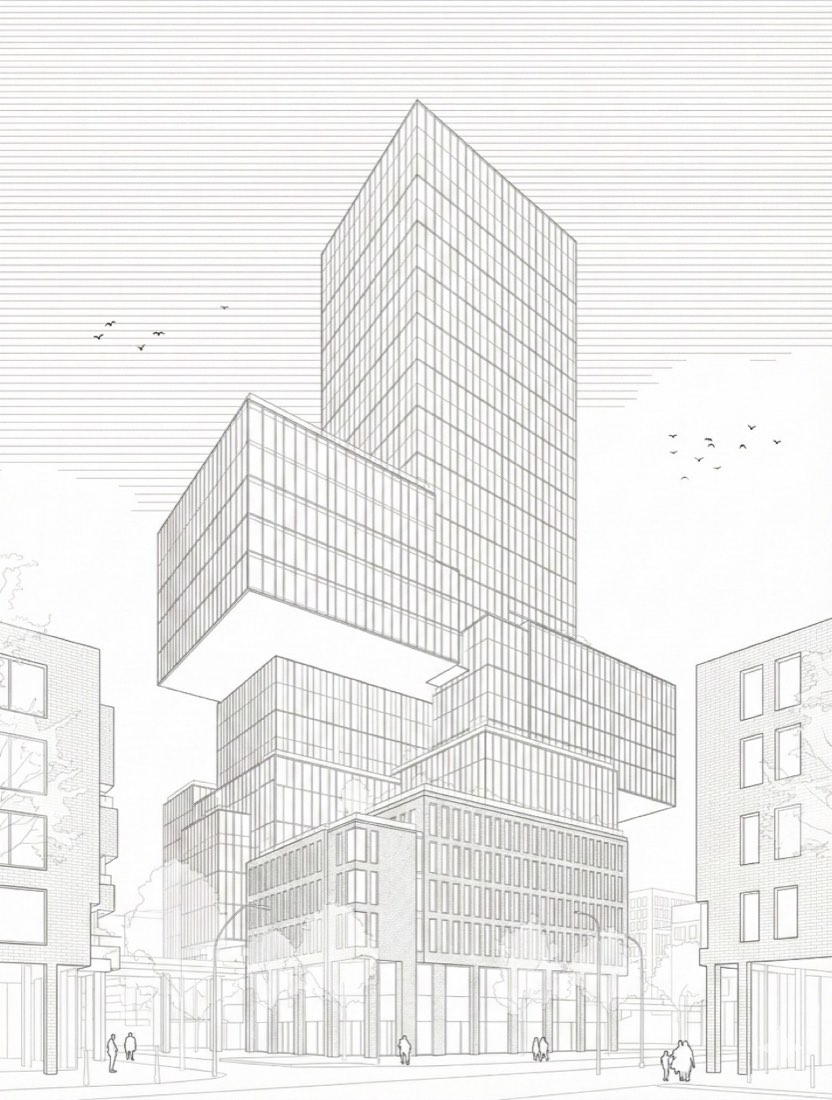
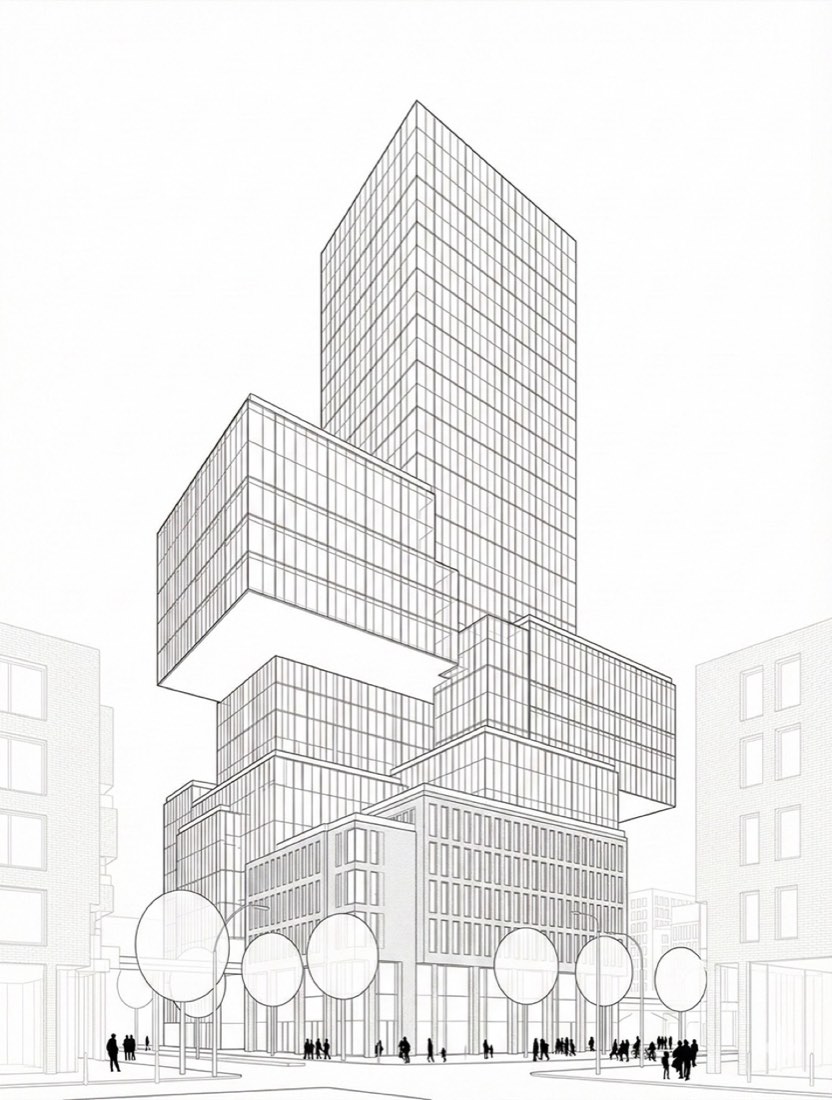
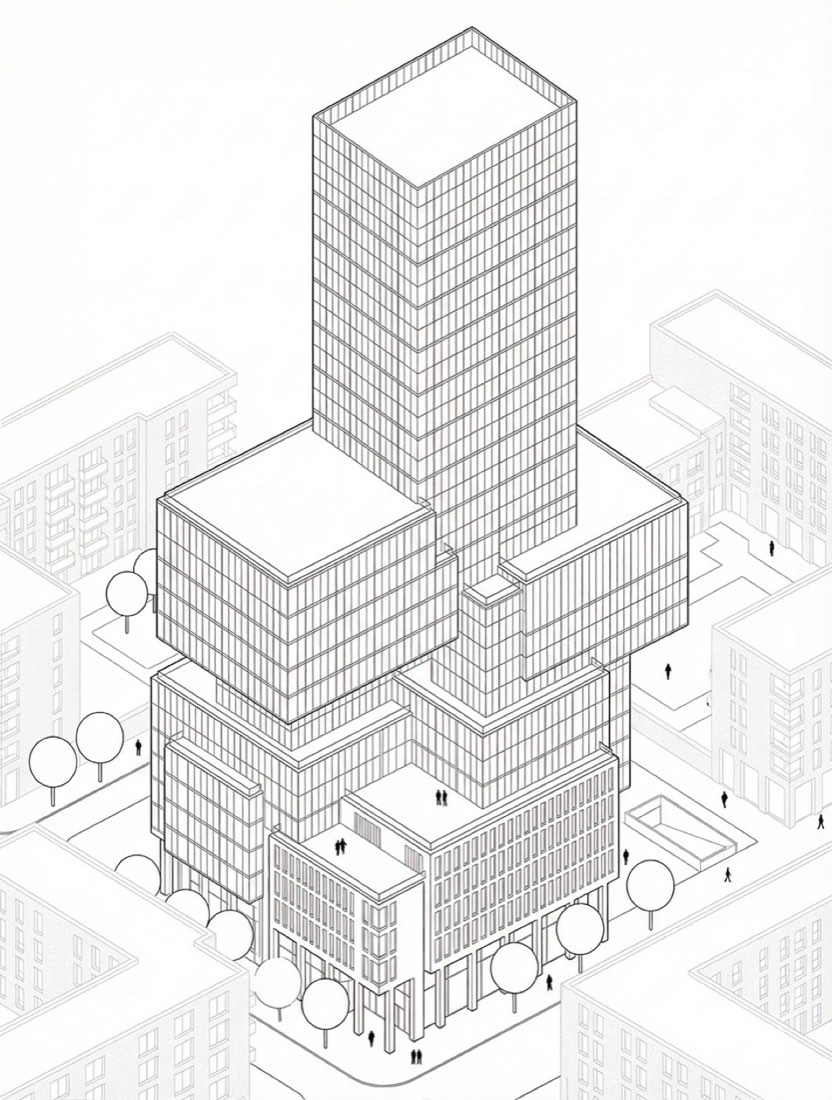
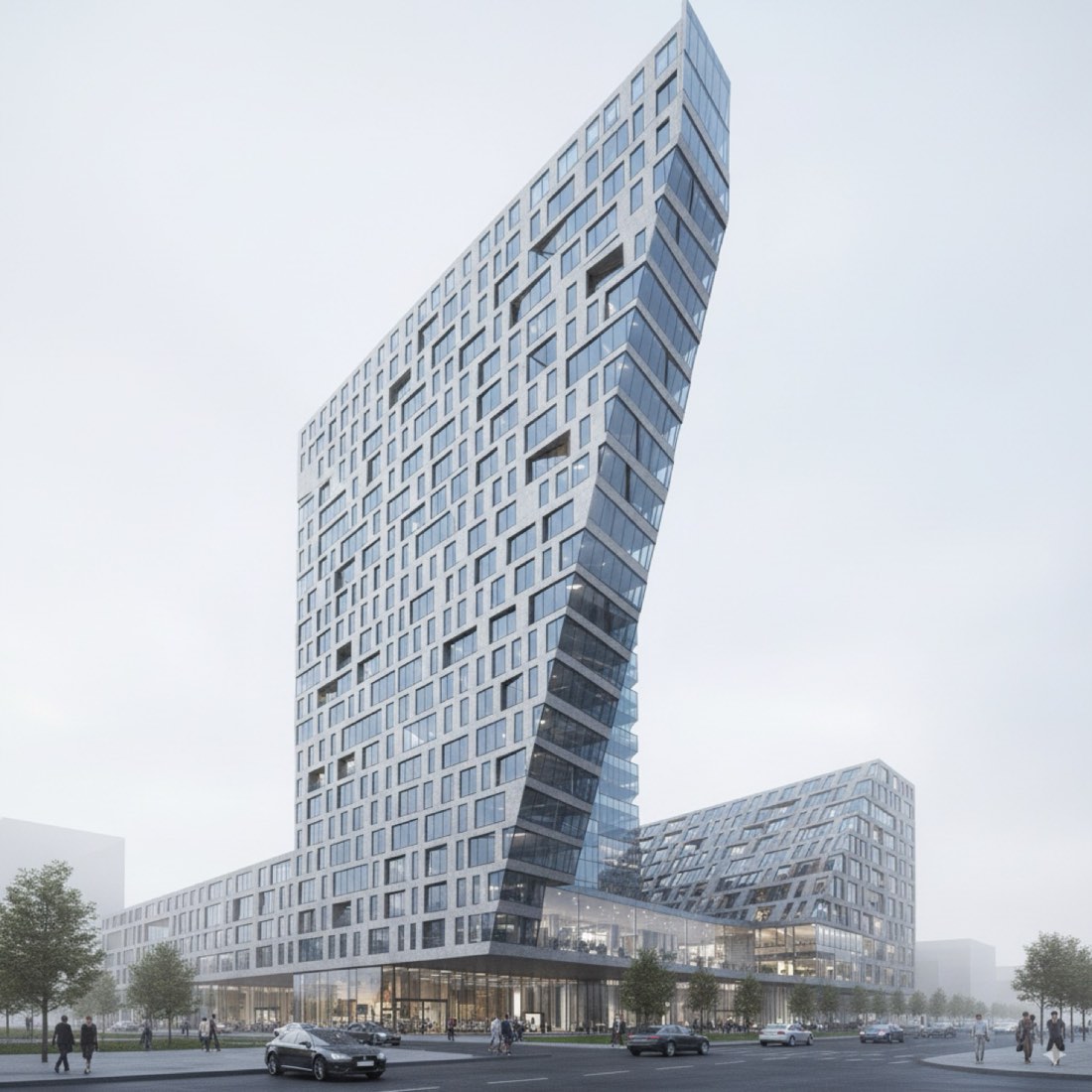
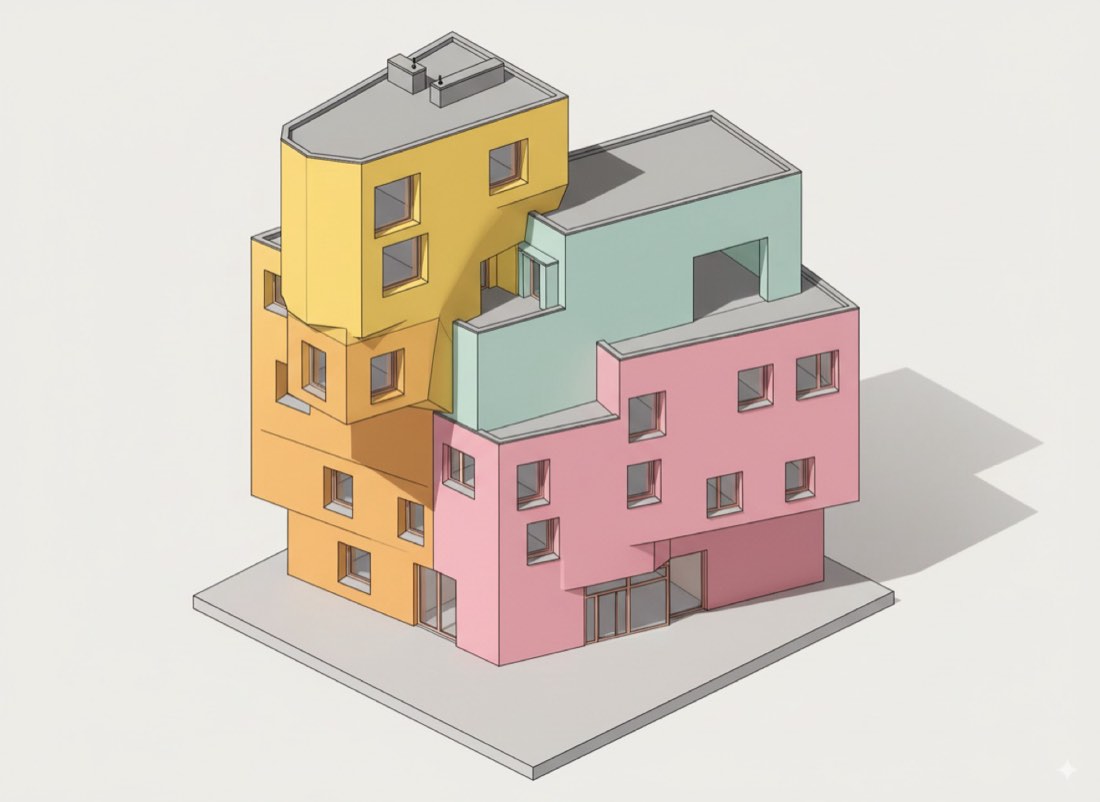
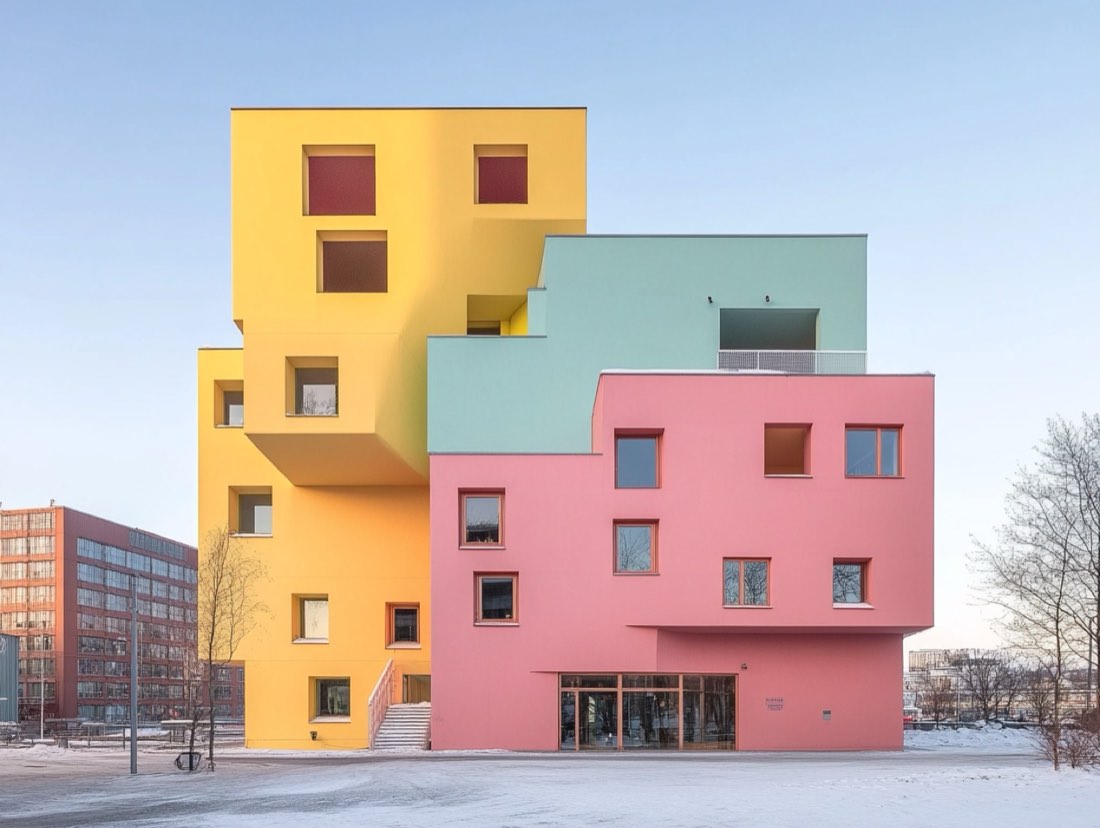
Create a clean architectural line illustration using the exact same view, camera angle, and scale as the original model. Do not rotate, crop, or change perspective. Render the project in a monochrome, competition-style architectural drawing with precise black linework on a white background. Show buildings as white volumes with clear edges, floor plates, balconies, and structural rhythm defined only by line weight. No colors, no textures, no shading, and no shadows. Depict the surrounding urban context with lighter, faded outlines to establish hierarchy, keeping the main project visually dominant. Illustrate trees as minimal circular symbols and people as small black silhouettes for scale and activity. Clearly articulate courtyards, circulation paths, and public spaces through geometry alone. Maintain an analytical, calm, diagrammatic aesthetic suitable for an architecture competition board, while strictly preserving the original view and composition.
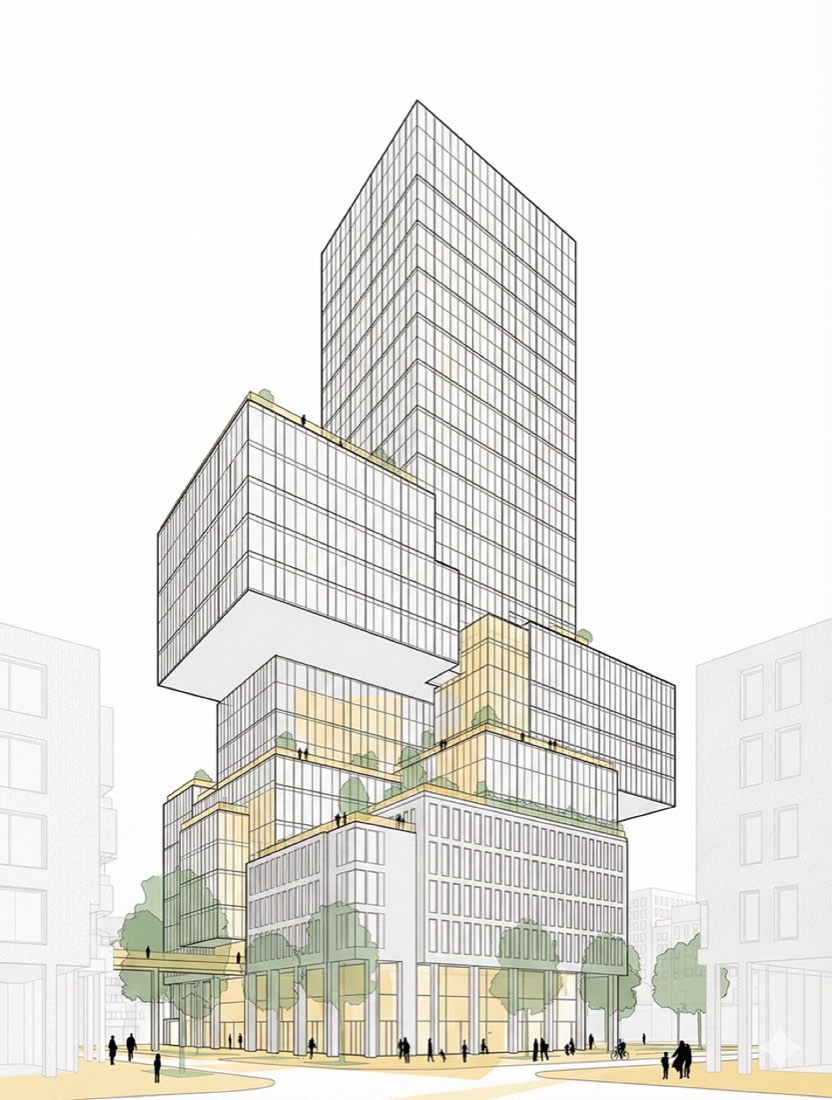
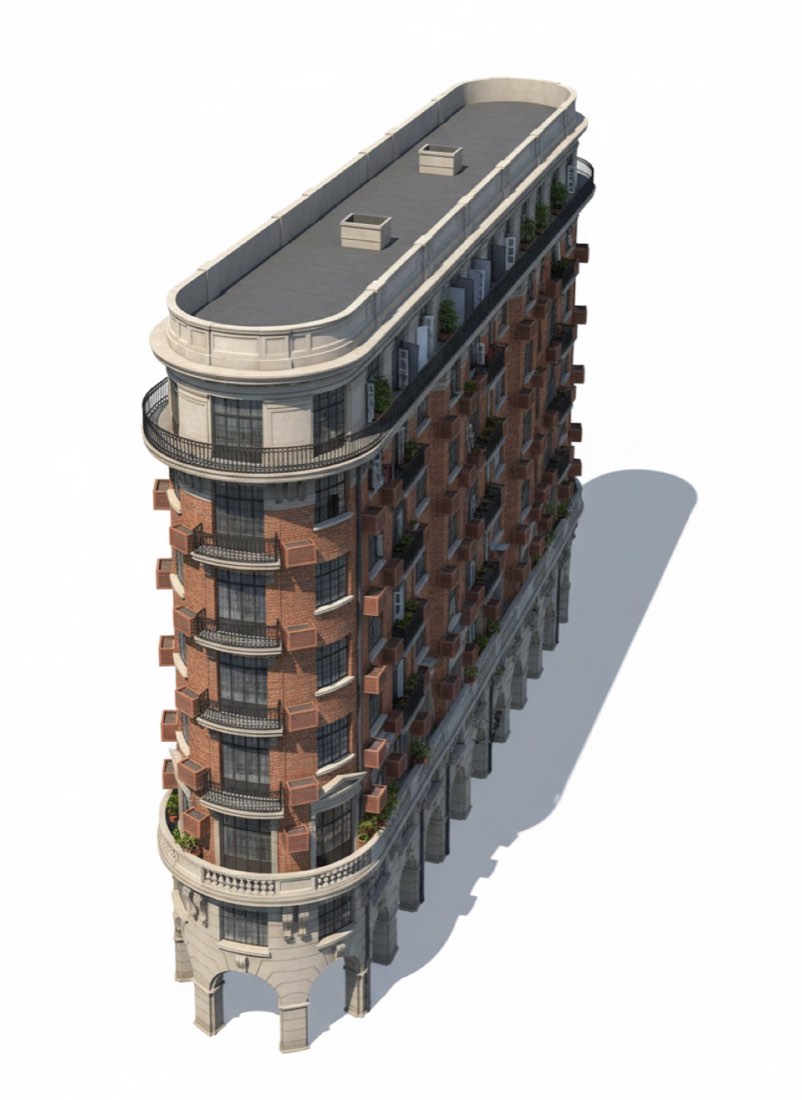
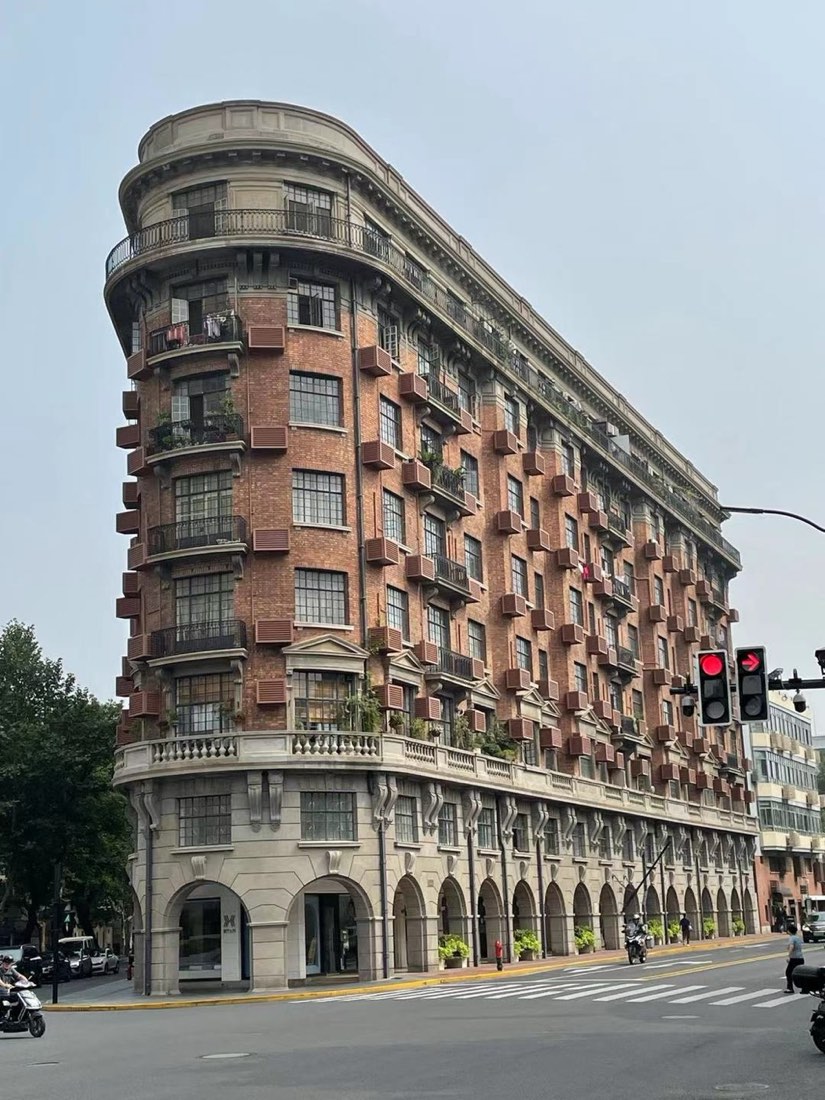
Turn the building to Adobe Illustrator (.ai) file using the original generated image as the exact visual and geometric reference. CRITICAL — CLEAN, CLOSED VECTOR GEOMETRY The current vector file contains broken lines, open paths, disconnected endpoints, overlapping strokes, and inaccurate window outlines. Correct all these issues. 1. EXACT IMAGE MATCH * The final vector drawing must match the original reference image exactly. * Preserve all building geometry, window positions, dimensions, proportions, spacing, perspective, and architectural details. * Do not redesign, simplify, add, remove, or reposition any elements. 2. CLOSED WINDOW SHAPES * Every window frame must be a complete, continuous, fully closed vector path. * Each window outline must form ONE independent, editable shape, not multiple disconnected line segments. * Connect all corner points precisely, with no visible gaps. * Use straight line segments between corners. No irregular, wavy, or sketchy lines. * Preserve each window's original perspective and quadrilateral geometry. * If a window contains multiple visible surfaces, create separate closed shapes for each surface with precisely shared edges. 3. CLEAN VECTOR LINEWORK * Remove all broken, floating, duplicated, and overlapping line segments. * Eliminate unnecessary anchor points. * Ensure perfectly straight edges, sharp corners, accurate intersections, and consistent stroke widths. * Join coincident endpoints precisely without creating distorted geometry. * No open paths for elements that should be closed shapes. * Avoid double outlines along shared boundaries. 4. EDITABLE ILLUSTRATOR FILE * Use native Adobe Illustrator vector paths, not raster tracing or embedded images. * Every window must be independently selectable and editable using the Direct Selection Tool. * Organize building outlines, windows, facade details, and background into separate layers. * Use clean black strokes with no fills unless required by the reference. 5. VALIDATION * Inspect all window outlines individually. * Verify that every window boundary is a single closed path (Path.closed = true). * Check for disconnected endpoints, overlapping lines, stray segments, and malformed shapes. * Compare the corrected vector artwork directly against the reference image to confirm accurate alignment. Save the corrected file as a new Adobe Illustrator (.ai) document, open it in Adobe Illustrator, and confirm that every window is a clean, closed, editable vector shape. IMPORTANT: Do not simply group disconnected lines to make them appear like one object. Rebuild the actual vector geometry into properly closed paths. Visual similarity alone is not sufficient; the underlying paths must be geometrically correct.