AI for Architecture
Example 01 Premium
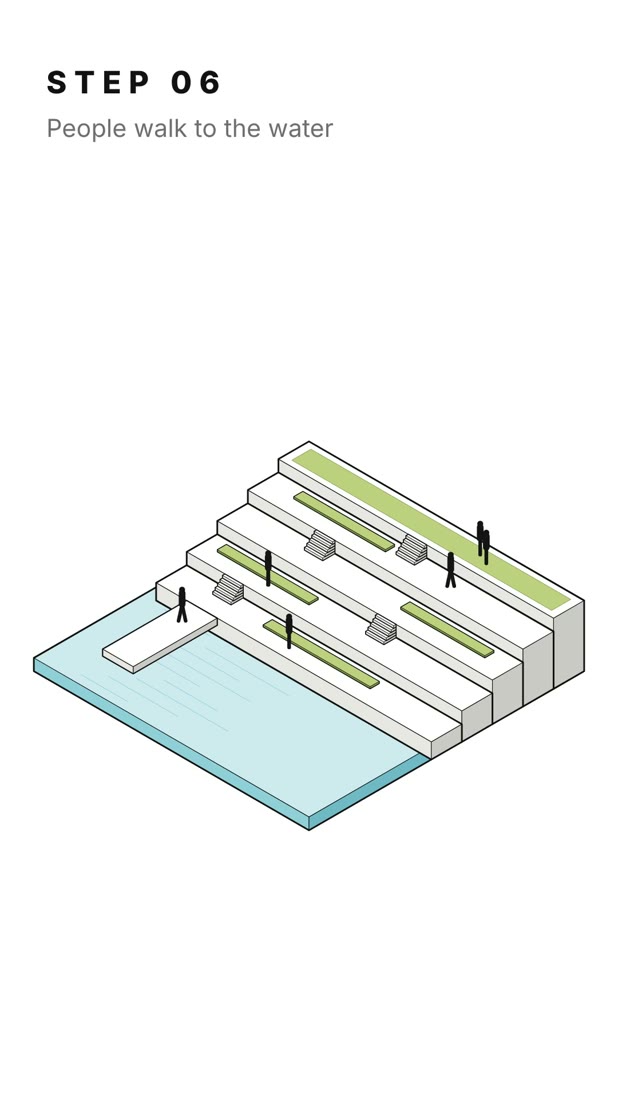 Animation
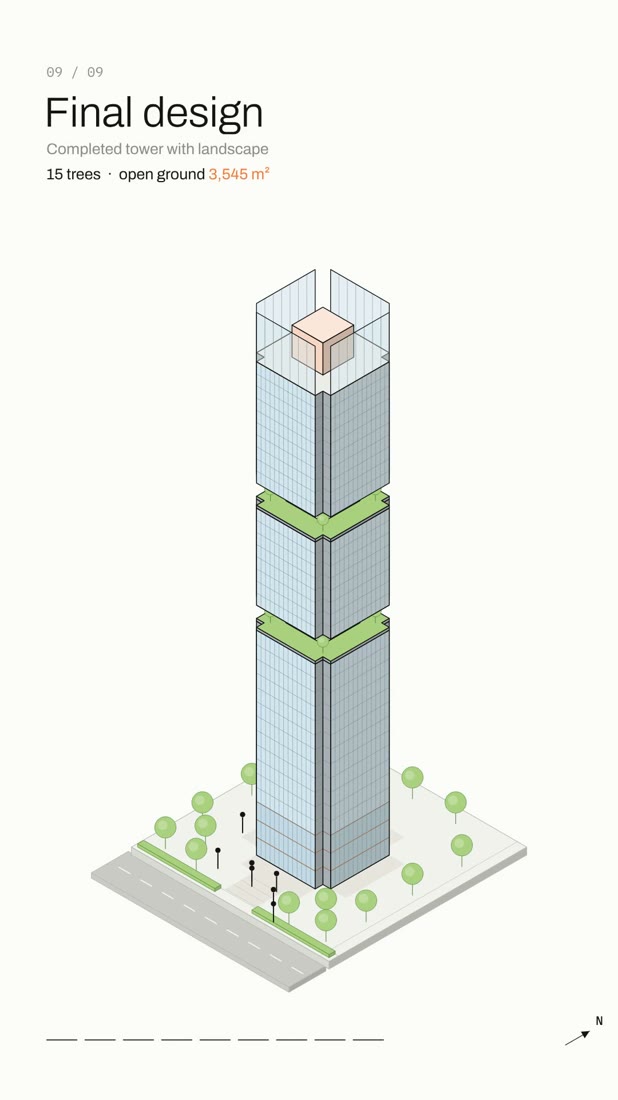
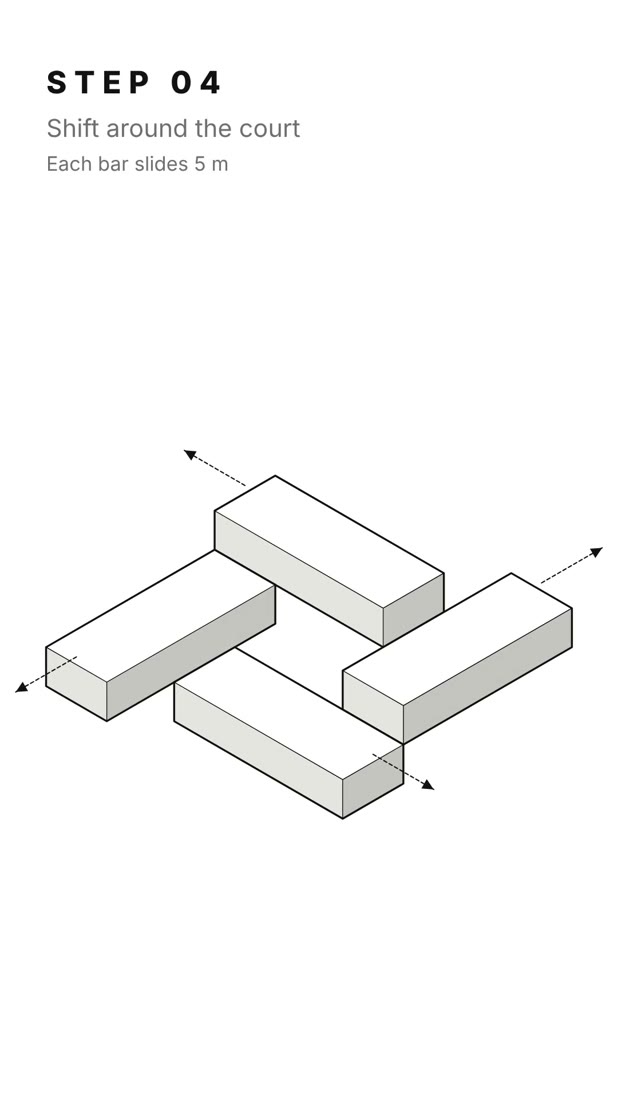
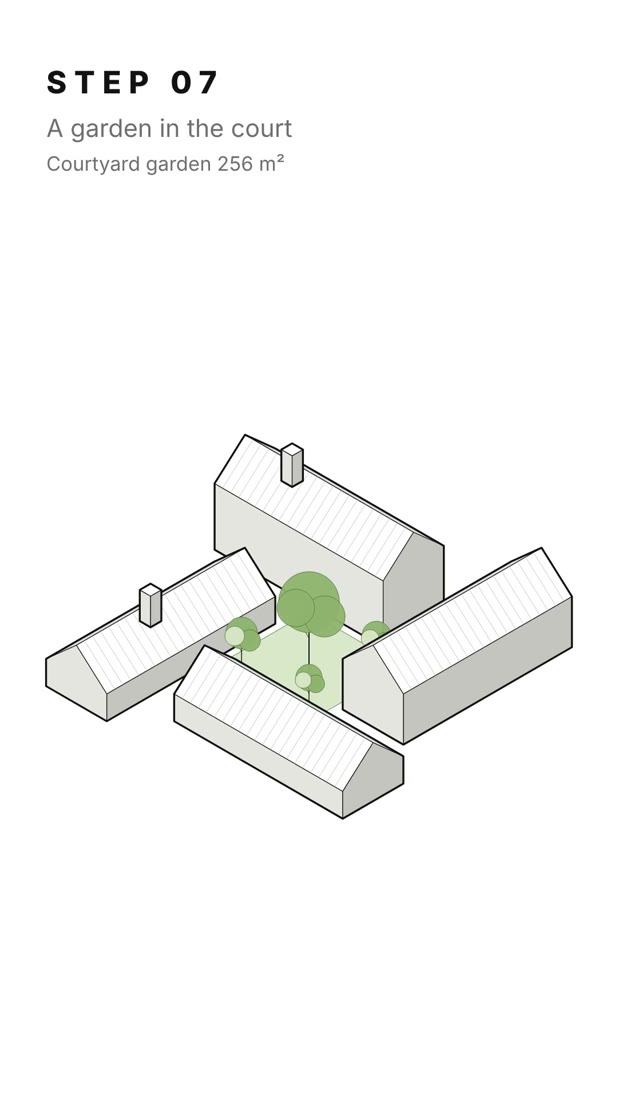
Brief → Waterfront Steps Animation
How to use Members only
Prompt Members only
Note Members only
Download the skill (.zip) Members only
1 worked waterfront steps animation with claude examples with 3 prompts. Each shows the input and the real output from Claude. Every prompt and download in this lesson is for members.
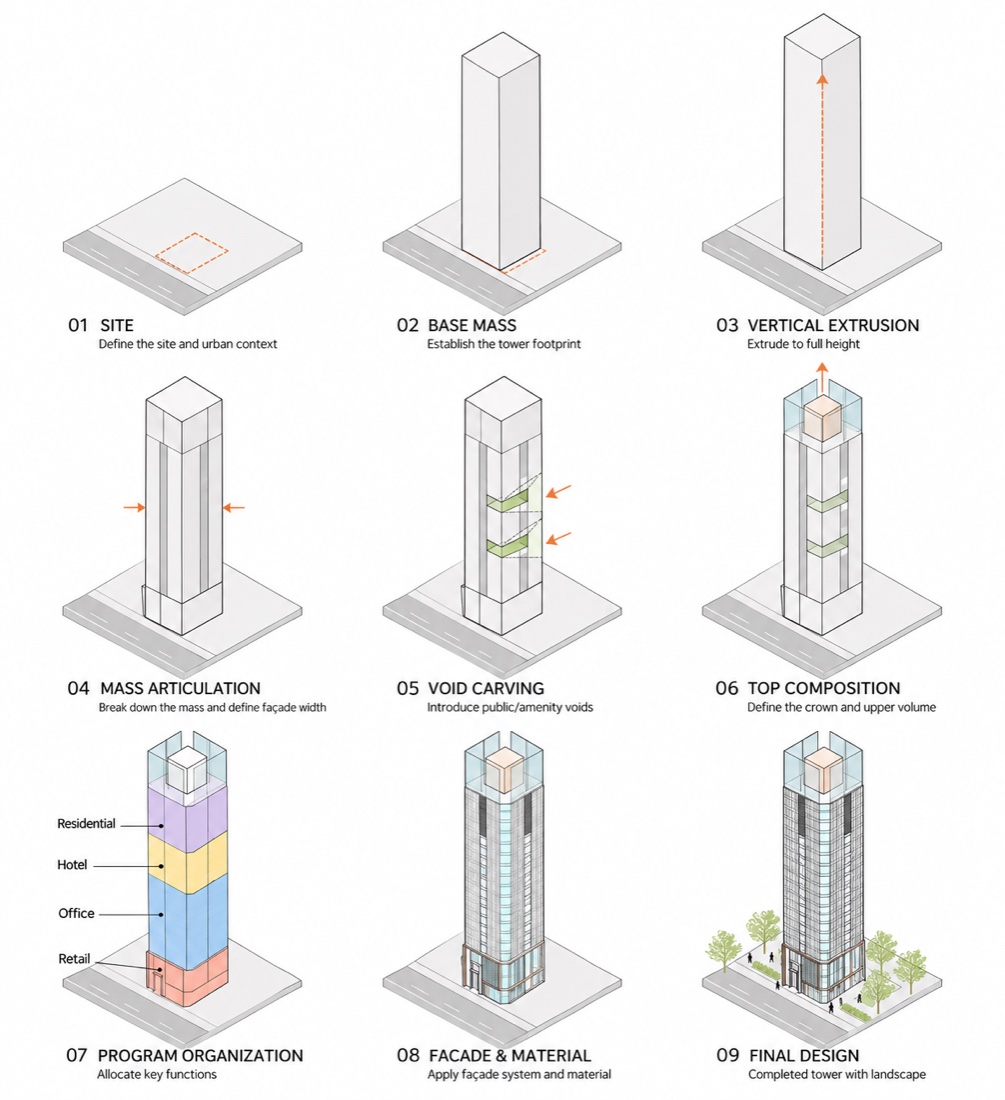
Waterfront Steps Animation with Claude is part of Skills: Ready-made skills built with ChatGPT and Claude: interactive exploded maps, a walkable interior from a floor plan, and animated architecture diagrams. The live demos are free; build prompts and skill downloads are for members.
AnimationA Claude account (claude.ai, the Claude desktop app or Claude Code). No MCP server or plugin is needed unless the lesson says so.
Members. Sign in with your member account to copy the prompts and download the skills.
Yes. The prompts, skills and results can be used in your own design projects, competitions and portfolio.
246 tested prompts, 229 worked examples and 474 before/after images for Nano Banana and ChatGPT, plus the 291-page bilingual PDF guide.