AI for Architecture
Describe the tool you want in Google AI Studio (for example "a website where users upload a site photo and get design ideas"), let it generate the app with Nano Banana for the images, sync the code to GitHub from AI Studio's settings, and deploy it on Render's free tier as a web service with the start command npm start. Every later change is a prompt in AI Studio; Render redeploys automatically.
What vibe coding is
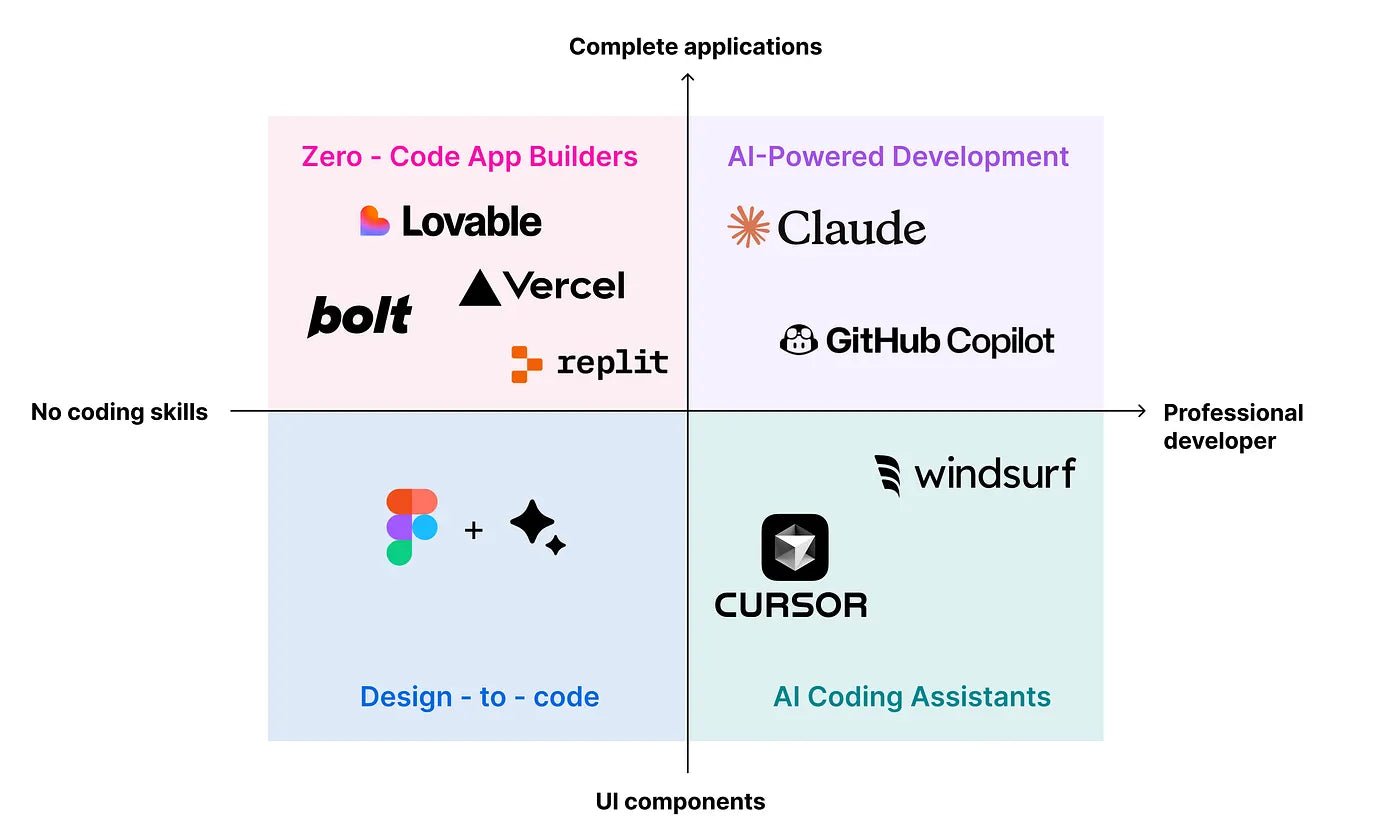
You describe what the website should do, how it looks, how people use it and what it outputs, in plain language, and AI writes the application. For designers, this means building small design tools without a development team.
Step 1: generate the app in Google AI Studio
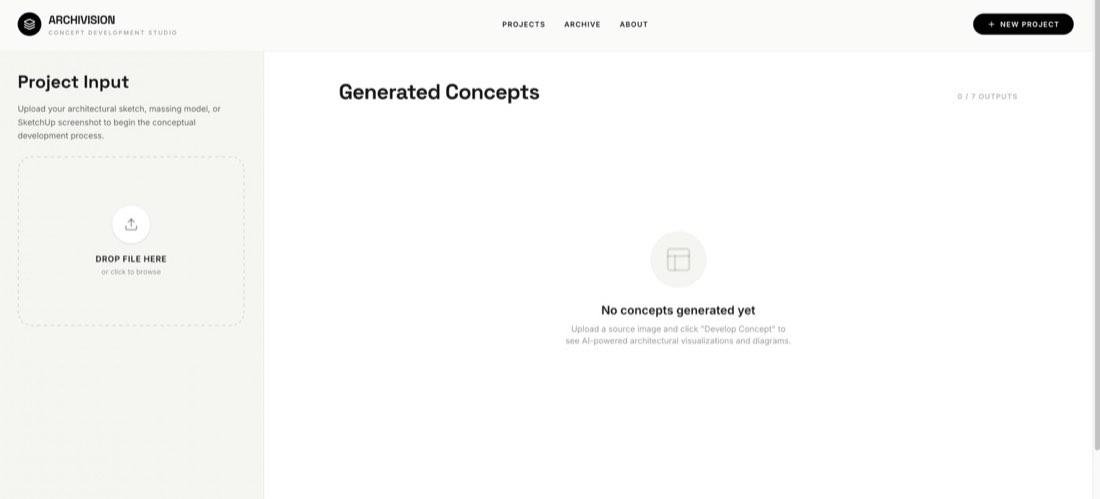
Build a website for architecture image generation. Users can upload site images and generate design ideas.
AI Studio builds the interface, interactions and the connection to Nano Banana for image generation.
Step 2: sync to GitHub
- In AI Studio, open Settings and connect your GitHub account.
- Create a repository.
- Stage and commit all changes. The code is pushed to GitHub.
Step 3: deploy for free on Render
- On render.com choose New → Web Service.
- Connect the GitHub repository.
- Choose the Free instance type and set the start command to npm start.
- Deploy. After a few minutes the site has a public URL.
From then on, edit the app with prompts in AI Studio and sync to GitHub; Render redeploys on its own. Keep API keys out of public code.
Ideas for design tools
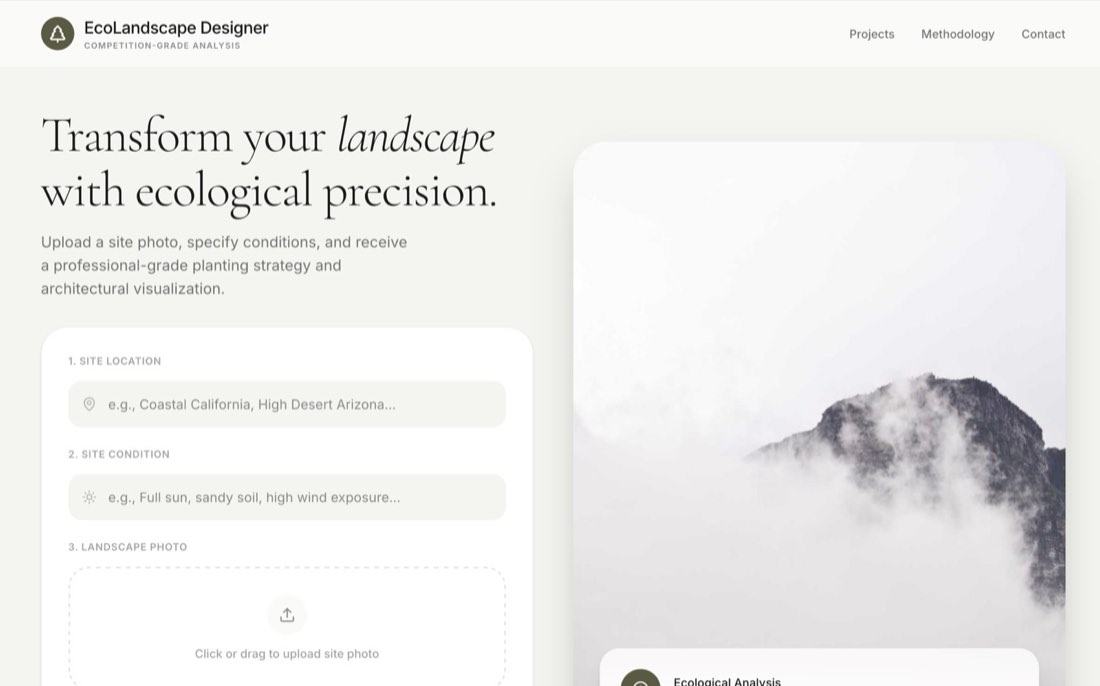
- A planting suggestion site: location, climate and garden photo in; planting list, rendering and section out.
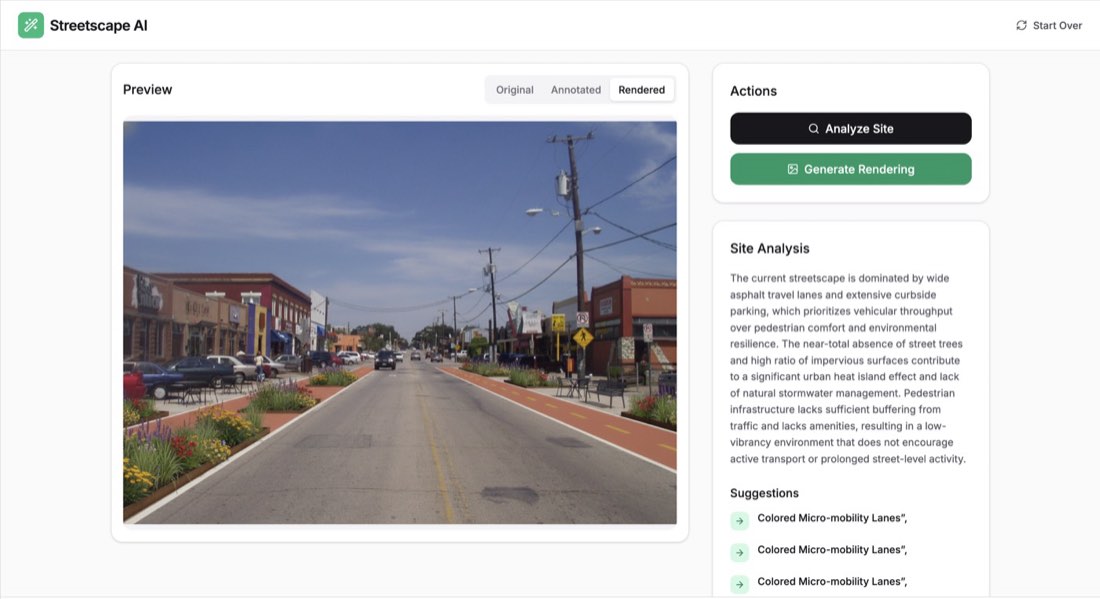
- A streetscape tool: upload a street photo, get an analysis and a redesigned rendering.
- An architecture image generator from a short concept description.
- An urban analysis tool that turns a city model into retail, open-space and density diagrams.
By Zixu Qiao, LandSpace Architecture. Adapted from the original article on the LandSpace blog. Updated 2026-11-17.