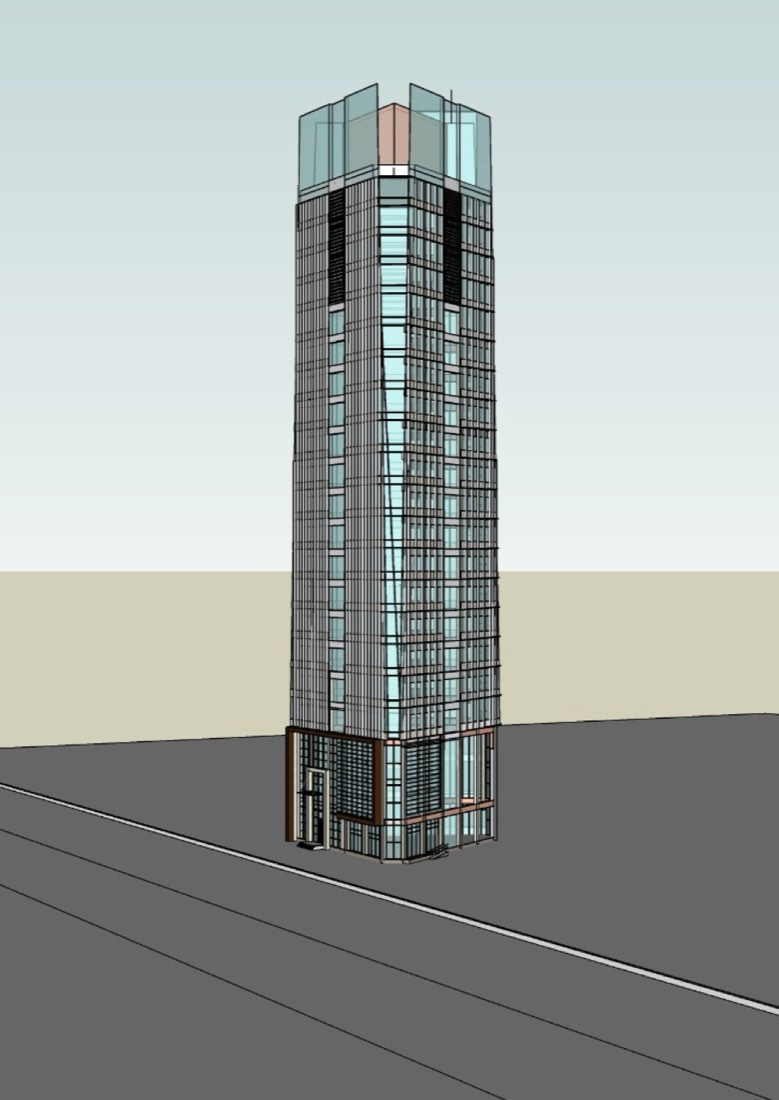
AI for Architecture
Going into 2027, most architects need five kinds of AI tools: an image model for renderings (Nano Banana in Google Gemini and ChatGPT Image cover most needs, with Rendair, D5 AI or Veras for rendering your own models), an AI design platform that turns a brief into plans and 3D (Synaps, Snaptrude, xFigura), an AI agent that works inside Rhino, SketchUp or Revit through MCP, an AI mapping tool for site analysis (Aino, ArcGIS GeoAI, Felt), and a video model for design films (Veo 3, Kling, Runway). The biggest change for 2027 is the agents: AI now builds and edits real models in your own software, not just pictures.
This list comes from two places: the tools tested on real architecture, landscape and urban design projects on the LandSpace Architecture YouTube channel, and the tools picked each week in AI Tools Weekly. Tools with a full video review are marked as tested; tools from AI Tools Weekly were chosen from their makers' own demos, and the links take you to that issue.
| Task | Start with | Also worth a look |
|---|---|---|
| Concept images and renderings | Nano Banana (Gemini), ChatGPT Image | Rendair, Krea, AIRI Lab |
| Render your own 3D model | D5 AI, Veras by Chaos | Rendair, Nano Banana from a screenshot |
| Brief to plans and 3D | Synaps, Snaptrude | xFigura, Pascal Editor |
| AI that models in your software | RhinoMCP with Codex or Claude | SketchUp MCP, Revit MCPs, AutoCAD MCP Pro |
| Site analysis and mapping | Aino | ArcGIS GeoAI, Felt, CARTO, Giraffe |
| Trees, canopy and land cover | Segment Geospatial | DeepForest, detectree |
| Design films and animation | Google Veo 3 | Kling, Runway, Lovart |
| Team competition work | Gendo | xFigura |
1. Image generation and rendering
For most design images, two general models do the work. Nano Banana (Google Gemini) keeps geometry cleaner and holds a style better, which suits renderings from your own model, diagrams and boards. ChatGPT Image is faster for ideas, moods and storytelling. Use both: explore in ChatGPT, refine in Nano Banana. The full side-by-side test is in ChatGPT vs Nano Banana for Architecture.
- Rendair (tested): SketchUp massing models, plans and Google Maps screenshots to photorealistic renderings, then material, planting and people edits in one workspace.
- Krea (tested): real-time rendering that updates as you draw or move the model; free to start.
- AIRI Lab (tested): landscape, urban and architecture images without writing prompts, good for beginners.
- D5 AI (AI Tools Weekly): more than ten AI tools inside a live 3D scene, including material snap from a photo and style transfer.
- Veras by Chaos (AI Tools Weekly): sketch or model to renders and video, now built into Enscape.
Want the prompts behind these images? Start with Sketch to Image and Model to Rendering, or read How to Turn a Sketch into a Rendering with AI.
2. From brief to plans and 3D model
A new group of platforms starts from a brief and a site and produces connected plans, sections, elevations and a 3D model. They are the closest thing yet to AI that does design development, so test them on a small project before you rely on them.
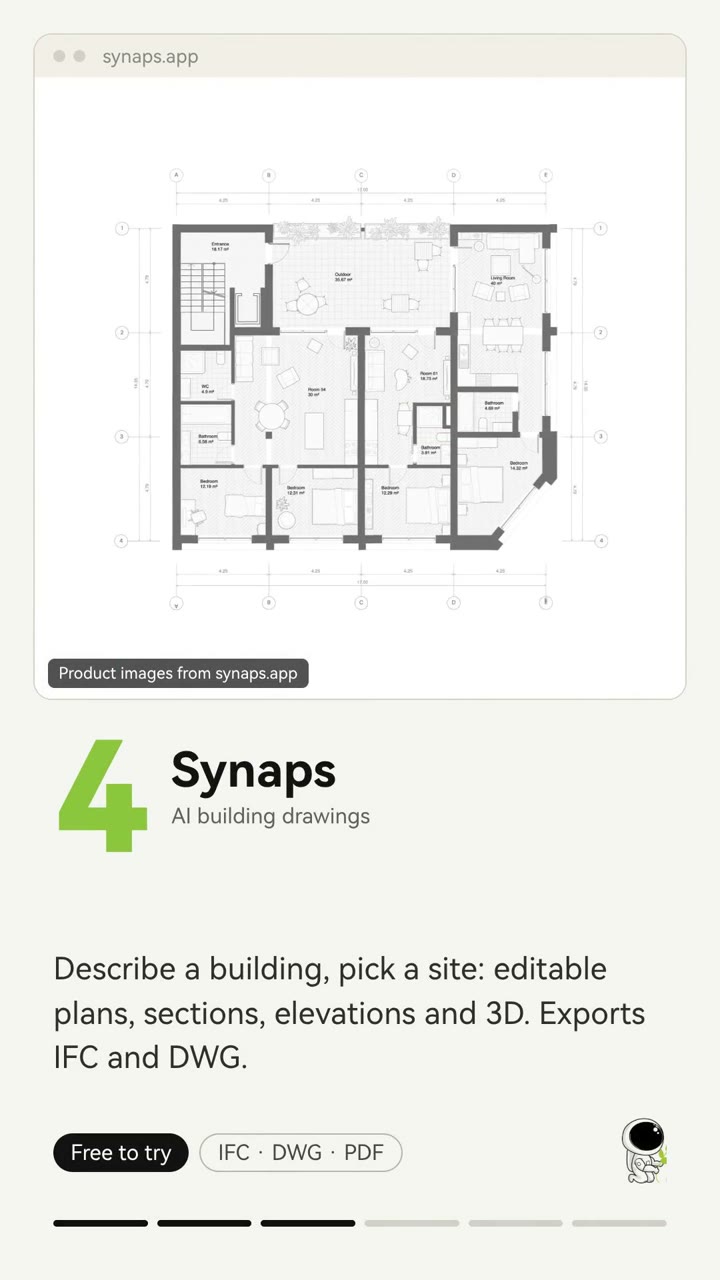
- Synaps (tested): editable AI floor plans, walls, doors and stairs, automatic sections and elevations, and a 3D model that updates with the plans. Exports to IFC and DWG.
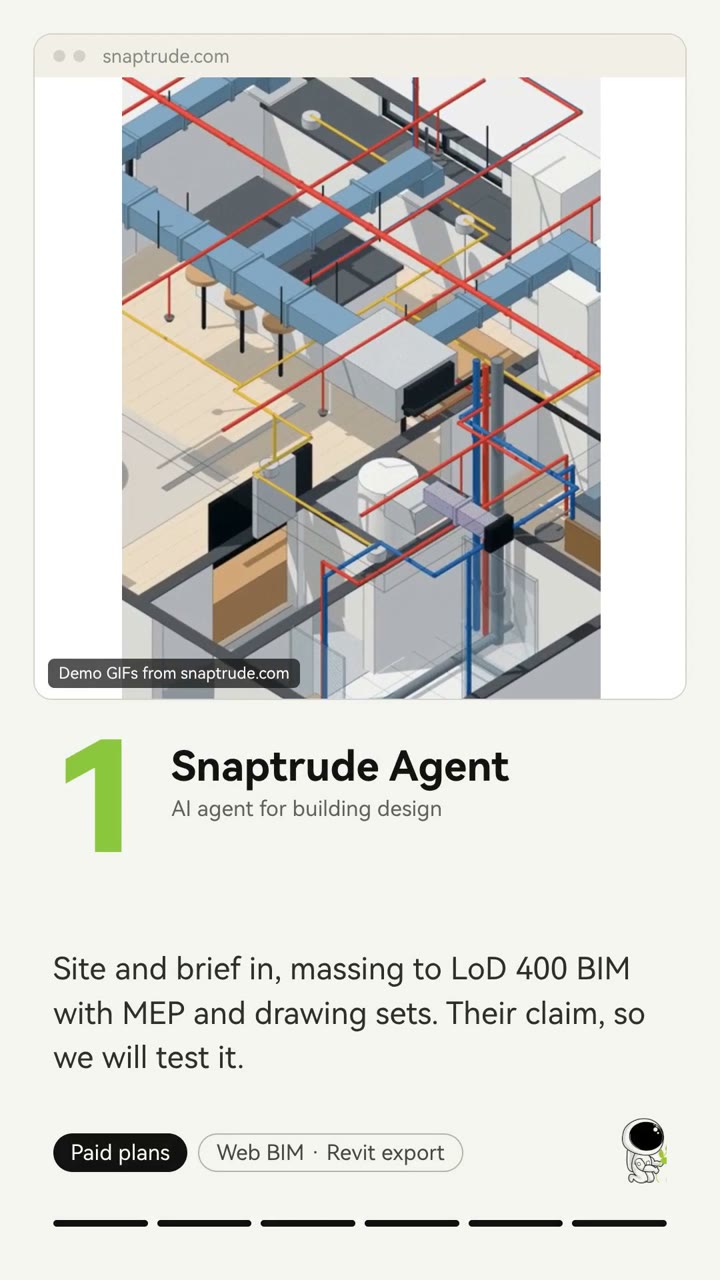
- Snaptrude (tested): AI BIM from site planning and massing through to a full BIM model, shown in our video above. Its new Snaptrude Agent aims to go from a site and a brief to a detailed model with drawing sets.
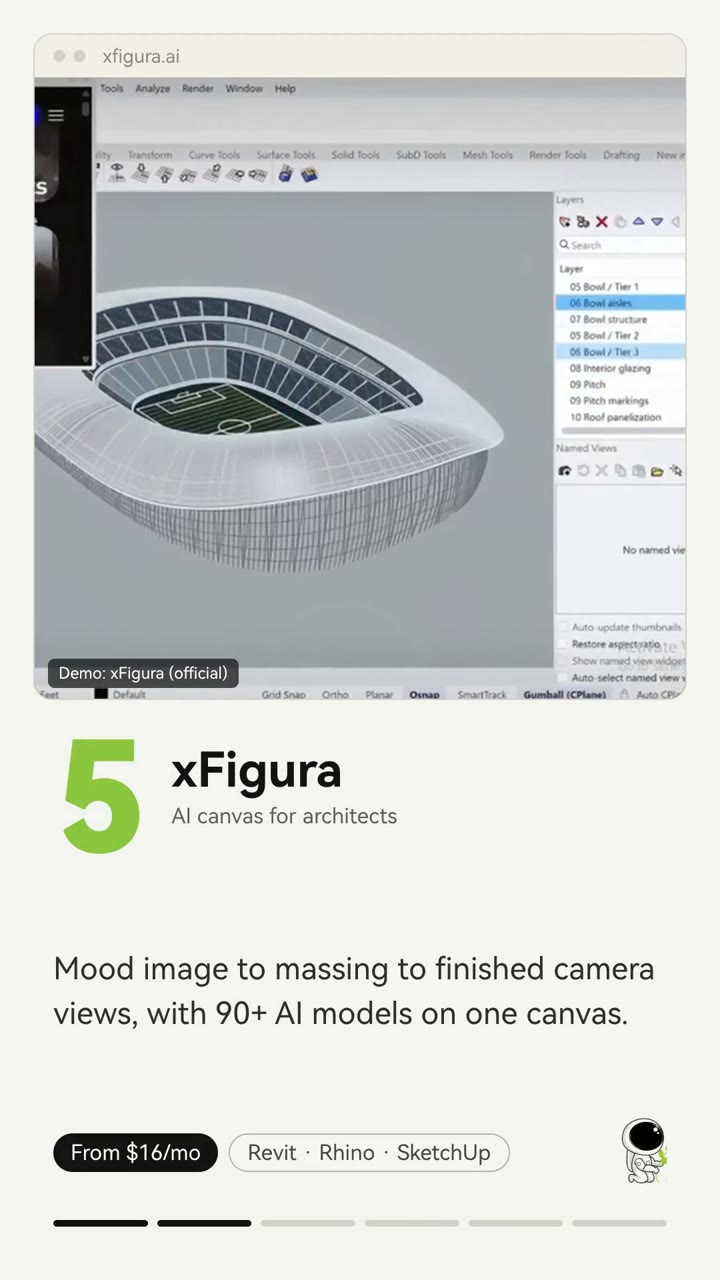
- xFigura (AI Tools Weekly): an AI canvas for teams that takes a Revit, Rhino or SketchUp model from mood image to massing to camera views, with many AI models in one place.
- Pascal Editor (AI Tools Weekly, open source): 3D architecture modelling in the browser, with an AI agent that edits the model with you.
- FloorPlan-3dPlus (AI Tools Weekly, open source): draw or import a floor plan and get a 3D home you can furnish and light, in the browser.
3. AI agents inside Rhino, SketchUp, Revit and AutoCAD
This is the biggest shift for 2027. Through MCP (Model Context Protocol), an AI agent such as Codex or Claude connects to the software you already use and builds real, editable geometry: layers, walls, materials and schedules, not a picture. In our test, Codex built a full Rhino model step by step from plain-language instructions.
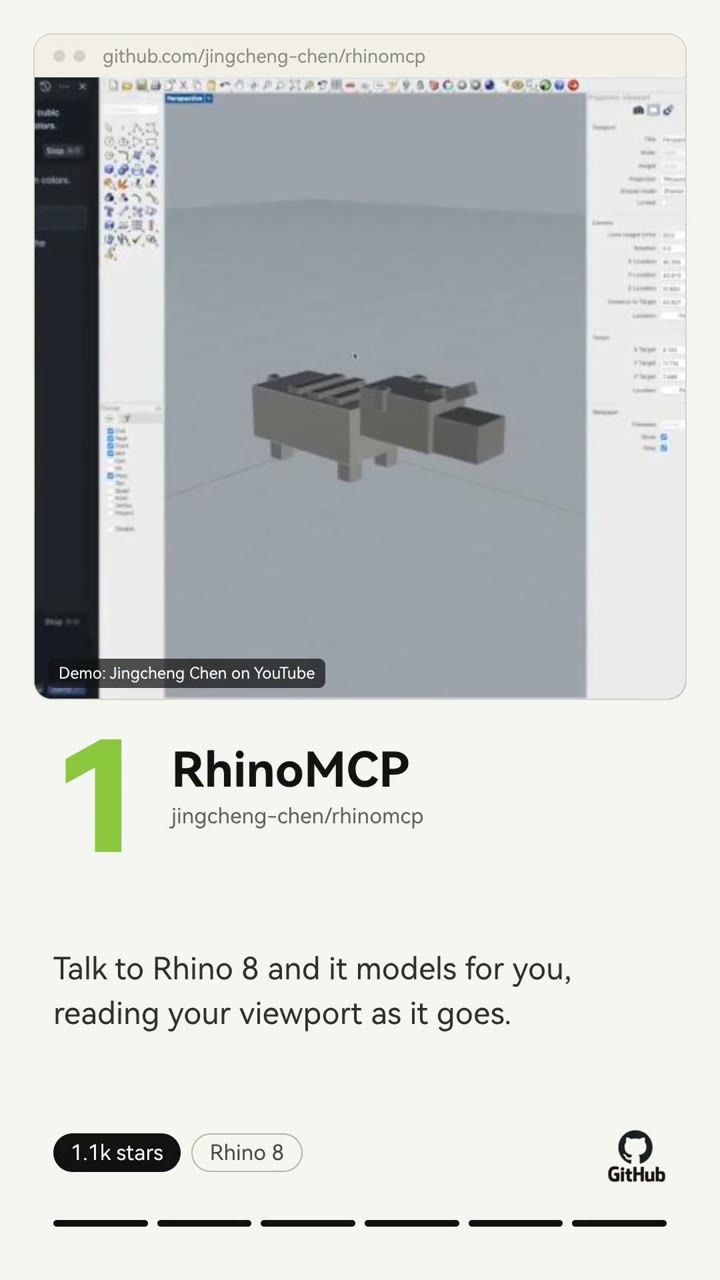
- Rhino: RhinoMCP (tested in our Codex video; setup in How to Connect AI to Rhino with MCP), AI Archi-Tec for Rhino, and Cordyceps for Grasshopper.
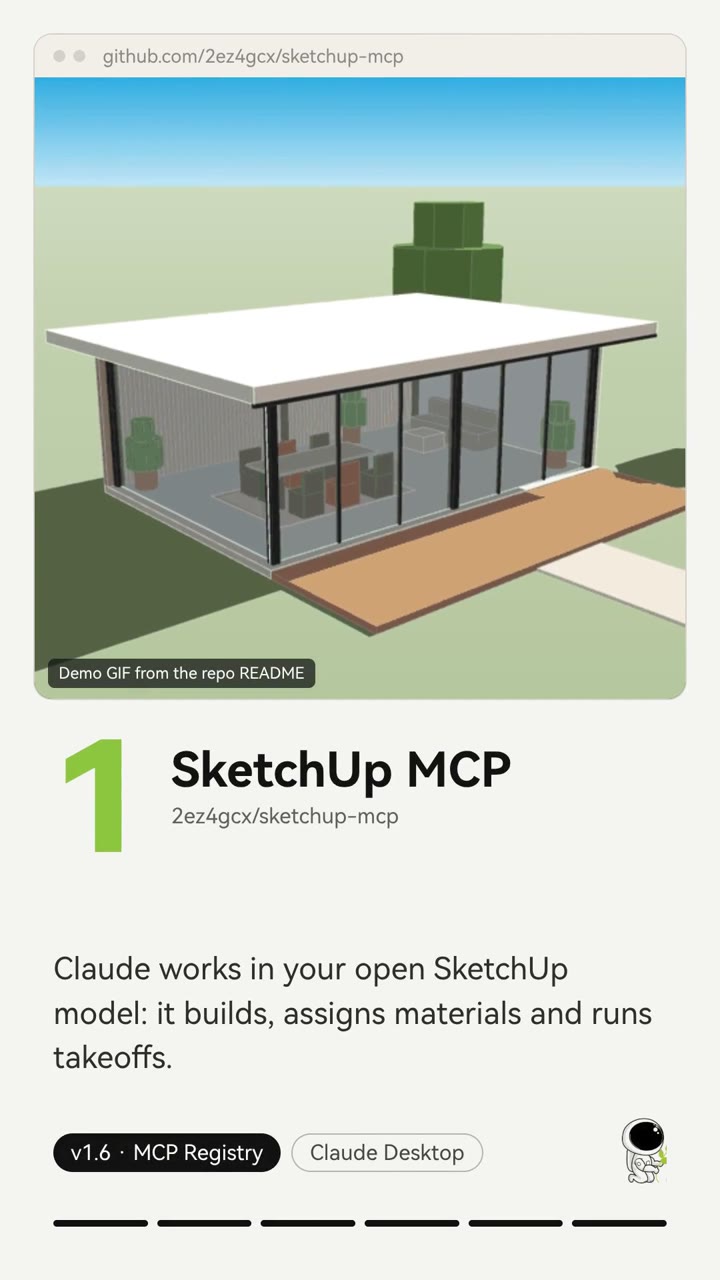
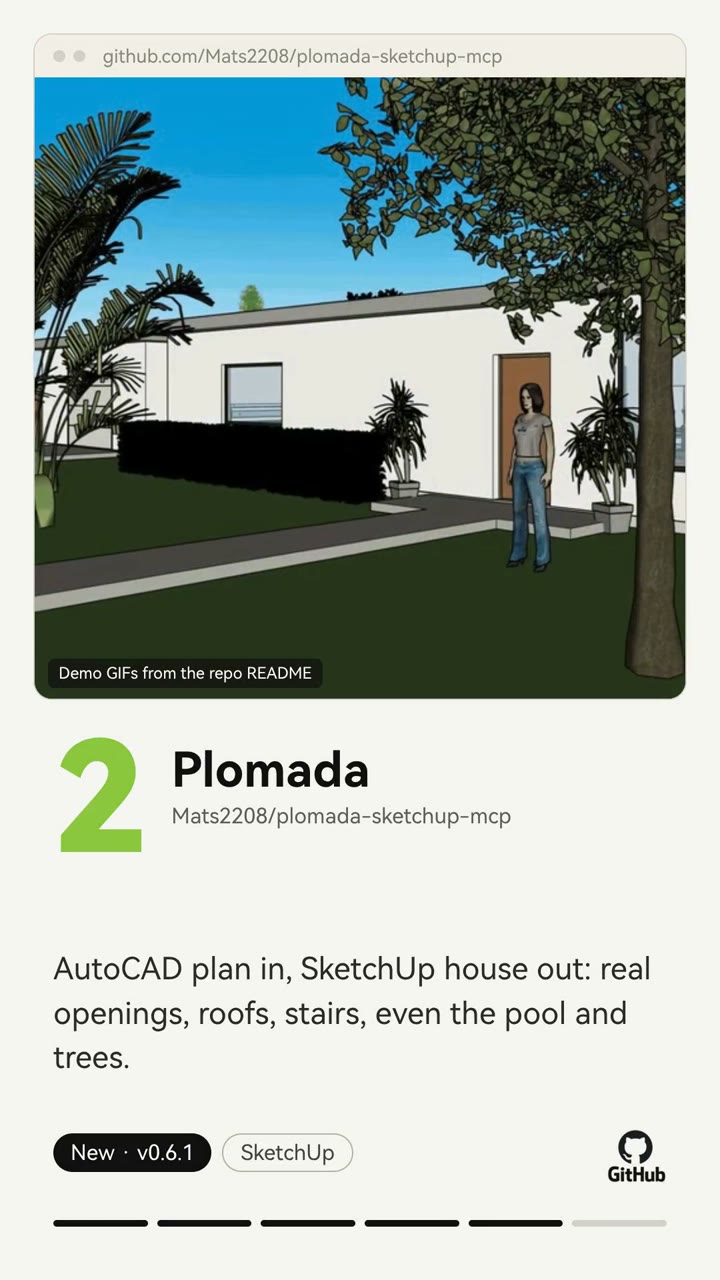
- SketchUp: SketchUp MCP lets Claude build geometry, assign materials and run quantity takeoffs in your open model; Plomada builds a house in SketchUp from an AutoCAD plan.
- Revit: Horizun Revit MCP builds a model from PDF plans; BIMwright rvt-mcp and Model MCP for Revit check and edit a live model in plain language.
- AutoCAD: AutoCAD MCP Pro draws plans from a description and fills in door, window and room schedules.
Most of these are open-source projects. Try them on a copy of your file first, and check what each one is allowed to change.
4. Site analysis, mapping and GIS
AI has made GIS conversational: you describe the analysis and the tool finds the data, runs it and maps the result. For landscape architects and urban designers, this replaces days of desk research.
- Aino (tested): base GIS layers, contours, buildings, 3D city maps and analysis diagrams from prompts, plus zoning feasibility in minutes.
- ArcGIS GeoAI by Esri (AI Tools Weekly): Claude and Copilot working inside ArcGIS, AI chat on your maps and change detection between satellite images.
- Felt and CARTO (AI Tools Weekly): ask in plain English and AI agents run the spatial analysis on your data.
- Giraffe (AI Tools Weekly): planning layers, massing options and live feasibility numbers in the browser.
- Segment Geospatial, DeepForest and detectree (AI Tools Weekly, open source): buildings, trees, water and canopy outlined automatically from aerial and satellite images.
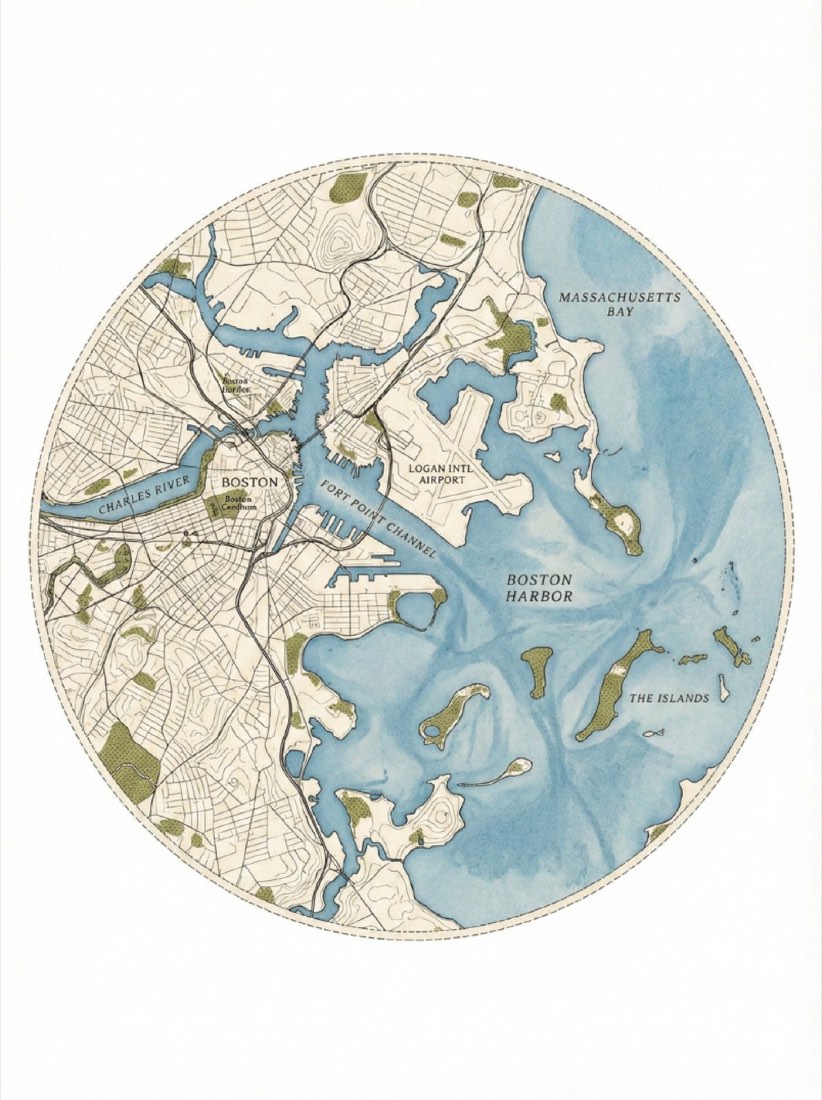
For quick, beautiful site maps without any GIS software, see How to Make Urban Maps and Site Plan Diagrams with AI. Our videos on AI flood risk studies and 15-minute city mapping go further.
5. Video, animation and design films
Video models now turn a rendering, a pair of start and end frames or a diagram into a short design film. Use them for competition films, social posts and client presentations.
- Google Veo 3 (tested): text, frames or reference images to video, with sound.
- Midjourney, Runway and Kling (tested): compared on accuracy, value for money and workflow for diagrams, renderings and sketches.
- Lovart (tested): one street photo to sketches, sections, renderings, a masterplan and a full animation. See the streetscape animation guide and the real estate video guide.
- Architecture Diagram Animation: our Claude skill that turns a step-by-step massing diagram into an animated video with real areas and heights.
6. Photo to 3D
- Meta SAM 3D (tested): turns objects in a photo into 3D models you can export to Blender, useful for quick context models.
- Nano Banana (tested): a photo of a building to a 3D-printed-style model image for presentations. See How to Make a 3D Building Model from a Photo with AI.
7. Agent skills and vibe coding
A skill is a packaged workflow an AI agent follows, so a whole studio process can be shared as a file. Vibe coding means describing a tool in plain language and letting the AI build it. Both let small studios make their own tools in 2027.
- Architectural Concept Design skill: turns a brief into a checked concept with an A3 drawing set and a furnished 3D model.
- Interior Design Skills: fifteen skills for Claude or Codex from brief to drawings, budget and handover.
- build-3d-briefing: a marked-up floor plan to a walkable 3D presentation in one offline HTML file.
- Vibe coding (tested): build and deploy an architecture rendering website for free with Google AI Studio.
Starter kits
| Who | Tools | Cost |
|---|---|---|
| Students | Nano Banana (Gemini) + ChatGPT for images, Aino for site maps, Veo 3 or Kling for one film | Mostly free tiers |
| Small studio | Nano Banana + D5 AI or Veras for client visuals, RhinoMCP or SketchUp MCP for modelling, Synaps for early plans | A few subscriptions |
| Landscape and urban design | Aino or ArcGIS GeoAI for analysis, Segment Geospatial or DeepForest for trees, Nano Banana for plans and planting | Free to paid |
| Competition teams | Gendo or xFigura as a shared workspace, ChatGPT for ideas, Nano Banana for final boards | Paid plans |
How to keep up in 2027
New tools appear every week, and most of them will not last. Pick one tool per task, learn to prompt it well, and test new ones against it on a real project. Good prompts written in design language still matter more than the choice of tool: that is why the prompt library shows the real input and output for every prompt.
For new tools as they appear, subscribe to AI Tools Weekly: five tools with real demos every Monday.
By Zixu Qiao, LandSpace Architecture. Updated 2026-11-28.